

Choosing the right video editing software is the foundational decision for any content creator, filmmaker, or marketing team. The software you select dictates your workflow, capabilities, and ultimately, the quality of your final product. For decades, Adobe Premiere Pro has dominated the professional landscape, setting the industry standard. However, a powerful, often underestimated contender is the Lightworks Video Editing Software.
This comprehensive review pits these two giants against each other, dissecting their features, pricing, performance, and suitability for different users. Whether you are a seasoned editor looking for a cost-effective alternative or a beginner trying to navigate complex industry tools, understanding the nuances between Premiere Pro and the robust capabilities of Lightworks Video Editing Software is essential for making an informed choice. We will provide an expert comparison to help you determine which platform best aligns with your creative vision and technical needs.
Industry Contenders: History & Presence
Before diving into the technical specifications, it’s crucial to appreciate the history and market position of both tools. They come from vastly different backgrounds, which heavily influences their design philosophy and user base.
Premiere Pro: The Industry Standard Ecosystem
Adobe Premiere Pro is part of the massive Adobe Creative Cloud ecosystem. Launched in the 1990s, it has evolved into the most widely used non-linear editing (NLE) system in professional film, television, and digital media production. Its strength lies not just in its editing capabilities but in its deep integration with other Adobe tools like After Effects, Photoshop, and Audition. This seamless workflow is a significant draw for large production houses and agencies.
Premiere Pro is known for its extensive feature set, including advanced color grading (via Lumetri Color), robust audio tools, and AI-powered features like scene edit detection. Its subscription model ensures continuous updates and access to the latest innovations.
“The primary value proposition of Premiere Pro is the ecosystem. For professionals who rely on integrated graphics and sound design, the Creative Cloud integration is nearly impossible to beat.” – Jason Levine, Adobe Evangelist
Lightworks Video Editing Software: The Pioneer’s Legacy
Lightworks Video Editing Software boasts a much longer pedigree, dating back to 1989. It was one of the first NLE systems and has a rich history in feature film production, having been used to edit classics like Pulp Fiction and The King’s Speech. This legacy means Lightworks is engineered with a focus on speed, efficiency, and professional-grade precision, often favoring keyboard-centric workflows over mouse-driven interfaces.
The core philosophy of Lightworks Video Editing Software is efficiency and stability. It is renowned for its low hardware requirements compared to its competitors, making it accessible even on older machines. While it may not have the massive marketing footprint of Adobe, its loyal user base values its reliability and unique, fast editing methodology.
Feature Comparison: Core Editing and Advanced Tools

When comparing any two NLEs, the fundamental editing capabilities must be assessed alongside the advanced features that define modern post-production. Both Lightworks and Premiere Pro excel at basic cutting, trimming, and multi-track editing, but their approaches diverge significantly in specialized areas.
Interface and Workflow Efficiency
Premiere Pro utilizes a standard, highly customizable interface familiar to most modern NLE users, featuring timeline, source, program, and effects panels. Its workflow is intuitive for those transitioning from other desktop applications.
Lightworks Video Editing Software, conversely, often surprises new users with its unique approach. It employs a modular, floating window interface that can feel chaotic initially but is incredibly efficient once mastered. It is heavily optimized for keyboard shortcuts, allowing experienced editors to fly through edits without touching the mouse. This speed makes Lightworks Video Editing Software a favorite among editors focused purely on rapid assembly and cutting.
| Feature | Lightworks Video Editing Software | Adobe Premiere Pro |
| Interface | Modular, floating windows, keyboard-centric | Standard, fixed panels, highly customizable |
| Multi-Cam Editing | Excellent, fast synchronization and switching | Industry-standard, robust synchronization |
| Color Grading | Dedicated, professional-grade tools (Curves, Wheels) | Lumetri Color Panel (Integrated and comprehensive) |
| Audio Mixing | Good, basic mixing and effects | Advanced, integrated with Adobe Audition |
| Media Management | Project-based bins, robust logging | Project panels, metadata tagging, Adobe Bridge integration |
Advanced Post-Production Capabilities
For high-end work, Premiere Pro offers superior integration with motion graphics (via After Effects), sophisticated audio repair (via Audition), and extensive third-party plugin support. The AI features, such as automatic transcription and text-based editing, also push Premiere Pro ahead in terms of cutting-edge technology.
While Lightworks Video Editing Software includes powerful features-especially in its paid versions-like advanced effects routing, its ecosystem is smaller. Users often need to rely on external software for complex motion graphics or highly specialized audio work. However, Lightworks does support many standard visual effects plugins, ensuring compatibility for most professional workflows.
Pricing & Access: Subscription vs License
The difference in pricing structure is perhaps the most significant divergence between these two programs, impacting long-term budget planning for both individuals and businesses.
Adobe Premiere Pro: The Subscription Model
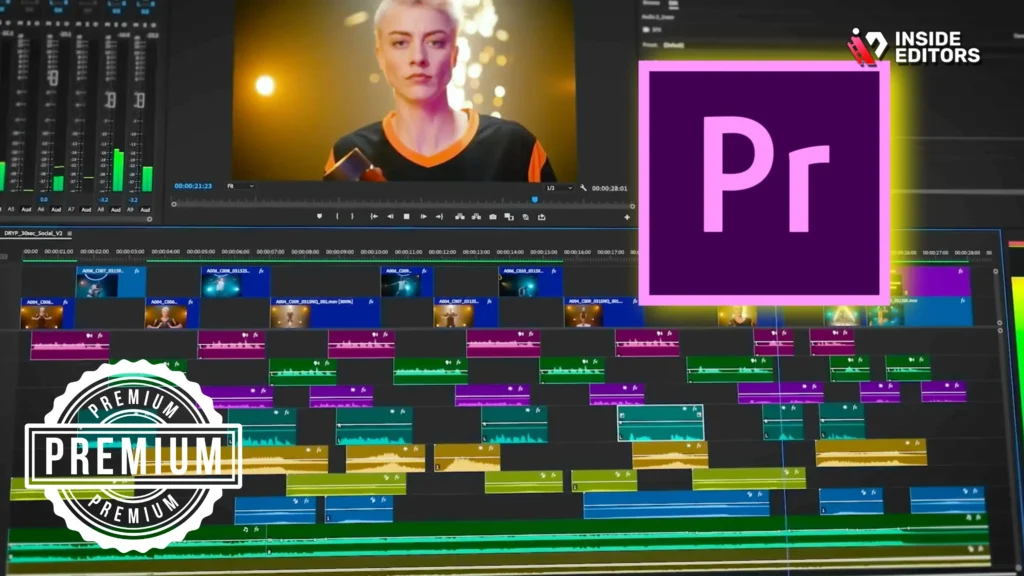
Premiere Pro operates exclusively on a monthly or annual subscription model, typically bundled within the Adobe Creative Cloud. This model provides immediate access to all updates and the entire suite of Adobe applications, which is invaluable for multidisciplinary creators.
The cost can be substantial over time, but many professionals view it as a necessary operational expense. The advantage is predictable budgeting and constant access to the latest features.
Lightworks Video Editing Software: Flexible Tiers
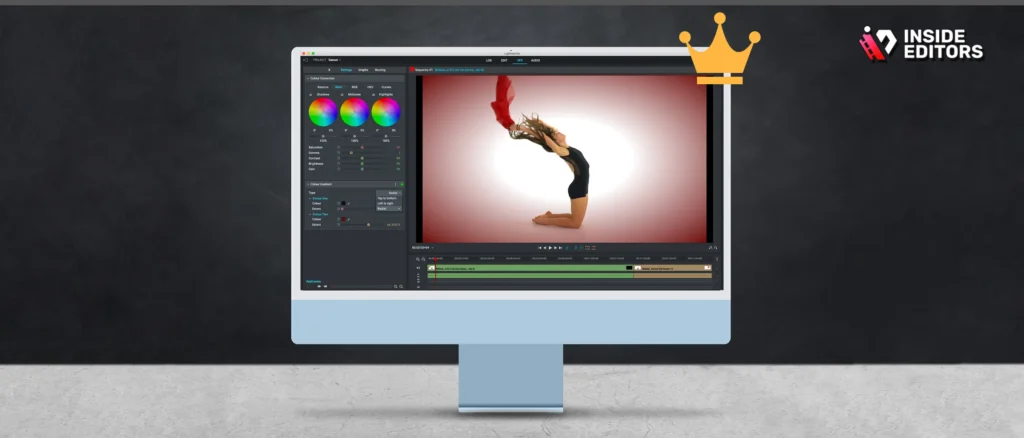
Lightworks Video Editing Software offers a highly flexible pricing structure, making it incredibly accessible.
- Free Version (Lightworks Free): This is a fully functional NLE, limited primarily by output resolution (up to 720p). It’s perfect for students, beginners, or social media creators who don’t need high-resolution delivery.
- Lightworks Create: A mid-tier subscription offering 4K output, advanced project management, and timeline rendering.
- Lightworks Pro: The full professional version, offering 4K/UHD output, hardware I/O support, comprehensive codec support (including broadcast formats), and advanced color tools. This can be purchased via a subscription or a perpetual license, offering a one-time purchase option that is highly attractive to long-term users seeking to avoid recurring fees.
This tiered approach means that the powerful Lightworks Video Editing Software is available to almost anyone, regardless of budget.
Performance and System Requirements
Performance is a critical factor, especially when dealing with high-resolution footage (4K, 6K, or 8K) and complex effects.
Hardware Demands
Premiere Pro is notoriously resource-intensive. While it is highly optimized to utilize modern GPUs and multi-core CPUs, editing complex timelines requires significant RAM (16GB minimum, 32GB recommended) and fast storage. If your machine is older or less powerful, you will likely experience slowdowns and crashes.
Lightworks Video Editing Software, due to its efficient core architecture, is far less demanding. It runs smoothly on lower-spec machines and handles proxy workflows exceptionally well, allowing editors to work quickly even with high-resolution source material. This efficiency is a major selling point for independent filmmakers or those working remotely with limited access to powerful hardware.
“We found that Lightworks consistently outperformed Premiere Pro in terms of real-time playback stability when using complex timelines on mid-range laptops. Its core engine is simply leaner.” – Digital Media Review, 2023
Stability and Reliability
Both applications are generally stable, but Premiere Pro users occasionally report bugs following major updates, particularly related to new hardware compatibility or AI features.
Lightworks has a reputation for rock-solid stability, reflecting its heritage as a tool built for demanding, long-form film production where crashes are simply unacceptable. When deadlines are tight, the reliability of the Lightworks Video Editing Software can be a significant advantage.
Use Case Suitability: Who Should Use Which?
The best software isn’t necessarily the most powerful; it’s the one that fits your specific needs and workflow.
Premiere Pro is Ideal For:
- Marketing Agencies and Corporate Video: Those requiring deep integration with graphics (After Effects) and standardized brand assets across the Creative Cloud.
- YouTube and High-Volume Content Creators: Users who benefit from the vast library of tutorials, plugins, and the rapid adoption of new social media formats.
- Editors in Large Production Pipelines: Where standardized file formats and seamless handover between graphic designers, sound mixers, and editors are mandatory.
Lightworks Video Editing Software is Ideal For:
- Independent Filmmakers and Documentarians: Those prioritizing efficiency, stability, and a keyboard-driven workflow for long-form narrative editing. The perpetual license option is also budget-friendly for long-term projects.
- Educational Institutions and Beginners: The free version provides powerful, professional-grade tools without the financial barrier of entry.
- Editors on Limited Hardware: Users who need professional results but cannot afford or access high-end editing workstations.
When to Seek Professional Support
Even the most skilled editor occasionally faces a project that demands specialized attention, complex color correction, or rapid turnaround times that exceed their capacity. This is where external professional services become invaluable.
The Inside Editors Solution
For content creators, businesses, and marketers who rely on video but prefer to focus on filming and strategy rather than hours spent in the timeline, professional video editing services offer a powerful alternative.
Inside Editors provides professional video editing services, offering a team of editors with over 10 years of experience. We handle everything from basic cuts to advanced color grading and audio enhancement. This service is ideal for YouTube creators, businesses, and course creators who need consistent, high-quality output without the learning curve or time commitment required by either Premiere Pro or Lightworks Video Editing Software.
Our key features include fast turnaround times (24-72 hours), unlimited revisions until you are satisfied, and affordable pricing starting at $29/video. By leveraging Inside Editors, you save time and ensure professional quality that builds trust and maintains a consistent brand style across all your videos. Whether your source footage was captured using Premiere Pro standards or optimized for the speed of Lightworks Video Editing Software, our experts seamlessly integrate into your production pipeline.
Expert Opinions and User Feedback
To ensure a balanced perspective, we must consider how real users and industry experts view these two NLEs.
Premiere Pro User Feedback
Users consistently praise Premiere Pro for its industry dominance and integration. However, common complaints revolve around its resource consumption and the mandatory subscription cost.
“Premiere Pro is the language of the industry. If you need to collaborate with others or move files between departments, you have to know it. But be prepared to invest heavily in hardware.” – Sarah Chen, Post-Production Supervisor
Lightworks Video Editing Software User Feedback
Admirers of Lightworks Video Editing Software often highlight its unique speed and stability. New users, however, frequently mention the steep learning curve associated with its non-standard interface.
“Once you master the key bindings and the modular interface, Lightworks is unbelievably fast for pure cutting. It feels like a genuine tool designed by editors, for editors.” – Reddit User, r/videoediting
Pros and Cons: A Quick Summary
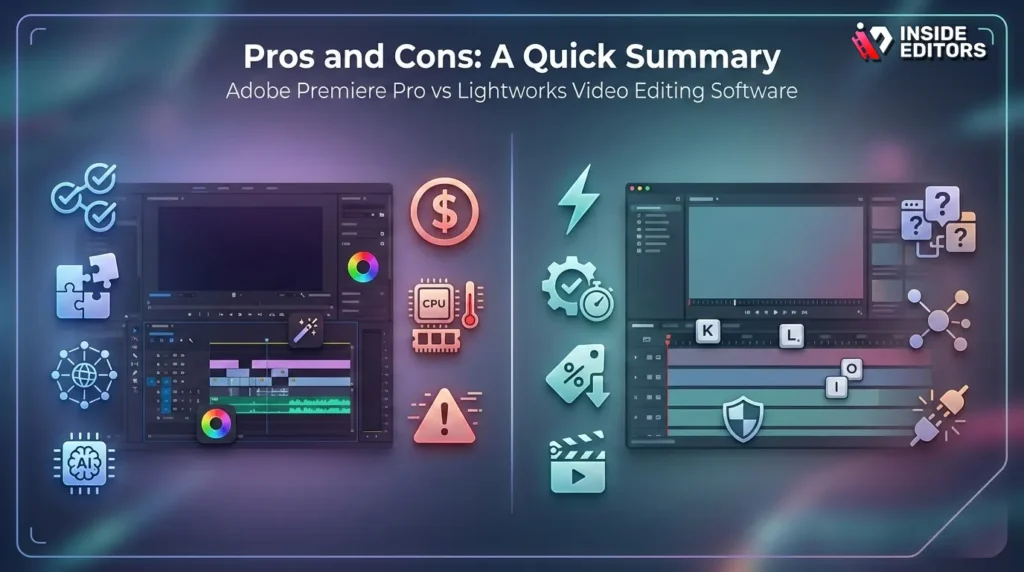
To finalize your decision, here is a comparative summary of the strengths and weaknesses of each platform.
Adobe Premiere Pro
Pros:
- Industry Standard: Highest compatibility and collaboration potential.
- Ecosystem Integration: Seamless workflow with After Effects and Audition.
- Advanced Features: Leading-edge AI tools and extensive third-party plugin support.
- Tutorial Availability: Massive online community and learning resources.
Cons:
- High Cost: Mandatory subscription model can be expensive long-term.
- Resource Heavy: Requires powerful, modern hardware for smooth operation.
- Occasional Instability: Can suffer from bugs following major software updates.
Lightworks Video Editing Software
Pros:
- Exceptional Efficiency: Low system requirements and outstanding stability.
- Flexible Pricing: Excellent free version and affordable perpetual license option.
- Speed: Keyboard-centric workflow allows for extremely fast editing.
- Professional Heritage: Built for feature film precision and reliability.
Cons:
- Steep Learning Curve: Unique interface can be confusing for new users.
- Smaller Ecosystem: Less integrated with external graphics and audio tools.
- Less Common: Fewer collaborators and resources compared to Premiere Pro.
Verdict and Final Recommendation
The choice between Lightworks Video Editing Software and Premiere Pro is not about which software is objectively “better,” but which one is better for you.
If your career path involves working within large production houses, requires constant motion graphics integration, and your budget allows for the Adobe Creative Cloud subscription, Premiere Pro remains the logical choice. Its industry dominance and integrated ecosystem provide unparalleled collaborative power.
However, if you are an independent creator, a dedicated filmmaker focused on narrative, or someone who values stability, efficiency, and a powerful free or perpetual license option, the Lightworks Video Editing Software is a phenomenal, professional-grade alternative. Its speed and low hardware demands make it a serious contender for anyone prioritizing pure editing prowess.
Ultimately, the best strategy is to test both. Utilize the free version of Lightworks Video Editing Software and the trial version of Premiere Pro to see which interface clicks with your personal workflow.
If you find that the software learning curve or the time commitment of editing is detracting from your content creation goals, remember that professional help is available. Inside Editors provides a scalable solution for growing channels, ensuring you receive professional quality that builds trust and allows you to save time and focus on content creation. Our affordable pricing and rapid delivery mean you never have to compromise on quality or speed.
Frequently Asked Questions
Is Lightworks better than Premiere Pro?
Neither is universally better; they serve different needs. Premiere Pro excels in ecosystem integration and advanced features, while Lightworks Video Editing Software is superior in efficiency, stability, and offering a powerful free version. Choose based on your budget and workflow preference.
Can I use Lightworks for professional work?
Yes, absolutely. Lightworks Video Editing Software has a long history in feature film editing, proving its professional capabilities. The paid Lightworks Pro version offers all the tools necessary for high-end, broadcast-quality output and comprehensive codec support.
Which software is easier for beginners?
Premiere Pro has a more conventional interface, making it initially easier for beginners familiar with standard software layouts. However, Lightworks Video Editing Software has a free, fully functional version, removing the financial barrier to entry for new editors.
What is the main difference in pricing?
Premiere Pro uses a mandatory subscription model (Creative Cloud). Lightworks Video Editing Software offers a free tier, a subscription, and a highly desirable perpetual license option, allowing users to own the software outright.
Does Lightworks support 4K editing?
Yes, the paid versions (Lightworks Create and Pro) fully support 4K and UHD editing. The free version of Lightworks Video Editing Software is limited to exporting up to 720p resolution.


