

Starting a video podcast is exciting. You plan your topics, buy a good microphone, set up your camera, and finally hit record. But after recording, you quickly realize something important: raw footage is never perfect. There are pauses, background noise, awkward cuts, and lighting issues. This is where choosing the Most Recommended Video Podcast Editing Software becomes very important.
If you are here, you are probably comparing different tools before making a purchase decision. That’s smart. The editing software you choose will affect your workflow, your video quality, and even how professional your show looks to your audience. Some tools are beginner-friendly, while others are built for professional editors. Some are affordable, while others are premium investments.
In this detailed guide on the Most Recommended Video Podcast Editing Software, we will explore the top options, their features, pricing, and who they are best for. By the end, you’ll clearly understand which software fits your podcast style, budget, and goals.
Let’s dive in.
Why Choosing the Right Video Podcast Editing Software Matters
Video podcasting is growing very fast. Platforms like YouTube, Spotify, and Apple Podcasts now support video formats. This means your audience is not only listening – they are watching too.
Good editing helps you:
- Remove mistakes and long pauses
- Improve audio clarity
- Add captions and graphics
- Insert intro and outro clips
- Adjust colors and lighting
- Create short clips for social media
If your editing is poor, viewers may click away in seconds. But when you use the Most Recommended Video Podcast Editing Software, your show feels smooth, professional, and engaging.
Choosing the wrong software can waste your time and money. That’s why comparing tools before buying is important.
What to Look for in the Most Recommended Video Podcast Editing Software
Before we look at specific software, let’s understand what makes a tool worth recommending.
A good video podcast editing tool should offer simple timeline editing, strong audio controls, easy exporting options, and compatibility with your device. You also want something stable that doesn’t crash during big projects.
Here are some key features to consider:
- Multi-track video and audio editing
- Noise reduction and audio cleanup tools
- Text overlays and subtitle support
- Smooth transitions and effects
- Easy export settings for YouTube and social platforms
- Affordable pricing plans
The Most Recommended Video Podcast Editing Software will balance power and ease of use. Beginners need simplicity, while professionals need advanced features.
Now let’s compare the top tools.
Adobe Premiere Pro – A Professional Favorite
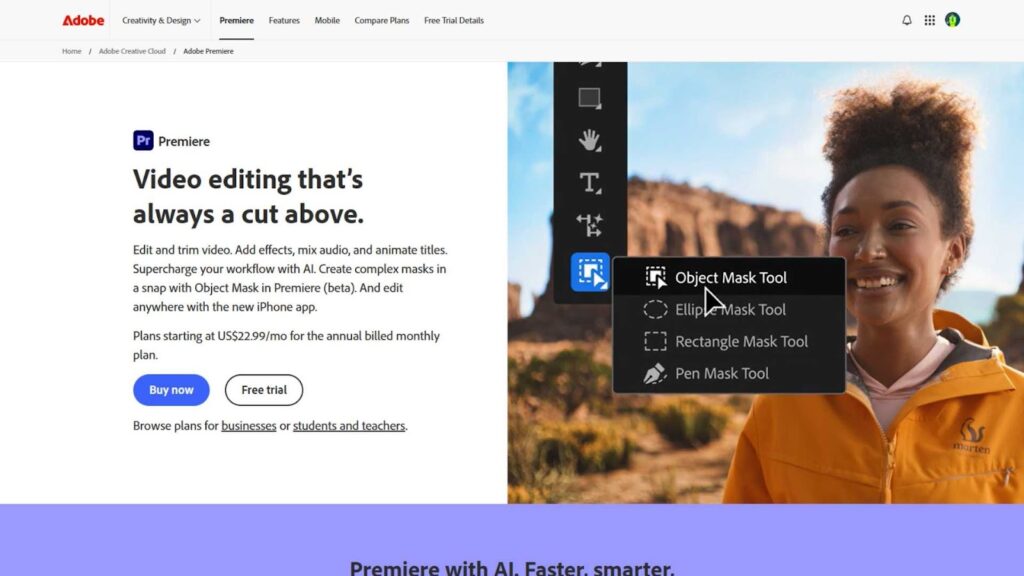
When talking about the Most Recommended Video Podcast Editing Software, it’s impossible not to mention Adobe Premiere Pro.
This is one of the most powerful video editing tools in the world. Many professional YouTubers and production companies use it.
Adobe Premiere Pro offers advanced features such as multi-camera editing, automatic audio syncing, color grading tools, and seamless integration with Adobe After Effects and Adobe Audition.
It works on both Windows and Mac and supports high-resolution footage. If you want full control over every detail of your podcast, this tool is a strong choice.
However, it comes with a monthly subscription cost. It may feel overwhelming for beginners. But if you are serious about long-term podcast growth, this could be the Most Recommended Video Podcast Editing Software for professionals.
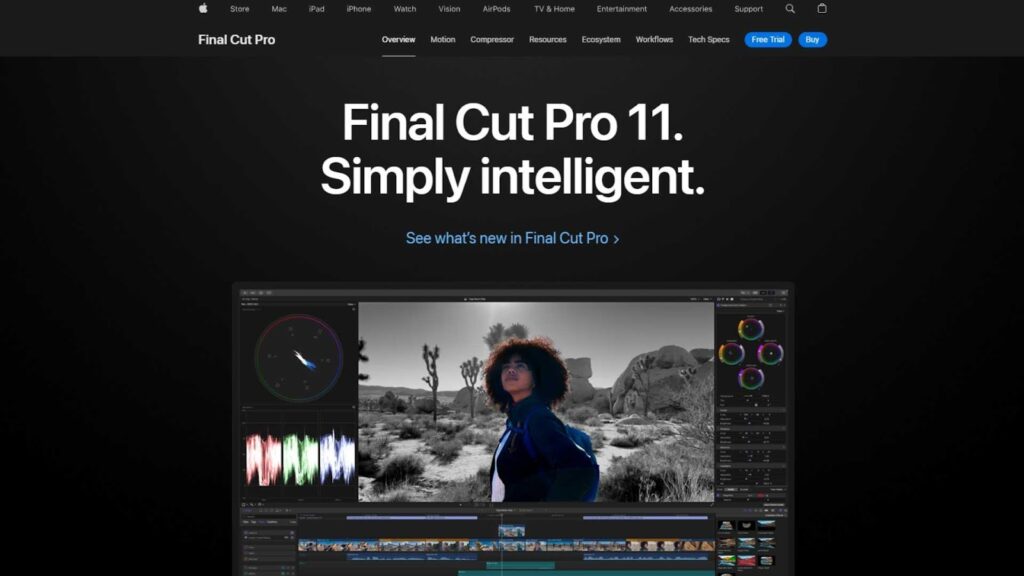
Final Cut Pro – Best for Mac Users
If you are a Mac user, Final Cut Pro is often considered the Most Recommended Video Podcast Editing Software.
It is developed by Apple and optimized for macOS. This means smooth performance and fast rendering speeds.
Final Cut Pro offers:
- Magnetic timeline for easy editing
- Advanced color correction
- Multi-cam editing
- Strong audio tools
- One-time payment instead of monthly subscription
Many video podcasters love its speed and performance. If you record long episodes and need quick exports, this software saves time.
The main limitation is that it only works on Mac devices. If you use Windows, you will need a different option.
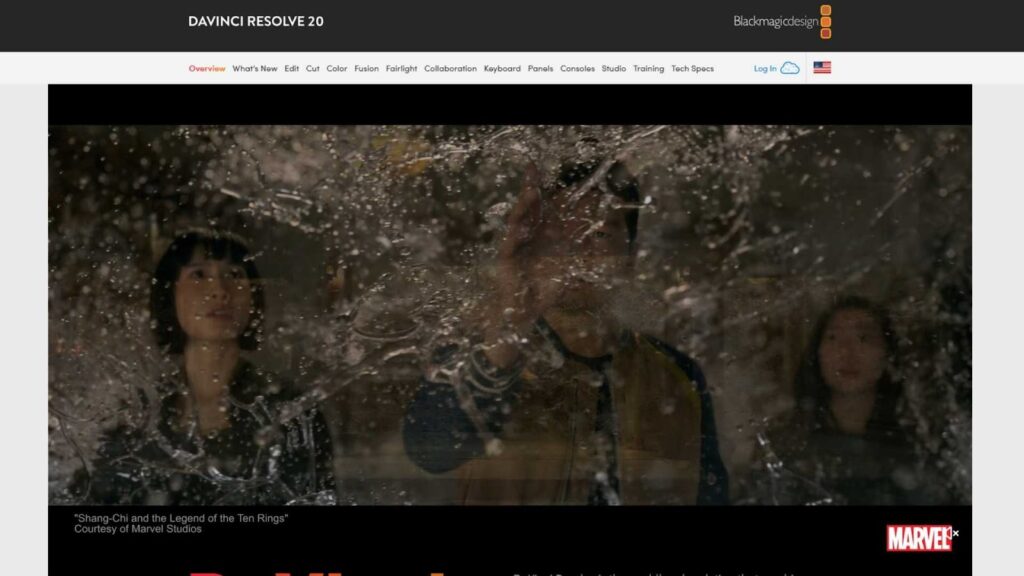
DaVinci Resolve – Powerful and Affordable
Another strong competitor for the Most Recommended Video Podcast Editing Software title is DaVinci Resolve.
This software is known for its professional color grading tools. It also includes audio editing, visual effects, and motion graphics in one platform.
One of the best things about DaVinci Resolve is that it offers a free version with many advanced features. That makes it very attractive for podcasters who are just starting.
It supports:
- Multi-camera editing
- Advanced color correction
- Built-in audio mixing
- Professional exporting options
The interface can feel complex at first, but once you learn it, it becomes one of the Most Recommended Video Podcast Editing Software options for serious creators.
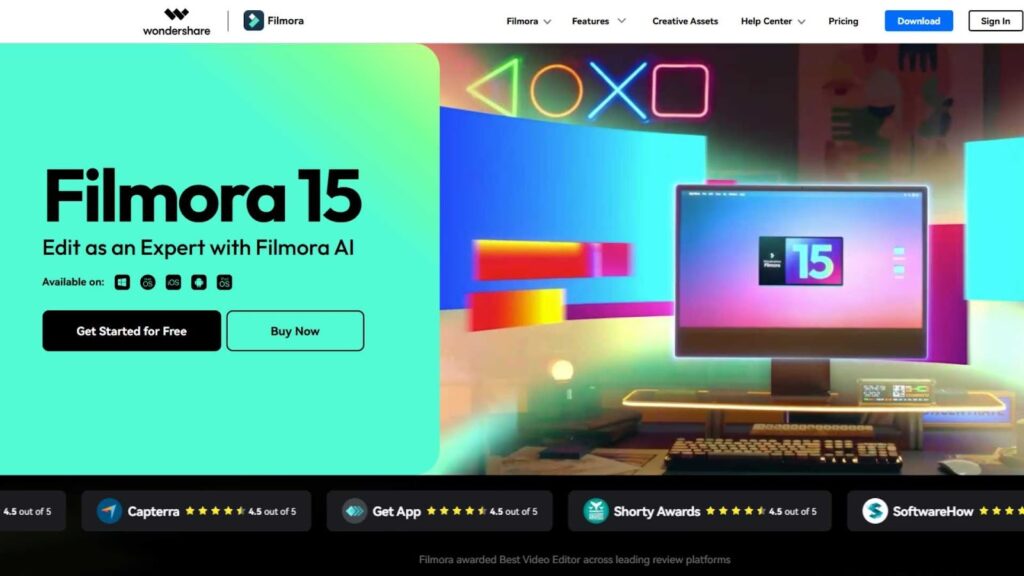
Filmora – Best for Beginners
If you want something easy and simple, Wondershare Filmora is often listed as the Most Recommended Video Podcast Editing Software for beginners.
Filmora focuses on simplicity. You can drag and drop clips, add transitions, and export quickly without learning complex tools.
It offers built-in templates, title effects, and background music. This is perfect for new podcasters who want fast results without spending weeks learning software.
While it may not have the deep professional features of Premiere Pro or DaVinci Resolve, it is a practical choice for small shows and growing creators.
Camtasia – Simple and Screen-Friendly
If your video podcast includes tutorials, presentations, or screen recordings, Camtasia can be the Most Recommended Video Podcast Editing Software for your needs.
It combines screen recording and editing in one tool. Many educators and business podcasters use it.
It includes easy captioning, cursor effects, and simple editing tools. The interface is user-friendly and less intimidating than professional software.
However, it is not ideal for cinematic-level productions. It works best for educational or business-style podcasts.
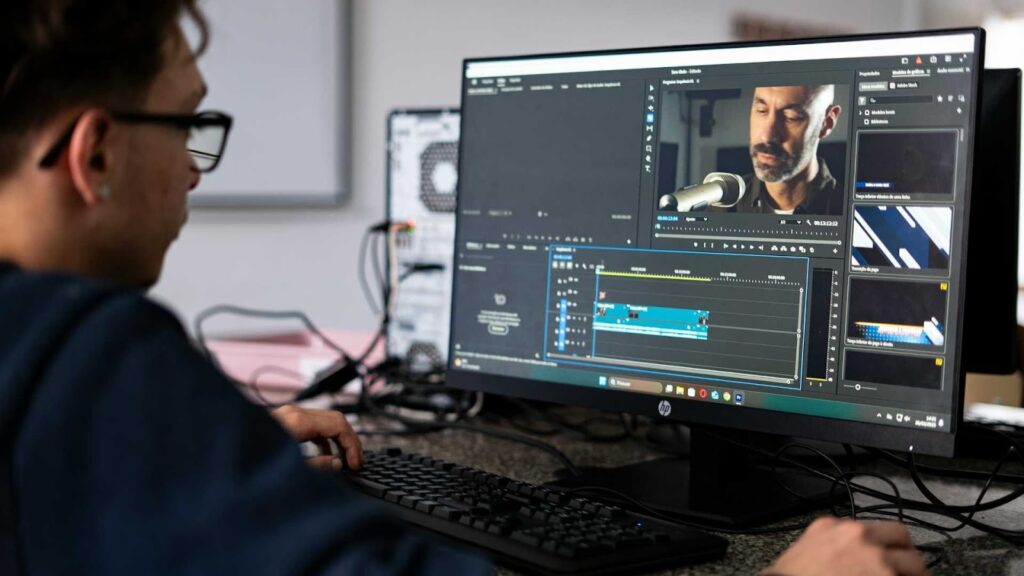
Comparing the Most Recommended Video Podcast Editing Software Options
When comparing the Most Recommended Video Podcast Editing Software, think about your level and goals.
If you are a beginner, Filmora or Camtasia might be enough. If you want professional quality, Premiere Pro or DaVinci Resolve will give you more control. Mac users often prefer Final Cut Pro for speed and performance.
Also consider your budget. Some tools require monthly subscriptions, while others offer one-time payments or free versions.
Your editing time also matters. If you publish weekly episodes, choose software that fits smoothly into your workflow.
Free vs Paid Software: Which Is Better?
Many creators ask whether free software can compete with paid options in the Most Recommended Video Podcast Editing Software category.
Free tools like DaVinci Resolve offer impressive features. But paid tools usually provide better support, updates, plugins, and integration with other apps.
If your podcast is a hobby, free software might be enough. But if you plan to monetize your show, investing in the Most Recommended Video Podcast Editing Software can improve your brand image and audience retention.
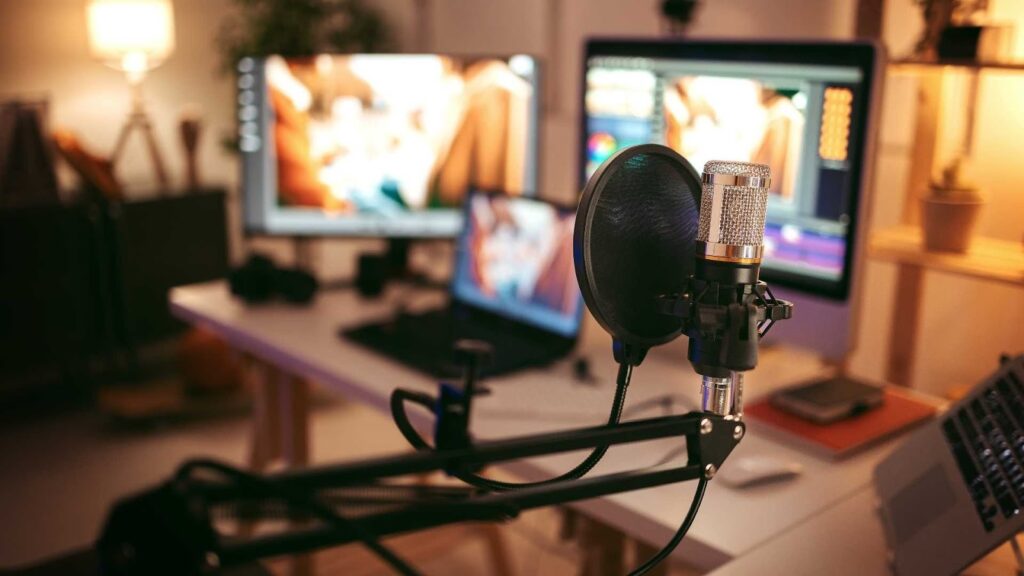
Do You Really Need to Edit Yourself?
Here’s an important question.
Even if you buy the Most Recommended Video Podcast Editing Software, do you actually have time to edit?
Editing a one-hour podcast can take three to five hours or more. You must cut mistakes, adjust audio, add graphics, and export correctly.
Many successful podcasters choose to outsource editing instead of doing it themselves.
If you want professional results without spending hours behind a screen, Inside Editors can help.
Inside Editors provides professional Video Editing Services designed for video podcasters, YouTubers, and content creators. Instead of learning complex tools, you can focus on recording and growing your show.
Final Thoughts: Which Is the Most Recommended Video Podcast Editing Software for You?
There is no single answer for everyone. The Most Recommended Video Podcast Editing Software depends on your experience level, budget, device, and long-term goals.
If you want professional industry-level editing, Adobe Premiere Pro is a strong choice.
If you use Mac and want speed, Final Cut Pro is excellent.
If you want powerful tools for free, DaVinci Resolve is impressive.
If you want simplicity, Filmora or Camtasia are great starting points.
Take your time comparing features. Think about your workflow. Consider whether you want to edit yourself or hire professionals.
And remember, great editing can turn a simple recording into a powerful, engaging show.
If you’d rather focus on content creation and let experts handle the editing, Inside Editors is here to help. Visit insideeditors and let us transform your raw footage into a polished, professional video podcast.
Your audience deserves the best – and choosing the Most Recommended Video Podcast Editing Software (or the right editing partner) is the first step toward building a successful show.


