


If you’re shooting interviews, events, podcasts, dance performances, YouTube shows, or any kind of video project that uses more than one camera angle, then choosing the best Multi Camera Video Editing Software becomes one of the biggest decisions you’ll make. Multi-cam editing isn’t just a nice feature anymore-it’s a necessity for fast, accurate, and professional-looking editing in 2025. With creators producing more content than ever, the right software can save hours of time, keep your workflow smooth, and help you deliver videos that look polished from every angle.
But with so many tools out there-some beginner-friendly, some professional-grade, some extremely expensive, and some surprisingly affordable-it can feel overwhelming to choose the right one. That’s why this guide focuses specifically on helping you compare and understand the top Multi Camera Video Editing Software options for 2025, what makes each one strong, and which types of creators will benefit most from each.

What Makes Multi Camera Video Editing Software So Important in 2025?
Before we dive into the top picks, it’s helpful to understand why multi-cam editing matters so much today. In the past, most creators filmed using a single angle, but the demand for higher-quality, engaging content has grown rapidly. Viewers want dynamic cuts, multiple perspectives, and smooth transitions-even in simple videos like interviews or tutorials.
Multi-cam editing software allows you to sync footage automatically, switch between angles in real time, cut unnecessary parts easily, and create seamless storytelling. Instead of manually aligning clips (which could take hours), modern tools can sync everything instantly by audio waveform, timecode, or even metadata. That’s one of the biggest reasons creators want reliable Multi Camera Video Editing Software-because it cuts hours of frustration and speeds up the entire editing process.
Another reason multi-cam matters? Professional production standards have increased. Even small brands and new creators want “studio-quality” videos. With multi-cam editing, you can create that polished, cinematic feel without needing a huge production team.
So now the real question is: which software does it best in 2025? Let’s break it down.
1. Adobe Premiere Pro – Best Overall Multi Camera Video Editing Software
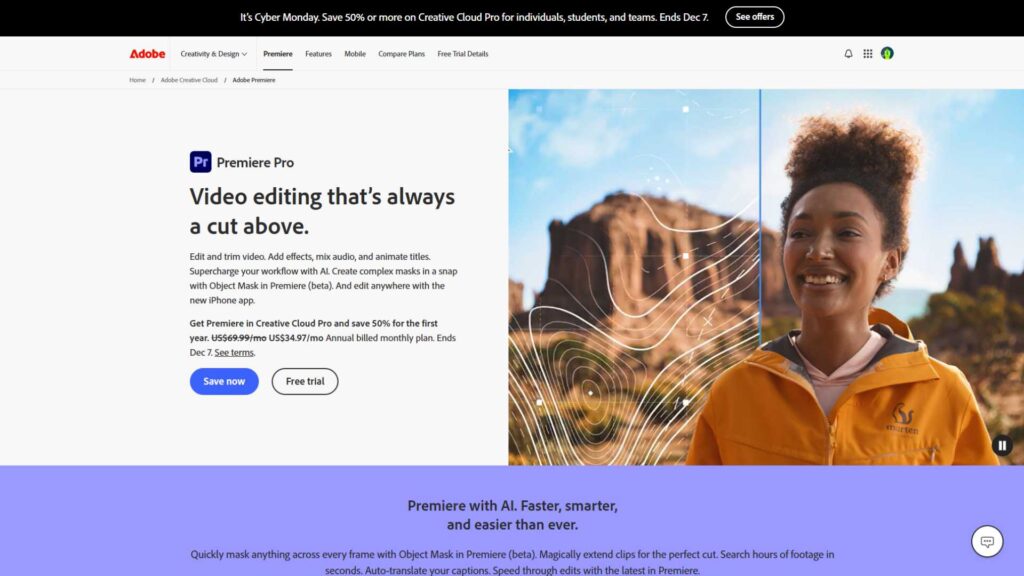
Adobe Premiere Pro continues to be one of the strongest and most widely used Multi Camera Video Editing Software options in 2025. Premiere is incredibly popular among YouTubers, filmmakers, commercial editors, and professional studios because it offers one of the most stable and flexible multi-cam functions available today.
The process of syncing and switching multiple camera angles in Premiere is fast and reliable. You can sync using audio, timecode, custom markers, or even manual alignment if needed. Once synced, Premiere gives you the ability to switch angles in real time while playing the clip-almost like directing the scene live. This makes it extremely useful for event edits, podcasts, or interviews where you want to switch quickly based on who’s speaking or reacting.
The nicest part is that Premiere also integrates perfectly with After Effects, Photoshop, and Audition, so it becomes a complete post-production ecosystem. If you’re editing music videos or cinematic content, that ecosystem becomes a huge advantage. The downside is that Premiere can be heavy on system resources, and beginners may need time to learn the interface. But for overall features, flexibility, and multi-camera accuracy, it remains a top choice in 2025.
2. Final Cut Pro – Best for Mac Users and Fast Multi-Cam Switching
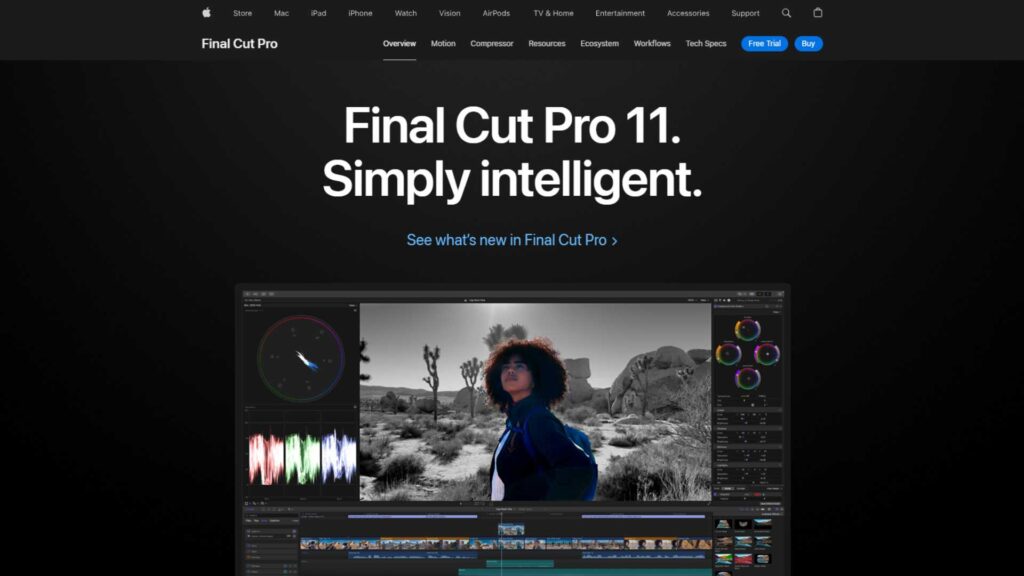
If you’re a Mac user, then Final Cut Pro is easily one of the strongest Multi Camera Video Editing Software programs available today. Final Cut is known for its lightning-fast magnetic timeline, incredibly smooth workflow, and real-time playback-even with multiple 4K or 6K cameras. Apple’s optimization makes everything feel effortless, especially when switching angles.
Final Cut supports up to 64 simultaneous angles, which is far more than most creators ever use. You can sync using audio, timecode, or markers, and the software usually does an excellent job recognizing waveforms. Another huge advantage is background rendering. While other programs lag when applying effects, Final Cut quietly renders everything in the background, keeping your workflow fast and smooth.
Many editors choose Final Cut for YouTube content, wedding edits, interviews, and multi-cam podcasts because it’s stable and extremely quick. The downside is that it’s only available on macOS and doesn’t have the same collaboration features as Premiere. But in terms of speed and usability, it’s one of the top multi-cam editors worldwide.
3. DaVinci Resolve – Best Free Multi Camera Video Editing Software
If you’re looking for a powerful but budget-friendly option, DaVinci Resolve is the clear winner. It offers some of the strongest color grading tools on the planet, and the Multi Camera Video Editing Software features in Resolve rival those found in expensive editors.
Resolve handles angle switching beautifully, and its auto-sync is surprisingly accurate. You can view all angles together, switch with keyboard shortcuts, and trim sections cleanly without messing up the timeline. The software combines editing, audio post-production, color grading, and visual effects-all in one place.
Many editors choose Resolve because of its Fairlight audio panel and advanced color features, which are both better than most competitors. The free version is extremely powerful, although the paid Studio version unlocks extra GPU acceleration and effects. The only drawback is that Resolve can feel slightly overwhelming for beginners, and it requires a strong computer. But for professional-quality multi-cam editing, it’s a fantastic choice.
4. Sony VEGAS Pro – Best for YouTubers and Self-Producing Creators
VEGAS Pro has been a long-time favorite for creators who want an all-in-one Multi Camera Video Editing Software with a user-friendly interface. Its multi-cam setup is straightforward: you simply import your clips, sync them, and start switching angles using keyboard shortcuts. VEGAS also allows you to collapse all angles into a single track to keep your timeline simple and clean.
One of VEGAS Pro’s biggest advantages is its audio handling. If your multi-cam footage has inconsistent audio levels or multiple microphones, VEGAS makes it much easier to adjust and sync everything. Creators who produce music videos, gaming videos, or reaction-style content often prefer VEGAS because it feels more flexible and forgiving than many other editors.
The downside is that VEGAS can sometimes lag with heavy effects, and its collaboration features aren’t as strong as Adobe or DaVinci. But in terms of ease of use, it’s definitely one of the top editing software options for solo creators or growing YouTube channels.
5. Avid Media Composer – Best for High-End Filmmaking
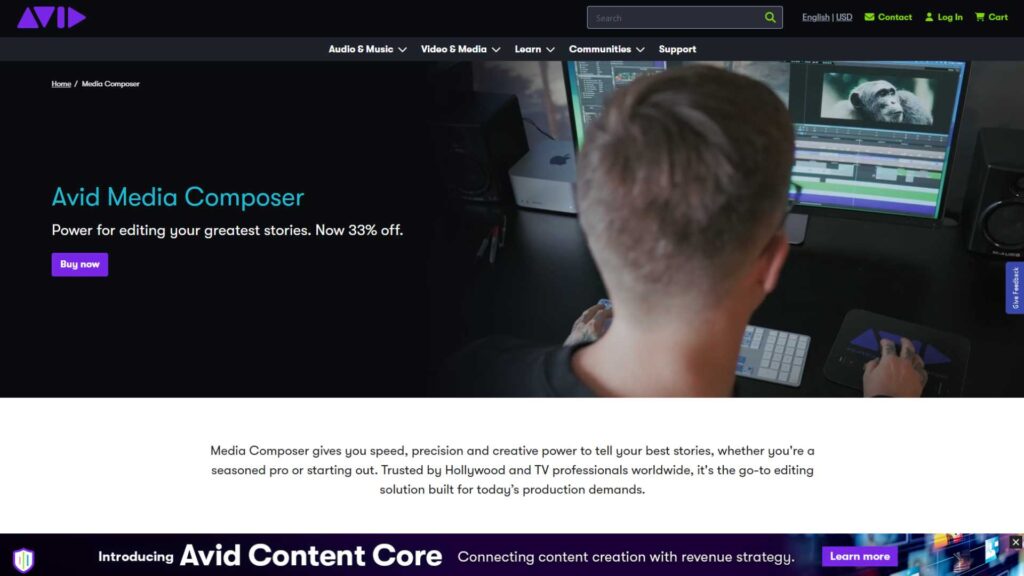
If you’re looking at filmmaking, broadcast editing, or Hollywood-level multi-cam workflow, Avid Media Composer is still the industry standard. Many major films and television shows continue to use Avid because of its reliability and advanced collaboration features.
Avid allows editors to work on large multi-cam projects with multiple people at once, which is something other programs struggle with. For example, editors, assistants, audio engineers, and colorists can all access the same project at the same time. That’s why professional studios rely on it heavily.
Avid’s multi-cam tools are extremely accurate, especially when dealing with timecode-based footage. However, Avid is not designed for beginners and has a steeper learning curve. It’s also more expensive and requires strong hardware. But for professional multi-camera video editing at the highest level, it remains one of the strongest platforms worldwide.
6. HitFilm – Best Multi Camera Video Editing Software for Effects-Heavy Creators
HitFilm has grown a lot over the years, and in 2025 it remains a favorite for creators who mix multi-cam editing with visual effects, cinematic transitions, or stylized cuts. What makes HitFilm stand out is the combination of editing, VFX, and compositing tools together in one interface. This means you can switch between camera angles, add masks, include 3D elements, or build transitions without jumping between multiple programs.
When you’re working on multi-cam interviews, action sequences, or performance videos, HitFilm lets you adjust lighting, add color effects, and enhance scenes while staying in one unified timeline. It offers solid angle synchronization, a simple switching interface, and real-time previews. Its multi-cam system is not as advanced as Premiere Pro or Final Cut, but for creators who prioritize effects over traditional editing, HitFilm becomes a powerful and affordable option.
HitFilm also continues to attract YouTubers, indie filmmakers, and event videographers because it offers deep visual editing capabilities without the steep subscription model of Adobe. The only limitation is that HitFilm requires strong hardware for smooth playback, especially with high-resolution footage.
7. Wondershare Filmora – Best Beginner-Friendly Multi Camera Video Editing Software
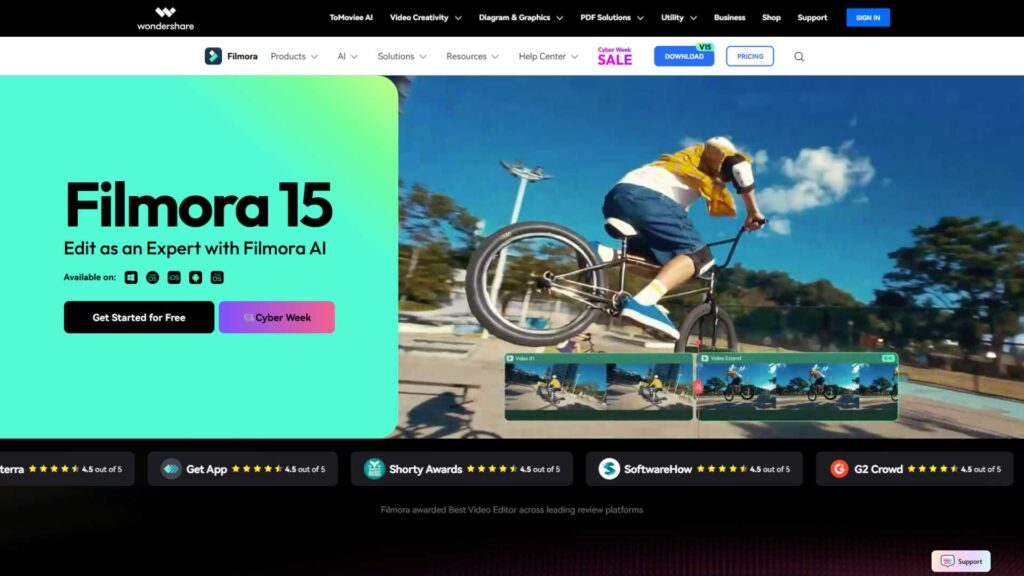
Filmora has become extremely popular among beginner editors, business owners, students, and creators who want quick results without advanced complexity. While Filmora’s interface is simple, the multi-cam feature in 2025 is better than ever. It lets you sync multiple camera angles, switch easily, and cut scenes without feeling overwhelmed by technical details.
The main advantage of Filmora is the learning curve-it’s incredibly easy to understand. Many editors who start with Filmora eventually move on to Premiere Pro or Final Cut, but for beginners wanting simple Multi Camera Video Editing Software, Filmora is one of the most welcoming programs on the market.
Filmora also includes built-in transitions, titles, color presets, and social-ready export settings. For influencers, small brands, and people editing podcasts or product videos, Filmora is fast, smooth, and more affordable than many competitors. The only downside is that its flexibility is limited compared to professional tools, but it performs extremely well for simple multi-cam projects.
Syncing Accuracy and Speed
Syncing is the core of every multi-cam workflow. Here’s how the top programs compare:
- Premiere Pro → Excellent audio-waveform sync and very reliable across different camera brands.
- Final Cut Pro → Incredibly fast syncing, almost always accurate for interviews and podcasts.
- DaVinci Resolve → Accurate with clean audio; occasionally needs manual tweaks with messy recordings.
- VEGAS Pro → Good, especially with multiple audio tracks and music-based footage.
- Avid Media Composer → Perfect for timecode-based professional recordings.
- HitFilm → Good but not the most robust.
- Filmora → Works well for simple setups.
If syncing is your top priority, Premiere Pro and Final Cut Pro remain the strongest choices.
Angle Switching & Real-Time Editing
Real-time angle switching is where multi-cam editing really becomes efficient.
- Final Cut Pro delivers the smoothest switching experience due to optimized performance.
- Premiere Pro gives you the most control and flexibility with angle selection.
- DaVinci Resolve handles switching well but may lag on lower-end computers.
- Avid offers extremely stable, professional switching but only with advanced hardware.
- HitFilm works well for VFX-heavy timelines.
- Filmora keeps things simple and clean for beginners.
If you want speed, choose Final Cut Pro.
If you want flexibility and custom control, choose Premiere Pro.
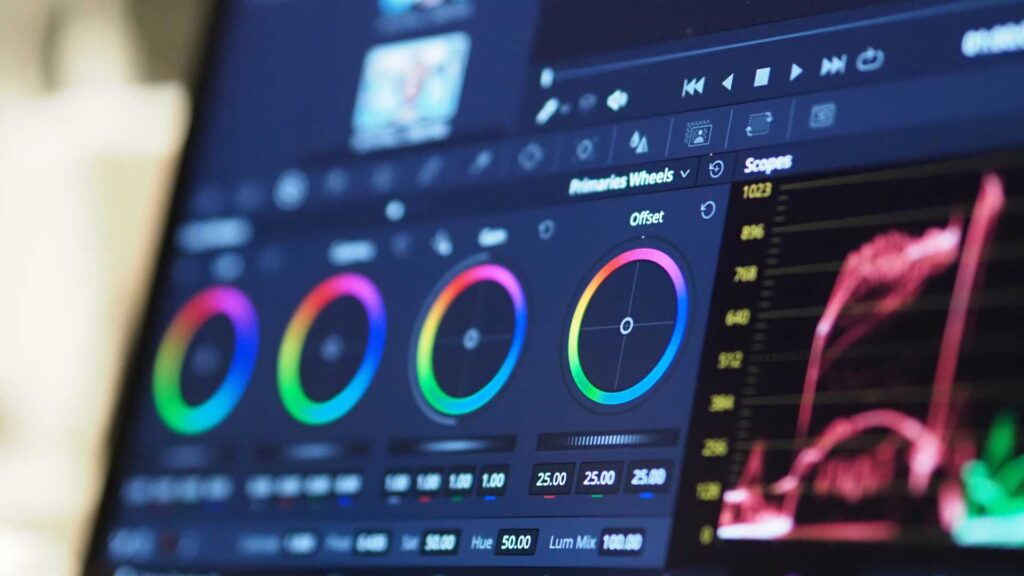
Color Grading and Visual Quality
This category is led clearly by:
- DaVinci Resolve → worldwide leader in color grading
- HitFilm → strong for VFX-driven projects
- Premiere Pro → solid and reliable for grading and LUTs
- Final Cut → fast but not as advanced as Resolve
- Avid → industry-accurate but not modern in tooling
If color grading matters for your multi-camera workflow, Resolve is unbeatable.
Performance on Large Projects
If you’re working with many angles, long interviews, or 4K–8K footage:
- Final Cut Pro performs the best (macOS only).
- Premiere Pro handles large projects but needs strong hardware.
- Avid is built for enormous broadcast and film workflows.
- Resolve performs best with a GPU-heavy system.
- VEGAS performs well but may slow with heavy effects.
- Filmora is not designed for massive multi-cam projects.
If you’re editing professional events or long-form content, you’ll want Final Cut, Premiere, Resolve, or Avid.

Pricing Comparison (2025)
Not exact prices, but generally:
- DaVinci Resolve (Free) → Best value
- Premiere Pro (Subscription) → Worth it for professionals
- Final Cut Pro (One-time purchase) → Good long-term investment
- Filmora (Low cost) → Best for beginners
- HitFilm (Affordable) → Great for effects editors
- VEGAS Pro (Mid-range) → Good for creators and YouTubers
- Avid (High cost) → Built for studios, not casual users
If you want the strongest professional features at zero cost, Resolve wins.
If you want a long-term, one-payment solution, Final Cut is ideal.
Which Multi Camera Video Editing Software Should YOU Choose?
Here’s a quick recommendation based on your needs:
For YouTubers
Final Cut Pro or VEGAS Pro.
For Filmmakers and Documentaries
Avid Media Composer or DaVinci Resolve.
For Mixed Workflows (corporate, weddings, interviews)
Adobe Premiere Pro.
For Beginners
Filmora.
For Effects-Heavy Creators
HitFilm.
For Editors Who Want the Best Free Option
DaVinci Resolve (Free Edition).
These categories help you choose the Multi Camera Video Editing Software that fits both your workflow and your budget.
Final Thoughts: Choosing the Best Multi Camera Video Editing Software in 2025
Multi-cam editing has become essential for creators at every level. Whether you’re shooting a two-camera interview or a seven-angle stage performance, choosing the right Multi Camera Video Editing Software is what makes your workflow smooth, professional, and fast.
Each tool on this list is powerful, but the best choice depends on what matters most to you: speed, color grading, simplicity, price, or advanced collaboration. Regardless of your skill level, there’s an option here that will fit your style perfectly.
Need Professional Multi-Camera Editing? Try Inside Editors
If you want to skip the complexity and save hours of editing time, you can always work with professionals. Inside Editors is a trusted video editing service that helps creators, brands, and businesses turn raw multi-camera footage into polished videos.
Whether you’re producing interviews, events, YouTube episodes, social content, or long-form podcasts, our team handles everything:
- Multi-camera syncing
- Angle switching
- Color correction
- Audio cleanup
- Professional transitions
- Full post-production editing
You can visit our website Inside Editors and explore our services, portfolio, and pricing options.
If you ever feel overwhelmed choosing Multi Camera Video Editing Software or want faster, studio-quality results, Inside Editors is here to help.


