

If you’re comparing tools right now, you’re probably juggling two goals: edit faster and publish videos viewers actually finish. The right best tiktok video editing software helps you do both. In this guide, I’ll walk you through how to choose the perfect editor for your style, compare the strongest apps and desktops in 2025, and share practical workflows you can use today. I’ll keep it friendly and honest, so you can pick with confidence-not guesswork.
How to read this guide (and get the most from it)
You’ll first learn how to evaluate editors like a pro-speed, AI, captions, audio, templates, and export settings that really matter for TikTok. Then we’ll compare leading tools with clear pros/cons, a side-by-side table, and real-world scenarios. Finally, you’ll get a step-by-step workflow that trims production time without sacrificing quality. If you ever want a hand from specialists, you can explore our TikTok video editing services-more on that at the end, as a gentle next step.
The key editing tools that make your videos stand out

AI that earns its keep: captions, cuts, reframes
AI should remove friction, not add it. The most useful features today are auto-captions with style controls, beat-aware editing for rhythm, silence trimming to remove filler, and subject tracking for 9:16 reframes. If those four work reliably in your app, you’ll feel the time savings immediately. Bonus points if the editor offers auto-resize for multi-platform exports, so one project becomes vertical TikTok, square Instagram, and 16:9 YouTube Shorts without rebuilding the timeline.
Audio polish, color consistency, and brand kits
Audio clarity is non-negotiable on TikTok. Look for one-click noise removal and loudness normalization so your volume matches other content in the feed. For visuals, presets that include LUTs or color adjustments help you stay consistent across episodes. Brand kits-fonts, colors, lower-thirds-let you apply your identity in seconds. If you collaborate with clients or teammates, cloud libraries and shared presets keep everyone synced.
The 2025 shortlist: which editor fits your style and budget?
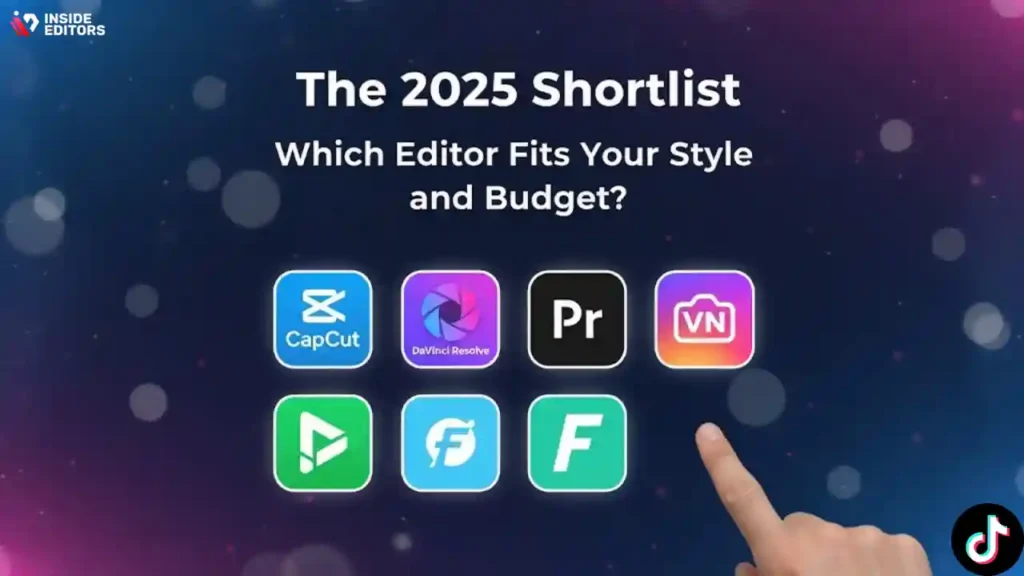
Below you’ll find honest, scenario-based takes on the editors creators actually use this year. I’ll flag strengths, limitations, and who each tool suits best. You’ll also see a quick comparison table to skim before you dive deeper.
CapCut (mobile & desktop) – frictionless for TikTok-first editing
CapCut is the default starting point for many creators because it nails the essentials: fast trims, robust auto-captions, beat sync, templates, and native 9:16 workflows. The mobile app shines for on-the-go edits, while the desktop version gives you more room for layered sequences. If you want the shortest path from idea to post with modern AI helpers, it’s hard to beat.
Where it wins: speed, captions, templates, social-ready effects.
Watch outs: heavy projects can feel cramped on mobile; advanced color/audio tools are basic compared to pro suites.
Best for: creators prioritizing velocity, trends, and consistent posting.
Adobe Premiere Pro + Premiere Rush – pro depth with creator-friendly speed
Premiere Pro remains a powerhouse for multi-track editing, color, audio, and collaboration. The Text-Based Editing workflow, transcription, and graphic templates make short-form faster than it used to be. Pairing with Rush gives you a lighter, cross-device option, while exporting directly to vertical formats keeps you platform-ready.
Where it wins: deep control, ecosystem (Photoshop/After Effects/Express), collaboration.
Watch outs: subscription cost, steeper learning curve if you’re brand new.
Best for: brands, agencies, and creators who need polish, motion graphics, or team workflows.
DaVinci Resolve – industry-grade color and audio for creators
Resolve brings top-tier color grading and powerful audio cleanup (Fairlight) into a single app. The Cut page works well for short-form, while the Edit page offers full control. If your look matters and you want cinematic color without plugin hunting, Resolve is a standout-especially on capable desktops.
Where it wins: color tools, audio suite, free tier that’s genuinely strong.
Watch outs: higher hardware demands; UI depth can overwhelm early on.
Best for: creators who care about a signature look and pro-level sound.
Final Cut Pro (macOS & iPad) – speed and stability for Apple users
Final Cut’s magnetic timeline is fast for cutting dialogue and assembling b-roll. With Apple silicon, rendering is snappy, and the new iPad version lets you edit on the couch while keeping the same project ethos. If you live in the Apple ecosystem, this is a reliable, fast option for vertical content.
Where it wins: performance, simplicity, Apple integrations.
Watch outs: macOS/iPad only; fewer native AI helpers than some competitors.
Best for: solo creators who value speed and stability on Mac.
VN (mobile & desktop) – minimalist, capable, and free
VN is a sleeper hit for creators who want clean, no-nonsense editing. It offers multi-track timelines, basic keyframes, captions, and decent exports without a heavy learning curve. It won’t replace a full pro suite, but it’s more than enough for polished TikToks.
Where it wins: simplicity, zero-cost entry, cross-device.
Watch outs: fewer advanced effects; occasional quirks with large projects.
Best for: new editors and budget-minded creators.
InShot (mobile) – quick cuts with strong social utility
InShot remains a favorite for quick edits, simple transitions, and phone-native workflows. It’s excellent for reels and TikTok when you want speed above all and don’t need deep multi-track control.
Where it wins: ease, stickers, captions, socials integration.
Watch outs: watermark in free tier; less precise for advanced timing work.
Best for: casual creators and small businesses posting frequently.
Filmora – approachable desktop editing with useful AI assists
Filmora balances friendly UI with features like silence detection, beat markers, and visual effects. For many non-technical users, it’s a gentle on-ramp to desktop editing that can still deliver crisp, brand-ready shorts.
Where it wins: low learning curve, built-in effects, AI helpers.
Watch outs: subscription/licensing can confuse; not industry-standard for collaboration.
Best for: solo editors who want more than mobile but less than pro suites.
Adobe Express & Canva – design-led editors for social teams
Both tools shine when you need on-brand, templated content with text, stickers, and motion graphics. They aren’t your best bet for heavy multi-track edits, but for content calendars, brand kits, and quick updates, they’re incredibly efficient-especially across teams.
Where they win: templates, brand control, collaboration, quick resizing.
Watch outs: limited precision for complex cuts and sound design.
Best for: marketers and social teams managing volume and consistency.
Quick comparison: features that matter for fast, consistent TikToks
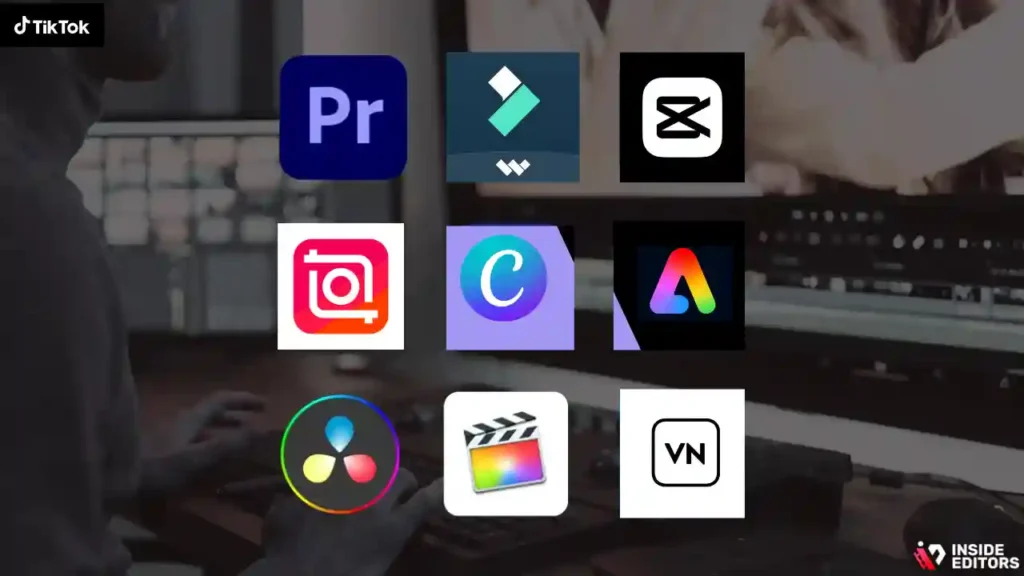
| Editor | Platforms | Standout AI/Automation | Captions | Audio Cleanup | Color Tools | Templates/Brand Kits | Who It’s For |
| CapCut | iOS/Android/Win/Mac | Beat sync, auto cut, reframing | Strong | Basic-Good | Basic | Strong templates | Fast, trend-driven creators |
| Premiere Pro/Rush | Win/Mac/iOS/Android | Text-based editing, transcription | Excellent | Excellent (with tools) | Advanced | Strong via Adobe ecosystem | Brands, agencies, pros |
| DaVinci Resolve | Win/Mac/Linux | Neural tools, smart masking | Good | Excellent (Fairlight) | Best-in-class | Limited templates | Signature look, high polish |
| Final Cut Pro | Mac/iPad | Voice isolation, scene edit detect | Good | Good | Good | Plugins & titles | Apple-centric solo creators |
| VN | iOS/Android/Win/Mac | Basic auto cuts | Decent | Basic | Basic | Light templates | Beginners on a budget |
| InShot | iOS/Android | Quick trims, social-first | Decent | Basic | Basic | Good for social | Casual/SMBs |
| Filmora | Win/Mac | Silence detection, beat markers | Good | Good | Fair | Good | Non-technical editors |
| Adobe Express/Canva | Web/iOS/Android | Template automation, resize | Good | Basic | Basic | Best for brand kits | Social teams, marketers |
Tip: If you need one tool that “just works” on phone and desktop with minimum fuss, start with CapCut. If you want total control, better audio, and scalable collaboration, go Premiere Pro or Resolve. If you’re deep in Apple land, Final Cut’s speed is tough to beat.
What beginners get wrong (and how to fix it fast)
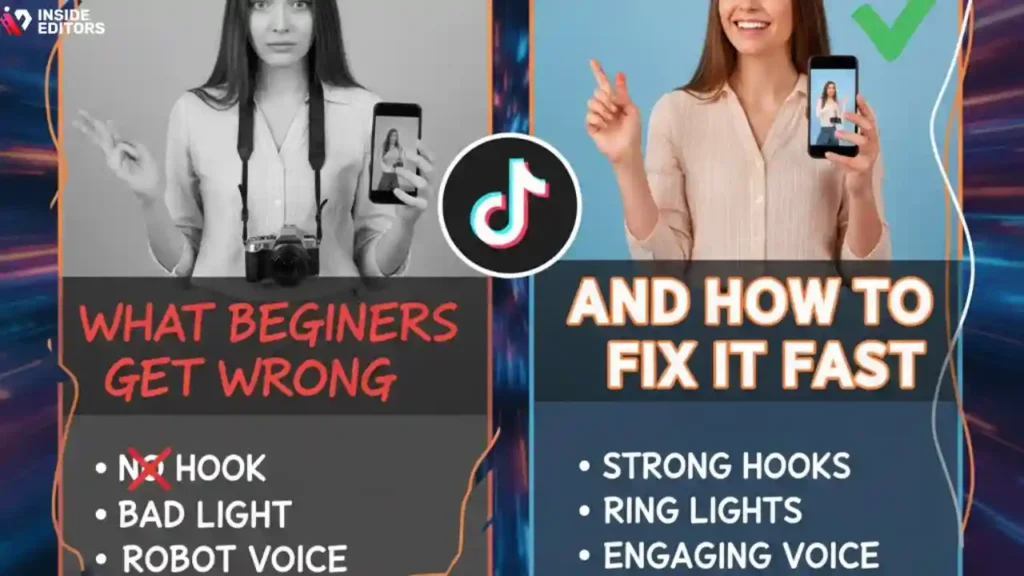
Over-editing the timeline instead of clarifying the story
Fancy transitions can’t save a confusing message. If your video feels flat, write a crisper hook and remove anything that doesn’t serve the payoff. Keep cuts simple, let captions do the heavy lifting, and use B-roll to illustrate-not distract.
Ignoring audio and captions until the end
Most viewers are on mobile speakers or watching with captions. Clean your voice early, then style captions to match your brand. It’s the simplest tweak with the biggest impact on retention and shares.
Buyer’s guide: how to choose best tiktok video editing software you won’t outgrow
Match the tool to your publishing rhythm
If you post daily, pick the editor that feels frictionless the moment you touch it; speed beats depth. If you post weekly but want a premium look, go for pro controls so you can shape tone, color, and sound precisely. If you work with clients, prioritize collaboration, versioning, and brand kits that keep feedback tight.
Think beyond this month’s goals
It’s normal to start on a free app and upgrade as your skills rise. What matters is momentum. Choose a tool that fits today and won’t block your next step-like moving from mobile to desktop or from single-editor to team workflow. When in doubt, test two tools on the same 30-second script and time yourself from import to export. The one that “disappears” while you work is the right choice.
Inside Editors’ take: when to bring in a professional team
Editing is leverage-when it’s worth outsourcing
Even with great tools, editing can eat your week, especially if you manage clients, sponsors, or a busy content calendar. A professional editor turns raw ideas into a story that lands-tight pacing, brand-true graphics, and audio that sounds studio-clean. If you’re juggling growth and quality, consider handing off the heavy lifting so you can focus on writing and filming.
How we help creators, brands, and courses scale
At Inside Editors, we build repeatable systems: shared brand kits, caption styles, color looks, and review loops that keep teams aligned. Whether you’re polishing product explainers or scaling a series, our specialists deliver consistency that algorithms (and audiences) reward. When you’re ready, explore our social media video editing services or jump straight to TikTok video editing services-we’ll meet you where you are.
Troubleshooting the most common TikTok quality issues
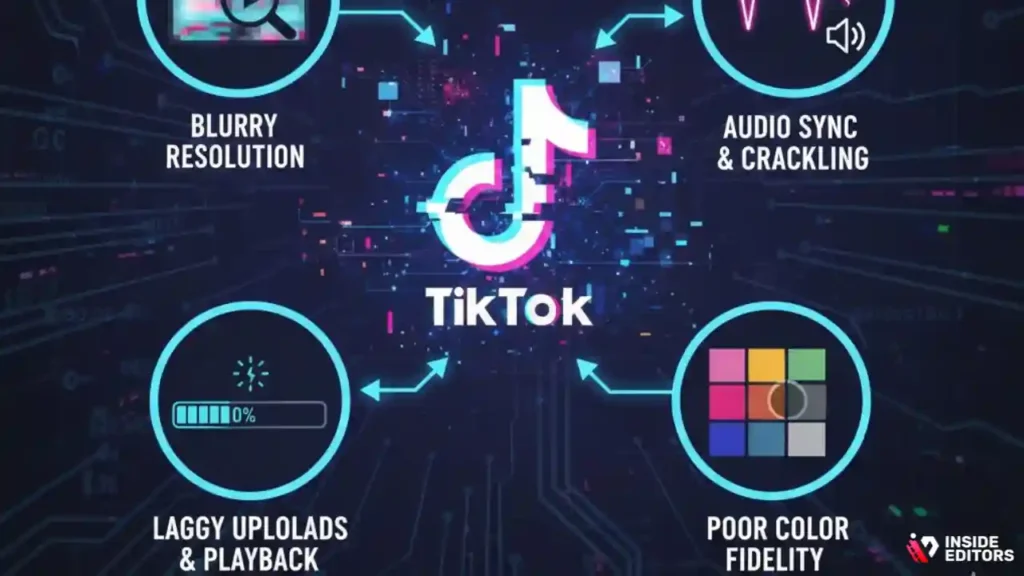
“Why does my text look blurry?”
Blurry text usually comes from scaling or compression. Keep fonts large and high-contrast, export at 1080×1920, and avoid uploading screenshots of text. If you design overlays in another app, export them as PNGs with transparency at native resolution. Before posting, preview on your phone-if captions are borderline small on a 6-inch screen, they’ll suffer on older devices.
“My audio sounds thin or hissy.”
Mobile speakers are unforgiving. Normalize dialogue to a consistent loudness, cut low-frequency noise with a high-pass filter around 80–100 Hz, and tame harshness around 3–5 kHz with a gentle EQ dip. Add subtle compression so peaks don’t jump. If room noise persists, apply light noise reduction-avoid heavy settings that create watery artifacts.
“Colors shift after upload.”
Color shifts often appear when mixing HDR capture with SDR exports. If your phone records HDR by default, try disabling HDR for predictable results or convert HDR to SDR at export with proper tone mapping. Keep your grade modest: strong saturation and crushed blacks can look worse after platform compression.
Collaboration without chaos: how teams stay in sync

Shared assets, version control, and feedback loops
Whether you’re a two-person channel or a marketing team, the fastest way to lose time is hunting for assets. Store brand kits-fonts, logos, color presets-where everyone can access them, and name files like you expect a stranger to find them. Use comments or markers inside the timeline for edit notes; they preserve context better than email threads. Final delivery dates should be tied to script-lock, not vague “end of week” promises.
Advanced tactics that lift watch time and shares
Edit to the breath, not just the beat
Cutting on breaths in dialogue feels natural and speeds pacing without seeming rushed. Drop music to near-silence under key lines and bring it back at transitions. These micro-dynamics keep attention in noisy feeds.
Design captions like UI
Treat captions as interface elements: consistent margins, safe zones, and hierarchy. Use bold or color to emphasize nouns and verbs, not entire sentences. Your goal is skimmability-viewers should grasp meaning even with sound off.
Reframe for multi-platform with intent
When you repurpose a clip for Shorts or Reels, avoid auto-cropping everything. Reframe important moments manually so the subject and captions sit in the visual “hot zone.” One thoughtful reframe beats ten auto-resizes.
Final take: choose momentum over perfection
You don’t need the most complex suite to make great short-form video. You need a repeatable system, a tool that fits your rhythm, and habits that protect your time. Start with the editor that removes the most friction today, build a simple brand kit, and iterate. As your ambitions grow, step up to deeper controls. By then, you’ll know exactly why you’re upgrading-and what results you expect.
FAQs: Best TikTok Video Editing Software 2025
1. Is Inside Editors’ TikTok video editing service trustworthy?
Yes – Inside Editors is a verified professional editing team with published work across major platforms. Every project follows a transparent process with client approval at each step, ensuring trust, data privacy, and creative alignment. You always own 100% of your finished videos and source files.
2. What quality standards can I expect from your editors?
Our editors use professional-grade TikTok video editing software like Premiere Pro, DaVinci Resolve, and CapCut Pro. Each video passes through color grading, sound balance, and caption checks before delivery. We maintain consistent tone, pacing, and clarity that align with your brand’s visual identity.
3. How do revisions work?
All editing packages include at least two free revision rounds. Minor fixes (like text or timing tweaks) are usually completed within 24 hours. For larger creative changes, turnaround may extend slightly depending on video length and complexity – but we never limit communication until you’re satisfied.
4. Who owns the edited videos after delivery?
You retain full ownership of all final videos, project files, and assets once the invoice is settled. Inside Editors does not reuse or resell any client footage. We can securely archive your project files for up to six months if you’d like easy future revisions.
5. How do you protect client privacy and data?
We work under strict NDAs and use encrypted storage for all footage transfers. Only assigned editors access your files. Once projects are complete, all media is securely deleted or returned upon request – ensuring total confidentiality throughout your editing workflow.
6. How does DIY editing compare with hiring professionals?
DIY tools like CapCut and InShot are great for quick posts, but professional editing delivers narrative, pacing, and polish that drive retention. Our editors combine creative direction, audio mastering, and brand consistency – using TikTok video editing software tuned for algorithm-friendly results.
7. What are your pricing ranges and what’s included?
Typical packages start at $80–$300 per video, depending on length, complexity, and requested extras such as captions, subtitles, or color grading. Every plan includes consultation, two revisions, and delivery in TikTok-optimized formats. Custom retainers are available for recurring content creators.
8. What’s the usual turnaround time?
Standard delivery runs 3–5 business days per video. Rush delivery (within 24–48 hours) is available for short clips or time-sensitive campaigns. Timelines depend on total runtime, revision scope, and client feedback speed – we communicate clearly at every milestone.
9. How do I start working with Inside Editors?
It’s simple: upload your raw footage and reference notes through our secure portal, then pick your editing tier. We’ll confirm specs, share a first draft within days, and revise based on your feedback. Explore full details on our TikTok video editing services page.


