

Why strong TikTok editing matters more than ever
Short-form video now sets the standard for attention
Across marketing reports, one pattern keeps showing up: short-form video isn’t just popular, it’s leading the pack for reach and ROI. HubSpot’s 2024 video marketing data shows short-form as the top format marketers lean on, with many planning to increase their budgets for it. HubSpot Other studies report that a majority of marketers say short videos help them win new customers and that a huge share of video ads are now under 30 seconds.
What does that mean for you as a creator or brand? It means your audience is already primed to consume punchy, fast-moving content – and they’re subconsciously comparing your editing quality to the best they see on their For You Page. Strong editing doesn’t just make your videos look nice; it keeps people watching long enough for your message, offer, or personality to land.
What makes TikTok editing feel different from other platforms
TikTok’s algorithm is ruthlessly focused on viewer behaviour: watch time, replays, shares, profile taps, and how quickly someone scrolls away That means the way you cut, time, and structure your edits is directly tied to how often TikTok decides to push your content to new viewers.
Compared to platforms like YouTube, TikTok rewards:
- Faster hooks in the first 1–3 seconds
- Tighter pacing with fewer “dead” moments
- Visually obvious changes: jump cuts, text, motion, and on-beat transitions
So when you follow any tiktok video editing tutorial, you’re not just learning software buttons. You’re learning how to shape attention – second by second – so the algorithm has more reasons to keep showing your video.
As we go through the five tutorial paths below, keep that in the back of your mind: editing is really “attention choreography.”
Laying the groundwork before you ever open an editor
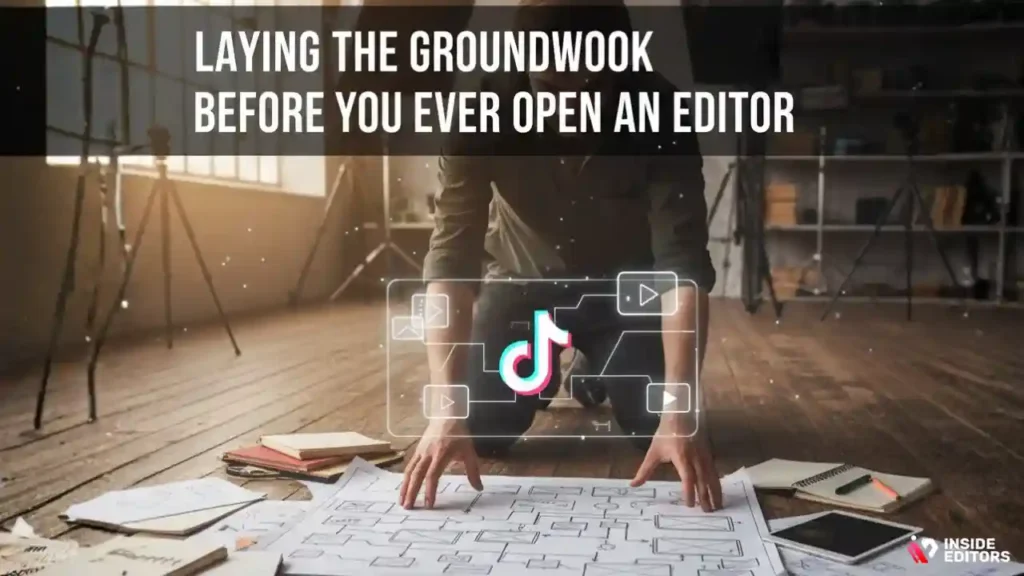
Planning your story, hook, and outcome
Before you touch an editing app, it helps to know exactly what you’re trying to make. Ask yourself three simple questions: What’s the main idea? What’s the hook? What should viewers do or feel at the end? A “how to transition outfits” video might aim to surprise viewers, while a “how to film smoother B-roll” clip wants to educate and build trust.
Jot down a rough outline: a quick hook, 2–4 key beats, and a closing moment or call-to-action. This doesn’t need to be a script, but having a structure makes editing much easier later. Many creators find that once they know their key beats, they naturally film better coverage: close-ups, wides, behind-the-scenes moments, and reaction shots that give you more to work with in the timeline.
Shooting with the edit already in mind
If you’ve ever reached the edit and thought “I wish I had one more angle here,” you know how painful poor coverage can be. Shooting with editing in mind means you deliberately capture:
- A clear opening shot that can carry your hook
- A few alternative takes in case your favourite line doesn’t land
- Extra B-roll you can overlay during trickier voiceover sections
This is where a beginner often saves the most time. Instead of fighting low-quality, shaky footage in the editor, you give yourself clean ingredients from the start. If you want a deeper dive into filming fundamentals for social content, you can explore more guidance on the Inside Editors blog and services hub, where we break down camera, audio, and storytelling basics in more detail.
Once you have good raw footage and a simple plan, you’re ready to choose your editing path.
Tutorial Path 1: Fast in-app TikTok editing when you need speed
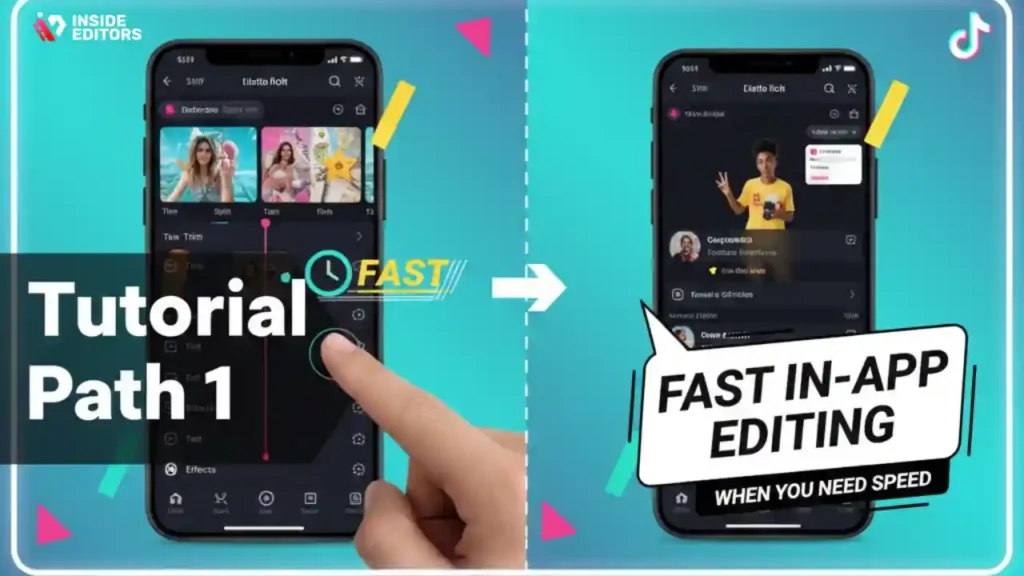
When TikTok’s built-in editor is more than enough
For a surprising number of videos – especially trends, reactions, lip-syncs, and simple talking-head tips – TikTok’s native editor is all you need. You can trim clips, reorder them, change speed, add text, stickers, filters, sounds, and basic transitions directly in the app. TikTok’s own help center walks through these tools in detail, which is a useful reference if you’re ever unsure where a particular feature lives.
The advantage here is speed. You can film, edit, and post in a single session on your phone. That’s ideal for creators riding trending sounds or responding quickly to comments, where being early matters more than having the most cinematic colour grade.
A simple in-app tiktok video editing tutorial you can repeat
Here’s a repeatable workflow you can use entirely inside TikTok:
- Import or record your clips and drag them into the order of your storyline. Trim aggressively so the first second immediately shows movement or a strong visual.
- Align your cuts with audio beats or natural pauses. Even a simple clap or a word emphasis can be a good cutting point.
- Add text for context, especially in the first 3 seconds. Many viewers watch on mute initially, so on-screen text should tell them why to stay (“3 editing tricks nobody tells beginners”).
- Layer in effects sparingly. A bit of motion blur or a single transition is powerful; ten different transitions in 15 seconds is just distracting.
- Preview your video without sound to check that the story still makes sense visually.
If you repeat this process for a week, you’ll start to feel how tiny timing changes – half a second earlier here, a shorter pause there – affect retention. That sensitivity is what separates casual TikTokers from editors who understand how to craft watchable content.
Tutorial Path 2: Using CapCut and other mobile apps for extra polish
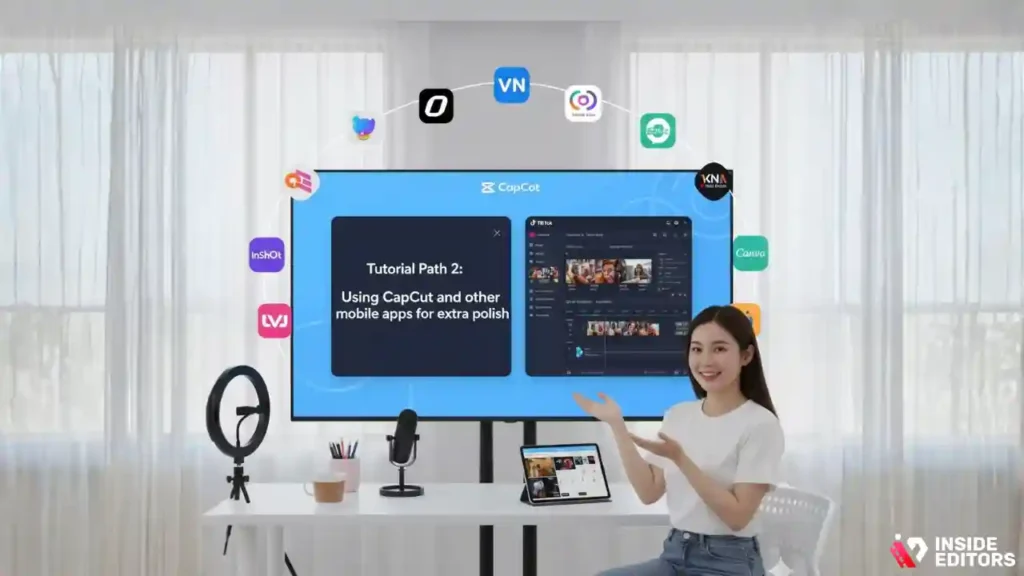
Why mobile editing apps are a natural next step
Once you’re comfortable with basic in-app edits, you may notice their limitations: fewer advanced transitions, less control over colour, and difficulty managing longer sequences. That’s where mobile apps like CapCut, VN, InShot, and others come in. They’re still phone-first and beginner-friendly, but they unlock multi-layer timelines, better text styling, and more control over speed ramps and masks.
For many creators, CapCut has become the default companion to TikTok. You can design complex transitions, export clean videos without TikTok’s watermark, then upload the final version to multiple platforms. This is especially useful if you also share content on Instagram Reels, YouTube Shorts, or Facebook – or if you run campaigns alongside a professional social media video editing service and want your own edits to match that standard.
A practical mobile workflow from raw footage to final post
A simple, repeatable mobile workflow looks like this:
- Organise your clips in your phone gallery. Rename or favourite key shots so you don’t waste time hunting later.
- Import into CapCut (or similar) and build your main timeline: drag clips in order, trim tight, and remove obvious mistakes or dead air.
- Add music and sound design. Many beginners stop at background music, but subtle sound effects – whooshes on transitions, button clicks, or ambience – add a surprising amount of perceived quality.
- Layer text, emojis, and graphics to support your story. Highlight key phrases, steps, or punchlines, but keep the screen clean enough that the main action is always clear.
- Colour-correct and export. Even basic adjustments to exposure, contrast, and saturation can make footage feel intentionally styled rather than accidental.
Over time, you’ll build reusable presets: favourite fonts, colour looks, and motion templates. That’s how advanced creators manage to post consistently without spending hours on every single clip. If this still feels overwhelming, it’s completely fine to start with templates inside CapCut, then gradually customise them as your confidence grows.
Tutorial Path 3: Desktop editors for creators building a serious brand
When it’s time to move from phone to computer
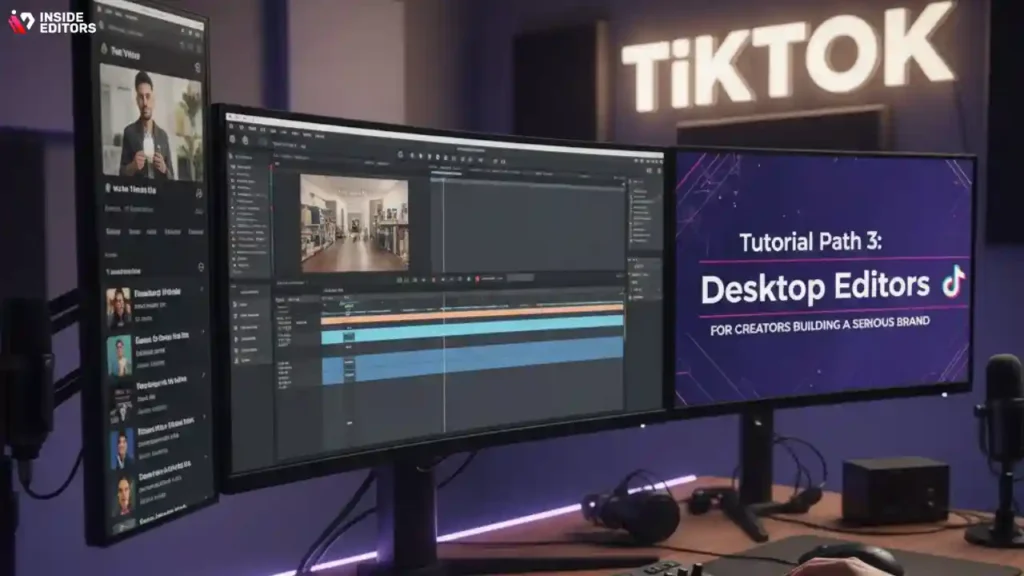
At some point, you may outgrow mobile apps. Maybe you’re juggling brand deals, long-term series, or multi-camera shoots. Maybe you want the sound, colour, and motion-graphics control used in professional campaigns. This is where desktop editors like Adobe Premiere Pro, DaVinci Resolve, and Final Cut Pro shine. They offer deeper control and better organisation for serious content pipelines.
Marketers increasingly treat TikTok as a key brand storytelling channel, not just a place for spontaneous clips. As video marketing as a whole has matured, a large majority of marketers continue to invest in it and report strong results from consistently high-quality video content. If you’re using TikTok to support a product launch, online course, or e-commerce brand, the extra control of desktop tools is often worth the learning curve.
Comparing popular editing tools and where Inside Editors fits in
Here’s a simplified comparison to help you see where different tools (and services) sit in your workflow:
| Option | Best For | Strengths | Limitations |
| TikTok in-app editor | Trendy, fast posts | Quick trims, sounds, basic text and effects inside the platform | Limited layers, harder to manage complex projects |
| CapCut / VN (mobile) | Creators needing more polish on phone | Multi-layer timelines, transitions, text styles, templates; easy export | Can feel cramped on small screens; complex projects get fiddly |
| Premiere Pro / DaVinci / Final Cut | Brands, agencies, serious creators | Precise control, colour grading, audio mixing, integration with other tools | Steeper learning curve; requires stronger hardware |
| Inside Editors services | Creators and brands who want pro results without editing themselves | Expert editors, consistent brand look, strategic advice; frees your time | Not software you “own”; you collaborate instead of pushing every button yourself |
A desktop-based tiktok video editing tutorial will usually cover topics like proper project setup, naming conventions, sequence settings for vertical video, audio mixing, and colour grading. If you decide that’s the level you want but you don’t have the time to master everything, you can always lean on a professional team like ours at Inside Editors to build that pro look with you.
Tutorial Path 4: Turning your TikTok edits into a content engine
One video, many outputs: thinking beyond a single post
Once you’re comfortable editing a single TikTok from start to finish, the next level is learning how to turn one idea into many pieces of content. Instead of treating every video like a one-off, imagine each shoot as a mini content session. You might film a main tutorial, a behind-the-scenes angle, a couple of blooper takes, and a short “tip of the day” version. All of that can come from the same setup and outfit, but it gives you a lot more to work with when you sit down to edit.
This mindset makes every tiktok video editing tutorial you follow more valuable, because you’re no longer just learning to create one video. You’re learning to build a small library of short clips that can support different goals: growth, nurturing your existing followers, or gently promoting your offer or service. When you start to see each shoot as a batch instead of a single clip, the pressure to make every video “perfect” drops and your overall quality rises.
Repurposing for Reels, Shorts, and other platforms
The beauty of vertical short-form is that you can use similar edits across multiple platforms with only small adjustments. A polished TikTok can usually be re-exported for Instagram Reels, YouTube Shorts, Facebook, or even embedded on a landing page. The key difference is how each platform handles text, cropping, and captions. For example, Instagram overlays UI elements in slightly different places than TikTok, and YouTube Shorts has its own way of displaying titles.
When you’re editing, try to keep essential text and important faces in the centre “safe zone” so they’re not covered by buttons or captions on other apps. Some creators even create two exports: one with native TikTok text and one cleaner version with no platform branding, ready for cross-posting. If you’re building an entire content strategy, you may find it helpful to partner with a specialist team like Inside Editors’ social media video editing services, who can set up templates tuned for each platform so your brand stays consistent everywhere.
Tutorial Path 5: A TikTok video editing tutorial that starts with analytics
Reading your retention graph like a roadmap
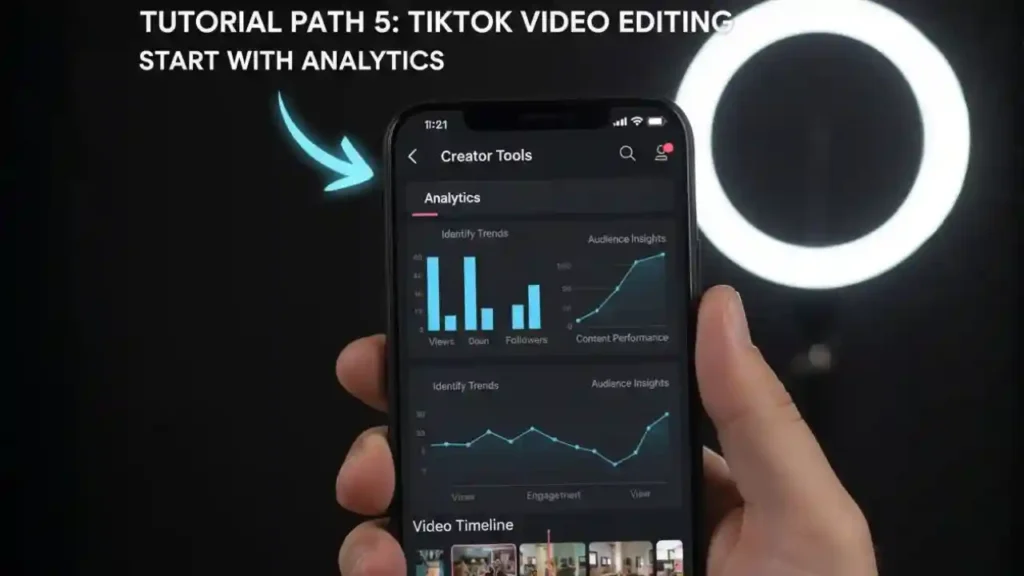
At some point, simply “going with your gut” in the edit stops being enough. You might notice some videos do far better than others, even when they feel similar. That’s where analytics come in. Inside TikTok’s analytics dashboard, you can see how long people watched, where they dropped off, and whether they rewatched or shared your video. Instead of treating those numbers as a judgment, treat them as clues.
If you see a sharp dip at the 3-second mark, it often means your hook was confusing or too slow. A gradual slide might mean the video is a bit long, or the pacing flattens out in the middle. When you combine a practical tiktok video editing tutorial with these observations, your next edit becomes an experiment: “What happens if I tighten the intro by one second?” or “What if I show the transformation first and explain later?” Over time, you build your own data-driven intuition rather than copying someone else’s style blindly.
Using data to plan your next round of content
Analytics are also great for deciding which ideas to double down on. Maybe you notice that quick “3 tips in 15 seconds” videos have shorter watch time but higher shares, while slightly longer behind-the-scenes clips get more comments and saves. That tells you that your audience responds differently to different formats. Instead of guessing what to make next week, you can plan a mix: some tip-driven content to reach new people, plus deeper mini-tutorials that build trust with those who already follow you.
You can even track how your editing changes affect performance over a month or two. As your videos get tighter, clearer, and more visually intentional, you’ll likely notice more consistent watch time and repeat views. If you also use other forms of video – maybe you teach via online courses or webinars – you might explore specialised support like online course video editing services to keep your long-form and short-form content aligned.
How Inside Editors collaborates with TikTok creators and brands
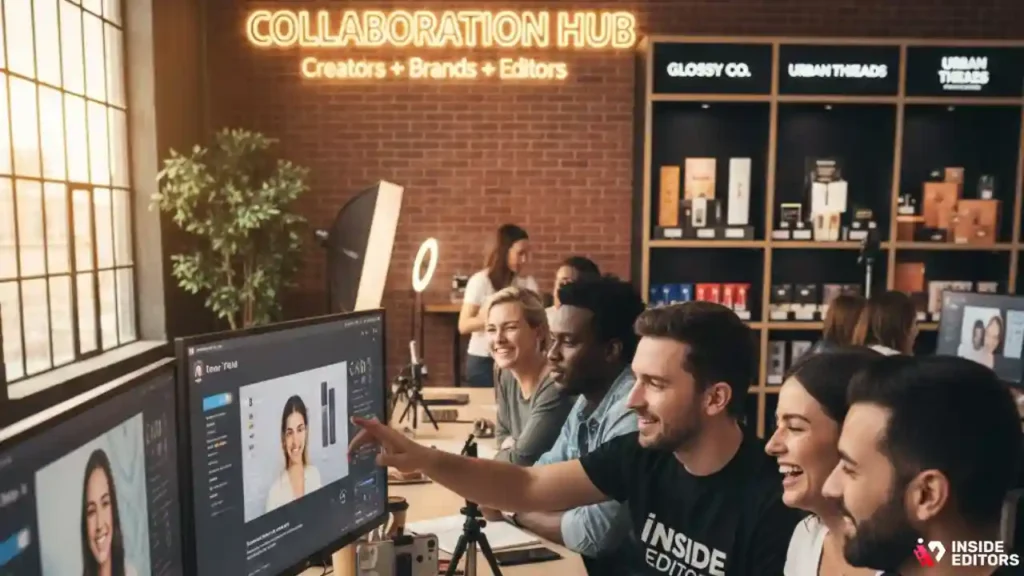
At Inside Editors, we approach TikTok and other short-form platforms as part of a bigger storytelling ecosystem. Instead of just taking your clips and throwing transitions on top, we look at the bigger picture: your niche, your voice, your goals, and where your videos will live beyond TikTok. That might mean crafting hooks tailored to your audience, ensuring your edits feel consistent across platforms like Facebook and Instagram, or building reusable templates that speed up future campaigns.
If you create fashion, beauty, or lifestyle content, you might pair regular TikTok edits with more polished lifestyle video editing or makeup video editing for longer-form pieces. If you sell products, your scroll-stopping clips can feed into Amazon video editing or Facebook video editing that matches the same look and feel. The goal is simple: turn your raw ideas into a consistent, recognisable style that audiences trust.
You’re always in control of the creative direction. We simply bring the technical expertise, the time, and the pattern recognition that comes from working with many different creators and brands. If you’d like to explore that kind of collaboration, you can always get in touch with Inside Editors for a friendly, no-pressure chat about what you’re trying to build.
Bringing it all together: choosing your next editing step with confidence
From first cuts to a sustainable editing workflow
By now, you’ve walked through five key tutorial paths: fast in-app TikTok edits, more advanced mobile workflows, desktop-level control, repurposing and analytics, and finally, collaborating with a professional editor. Each path is valid. The “right” choice depends less on what other creators are doing and more on where you are in your journey, how much time you have, and how important TikTok is to your larger goals.
If you’re just starting, focusing on in-app edits and simple mobile tools is a smart way to build consistency. As you grow, you can layer in better sound, colour, and motion design, plus data-driven tweaks based on your analytics. At any stage, a well-structured tiktok video editing tutorial can help you sharpen your skills – but the real transformation happens when you apply those lessons repeatedly and treat each video as a small experiment.
Final thoughts: your editing journey doesn’t have to be lonely
You don’t need to do everything on your own
Learning to edit TikToks well is a bit like learning a musical instrument. At first, you’re just trying to hit the right notes: cropping vertically, trimming accurately, adding text. Then you start to understand rhythm, timing, and dynamics – when to cut fast, when to let a moment breathe. Eventually, you develop a style that feels like you. That journey takes time, but it’s also one of the most rewarding parts of content creation, because you see your ideas become real in a way that people can feel.
Along the way, it’s completely normal to look for help. Sometimes that help is a clear, step-by-step tutorial. Sometimes it’s a friend giving honest feedback. And sometimes, especially when you’re juggling clients or running a growing brand, it’s a professional editor or team stepping in to share the load. If you ever reach that point, Inside Editors is here to collaborate with you, not replace your voice – shaping your footage into stories that feel true to who you are.
FAQs : Quick TikTok Editing Tutorial
1. How do I start learning TikTok video editing as a beginner?
The simplest way to learn is by following a step-by-step tiktok video editing tutorial and practicing with short clips. Begin with basic actions like trimming, adding text, and syncing audio. As you grow comfortable, experiment with templates in CapCut or TikTok’s built-in tools. Focus on one small skill at a time to avoid overwhelm and build confidence gradually.
2. Is it better to edit TikTok videos myself or hire a professional editor?
DIY editing gives you full creative control and is great for quick trends or personal posts. A professional editor delivers higher consistency, stronger storytelling, and advanced techniques like color grading or sound design. If you need polished videos for business, ads, or brand deals, pro editing often saves time and boosts results. Many creators use a hybrid approach depending on the project.
3. How much does professional TikTok video editing usually cost?
Pricing varies based on length, complexity, and revision needs. Basic edits often range from $40–$120, while premium packages with motion graphics or custom effects can reach $150–$400+ per video. Most services include trimming, captions, color correction, and audio balancing, while extras like 3D effects or multiple versions cost more. Always confirm what’s included before ordering.
4. How long does it take to edit a TikTok video professionally?
A standard edit typically takes 24–72 hours, depending on footage quality and requested effects. Simple talking-head videos may be completed the same day, while advanced transitions or multi-angle footage require longer. Many teams offer rush delivery for an added fee. Turnaround also depends on timely client feedback and whether revisions are needed.
5. What should I prepare before sending footage to an editor?
Organize clips into folders, label key takes, and include notes on the storyline, hook, or preferred editing style. Adding reference videos or previous TikTok posts helps the editor match your tone. Make sure your footage is high-resolution and stable. Clear instructions reduce revision cycles and help your editor deliver faster, more accurate results.
6. Do I own the rights to my TikTok videos if someone else edits them?
Yes – reputable editors allow full content ownership. You retain rights to your footage, final edit, and any custom elements created for you. The editor may keep non-sensitive samples for their portfolio only with permission. Always check the service agreement to ensure licensing, usage rights, and watermark policies are clearly defined.
7. Are my files safe when working with a professional editing service?
Reliable editors use secure upload portals, encrypted storage, and strict privacy practices. Your raw clips and final videos are kept confidential and deleted on request. If you’re handling brand materials or unreleased product content, ask about NDAs or private-link storage. Privacy is a common concern, and trusted services address it proactively.
8. Which tools do professionals use for TikTok video editing?
Editors often blend mobile apps like CapCut with desktop software such as Adobe Premiere Pro, DaVinci Resolve, or Final Cut Pro. Each tool excels at different tasks – CapCut is fast for social-first edits, while desktop programs offer deeper control over color, audio, and motion design. The right tool depends on video goals and complexity.
9. Why do some TikTok videos look more “cinematic”?
Cinematic videos usually combine smooth motion, clean cuts, intentional color grading, and better audio design. Even subtle adjustments-like boosting contrast, using natural light, or adding sound effects-can elevate a simple clip. This doesn’t require expensive gear; it comes from editing choices. Following a detailed tiktok video editing tutorial can help you recreate those looks.
10. How many revisions should I expect with a professional TikTok edit?
Most editing services include 1–3 revision rounds, enough to refine pacing, captions, or color. Major structural changes may count as extra revisions depending on the package. Clear notes and examples help minimize back-and-forth. Revision policies vary, so check whether your plan includes minor tweaks, full reworks, or additional versions for Reels and Shorts.


