

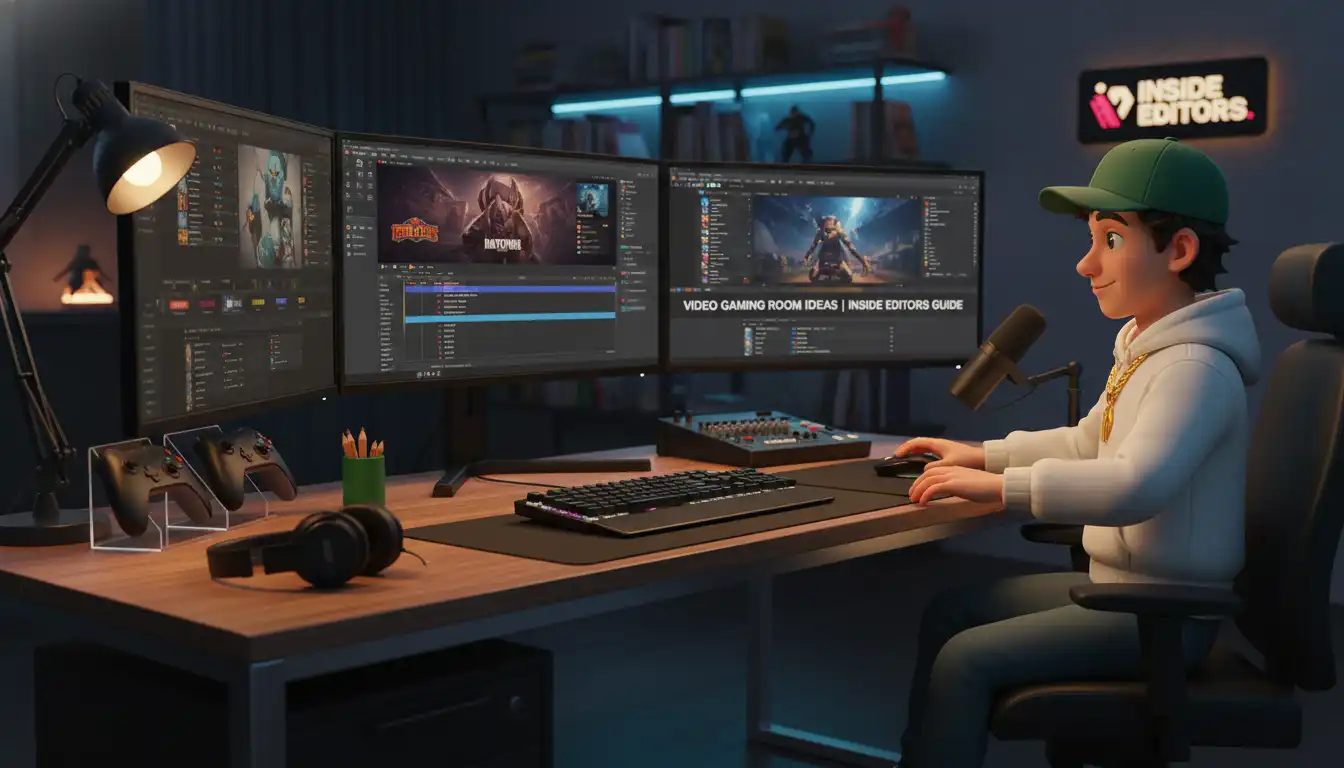
The modern gaming setup is far more than just a console and a screen. It’s a dedicated sanctuary-a space optimized for performance, comfort, and immersion. Whether you are a competitive esports player, a dedicated streamer, or someone who simply enjoys winding down with a single-player epic, designing the perfect gaming environment requires careful planning. This comprehensive guide provides the best video gaming room ideas, focusing on ergonomics, aesthetics, and technology integration to transform any spare room into a high-performance battle station.
In the rapidly evolving world of digital entertainment, the quality of your physical setup directly impacts your gaming experience and even your content creation potential. We will explore everything from essential hardware placement to advanced lighting schemes, ensuring your video gaming room ideas go from concept to reality with professional results.
The Foundation: Ergonomics and Comfort in Video Gaming Room Ideas
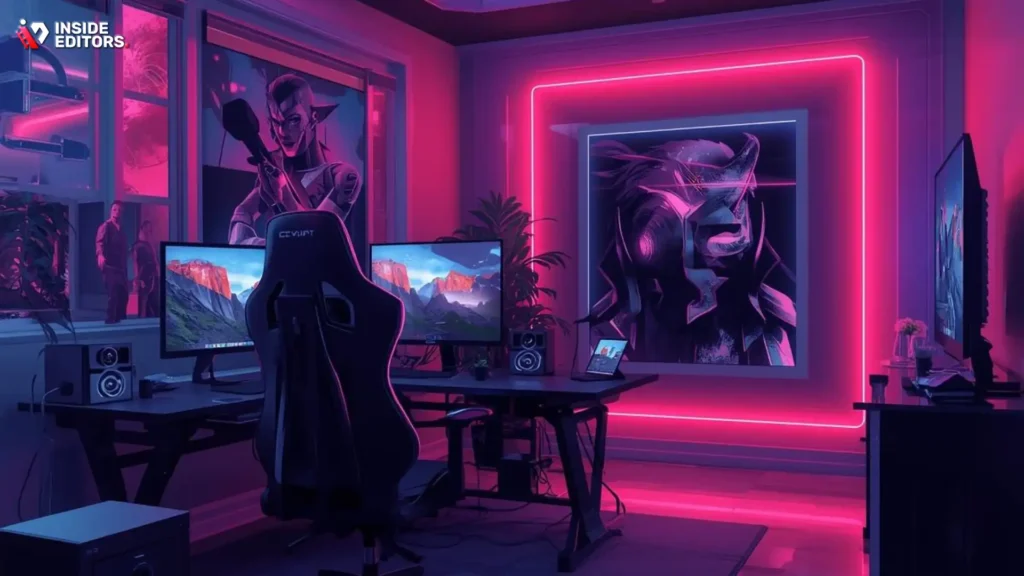
Before diving into RGB lighting and custom wall art, the most critical element of any gaming space is the physical comfort and health of the user. Long gaming sessions demand ergonomic support to prevent strain and injury. Getting the foundation right ensures longevity and better performance.
Choosing the Right Gaming Chair and Desk
The chair is arguably the single most important investment in any gaming setup. Look for models that offer adjustable lumbar support, armrests that move in three or four dimensions (3D or 4D), and high-density foam padding. A good chair aligns your spine and keeps your shoulders relaxed, which is crucial for maintaining focus during intense gameplay.
The desk must accommodate all your equipment without feeling cramped. A depth of at least 30 inches (75 cm) is recommended to allow proper viewing distance from large monitors. Many successful video gaming room ideas utilize standing desks, offering the flexibility to switch posture throughout the day. This simple change can significantly reduce fatigue and improve circulation.
“Ergonomics isn’t a luxury; it’s a necessity for competitive gaming. A poorly configured setup will always be the bottleneck to peak performance.” – Dr. Alan Hedge, Ergonomics Expert
Optimizing Monitor Placement and Viewing Distance
Monitor placement is key to reducing eye and neck strain. The top edge of your main screen should be level with or slightly below your eye line. If you use multiple monitors, angle the side screens gently toward the center to minimize head movement.
The ideal viewing distance is generally 1.5 to 2.5 times the diagonal screen size. For instance, a 32-inch monitor should be placed 48 to 80 inches away. Proper placement prevents eye fatigue and ensures you can take in the entire visual field quickly. Consider mounting your monitors on adjustable arms; this maximizes desk space and allows for quick adjustments based on the game or task at hand.
| Feature | Ergonomic Benefit | Recommendation |
|---|---|---|
| Chair Lumbar Support | Maintains natural spinal curve | Adjustable, high-density foam |
| Desk Depth | Ensures proper monitor viewing distance | Minimum 30 inches (75 cm) |
| Monitor Height | Reduces neck strain | Top edge at or below eye level |
| Footrest | Improves circulation and posture | Adjustable angle and height |
Aesthetic and Immersion: Designing Your Visual Space
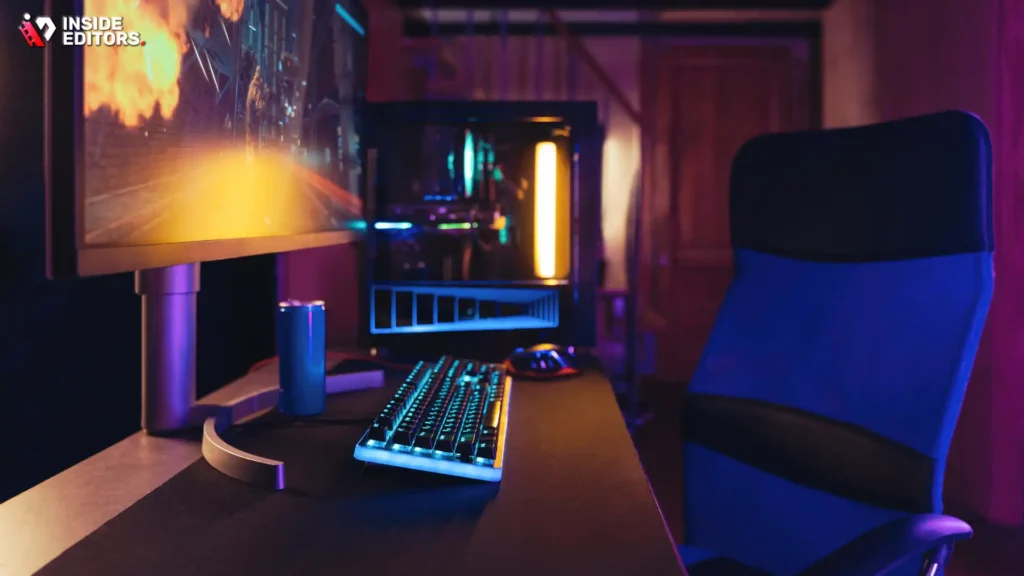
Once the functional components are secure, you can focus on the visual appeal. The best video gaming room ideas seamlessly blend functionality with a personalized aesthetic, creating a truly immersive environment.
Strategic Lighting for Ambiance and Focus
Lighting serves two purposes: reducing eye strain and setting the mood. Avoid harsh overhead lighting. Instead, use bias lighting behind your monitors. Bias lighting reduces the contrast between the bright screen and the dark background, making it easier on the eyes.
RGB LED strips are standard in gaming rooms, offering dynamic color schemes that can react to the game or music. However, don’t overlook practical task lighting. A small, adjustable desk lamp can provide focused light for reading or working without washing out the screen. Warm white light (around 2700K) is often preferred for general ambiance, while cooler light (4000K+) can help maintain alertness during competitive sessions.
Cable Management and Clean Design
A cluttered space creates visual noise and distraction. Effective cable management is crucial for a clean, professional look. Use cable ties, sleeves, and routing channels to hide wires under the desk or along the walls.
A clean aesthetic also contributes to the perceived quality of any video content you might produce. If you are a streamer or content creator, a messy background detracts from your professional image. Investing in a clean setup is one of the most effective video gaming room ideas for content creators looking to build trust and authority.
“A visually clean setup reflects a clear mind. When you eliminate the distraction of clutter, you free up cognitive resources for the game.” – Linus Sebastian, Tech Content Creator
Technology Integration: Hardware and Content Creation
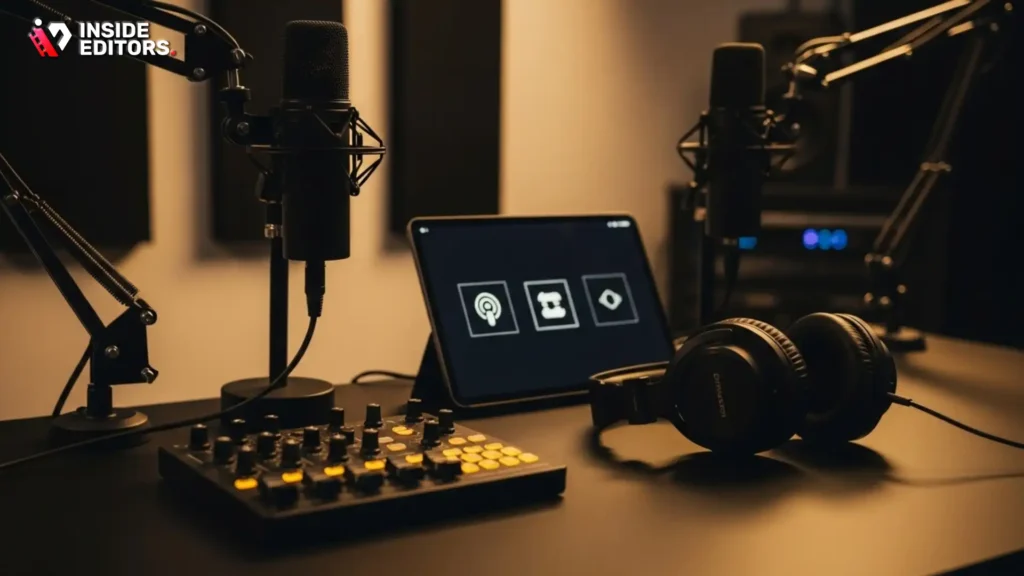
Modern gaming rooms often double as content creation studios. Integrating high-quality audio, video, and streaming equipment elevates the space beyond simple entertainment.
Audio Excellence: Soundproofing and Speaker Placement
High-quality audio is essential for immersion and competitive advantage. Invest in a good pair of studio headphones for critical listening and competitive play. For room audio, consider a 2.1 or 5.1 surround sound system. Place speakers strategically to create a wide soundstage.
If you are serious about streaming or voice communication, sound treatment is necessary. Acoustic panels placed at key reflection points (the walls opposite your speakers and microphone) reduce echo and improve microphone clarity. This ensures that your voice is crisp and professional, whether you are communicating with teammates or recording a voiceover.
The Content Creator Corner
For those generating video content, the gaming room must accommodate professional recording equipment. This includes a dedicated streaming microphone (USB or XLR), a high-quality webcam or mirrorless camera, and key lighting (like a ring light or softbox).
If you are capturing gameplay and commentary, you will need reliable video editing services to polish your final product. Inside Editors offers professional video editing services specifically tailored for content creators, businesses, and marketers. Our professional editing team, with over 10 years of experience, provides fast turnaround times (24-72 hours) and unlimited revisions until you are completely satisfied. This scalable solution allows you to save time, focus on creating content, and ensure a consistent brand style across all your videos. Our affordable pricing, starting at $29 per video, makes professional quality accessible.
Choosing the Right Display Technology
When implementing your video gaming room ideas, the display choice depends heavily on your primary use case:
| Display Type | Target Use Case | Pros | Cons |
|---|---|---|---|
| High Refresh Rate Monitor (144Hz+) | Competitive FPS/Esports | Extremely smooth motion, low input lag | Lower resolution (often 1080p/1440p), less vibrant color |
| 4K OLED/QLED TV | Console Gaming/Cinematic Experiences | Stunning contrast, deep blacks, vibrant HDR colors | Higher input lag, potential for burn-in (OLED) |
| Ultrawide Monitor (21:9 or 32:9) | Immersion/Productivity | Vast screen real estate, highly immersive field of view | Requires powerful GPU, not supported by all games |
The current trend leans toward high refresh rate monitors for PC gaming and large 4K OLED screens for console setups, offering the best balance of performance and visual fidelity.
Advanced Video Gaming Room Ideas: Customization and Future-Proofing
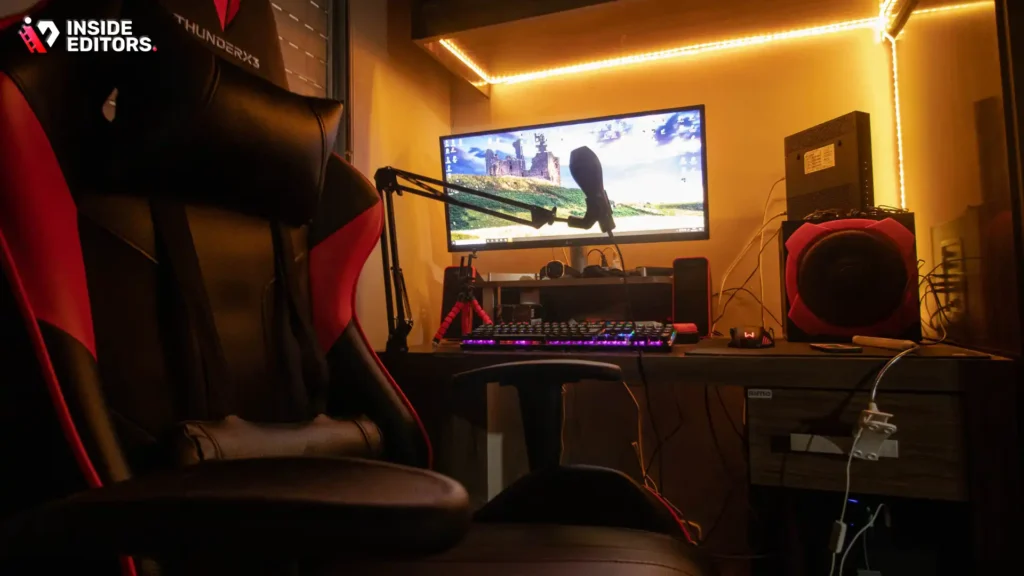
Taking your setup to the next level involves customization that reflects your personality and planning for future technological upgrades.
Integrating Smart Home Technology
Smart home features add convenience and a futuristic flair to your gaming space. Use voice commands or programmed routines to control lighting, temperature, and even power cycling for peripherals.
For example, a single command like “Game Time” could automatically dim the main lights, turn on the bias lighting, set the room temperature, and launch your preferred gaming platform. This level of automation enhances immersion and minimizes interruptions.
Displaying Collectibles and Memorabilia
Your gaming room should reflect your passions. Dedicated shelving, display cases, or wall mounts for collectibles, statues, and memorabilia add character. Use focused spotlighting inside display cases to highlight prized items.
When integrating these elements, remember the principle of balance. Too many items can make the room feel cluttered. Choose a few key pieces to showcase, ensuring they complement the overall aesthetic of your video gaming room ideas.
Pros and Cons of DIY vs. Professional Setup
When planning your video gaming room ideas, you face a choice: handle everything yourself (DIY) or hire professionals for specific tasks like carpentry, lighting installation, or even content post-production.
DIY Setup:
- Pros: Complete control over every detail, lower initial cost, rewarding personal project.
- Cons: Time-consuming, potential for mistakes (especially wiring), results may lack professional finish.
Professional Assistance (e.g., Inside Editors for content):
- Pros: Guaranteed high-quality results, saves significant time, access to expert knowledge (e.g., color grading, audio enhancement).
- Cons: Higher initial cost, less hands-on control over the process.
For content creators, outsourcing the repetitive and technically demanding task of video editing to a service like Inside Editors is often the most strategic choice. You save time and focus on creation, while our professional editors ensure your videos maintain a consistent, high-quality look that builds trust with your audience.
“The best gaming rooms are personalized spaces that prioritize the user experience above all else. If it doesn’t improve comfort or performance, it’s just decoration.” – A professional esports coach, speaking on optimal training environments
Finalizing Your Gaming Sanctuary
Designing the perfect gaming room is an ongoing process, but by focusing on the core principles of ergonomics, aesthetics, and technology, you can create a highly functional and deeply satisfying space. Remember that the goal is not just to have the latest gear, but to create an environment where you can truly immerse yourself and perform at your best.
As you finalize your video gaming room ideas, consider how your space supports your goals. If you are a serious content creator, streamlining your workflow is paramount. Professional services, such as the video editing offered by Inside Editors, can be the critical difference between a hobbyist setup and a scalable, professional operation. We provide the expertise needed to ensure your recorded gameplay and commentary are polished, engaging, and ready for your audience, all with a fast, reliable turnaround.
Definition Box: Bias Lighting
Bias Lighting: Subtle illumination placed behind a display screen (monitor or TV). It reduces the perceived brightness contrast between the screen and the surrounding environment, thereby reducing eye strain and improving perceived picture quality, especially in dark rooms.
Next Steps and Resources
- Measure and Plan: Before purchasing, map out your room dimensions and equipment placement. Use online room planners if necessary.
- Budget Allocation: Prioritize the chair and monitor first, as they directly impact health and performance.
- Content Creation Support: If you plan to stream or upload videos, explore professional video editing services to maintain high production quality without sacrificing your creation time.
“The environment you create dictates the quality of your output. Invest in your space, and you invest in your craft.” – Leading YouTube Content Strategist
Frequently Asked Questions
What is the most important ergonomic item?
The gaming chair is the most critical ergonomic item. It must offer adjustable lumbar support and armrests to maintain proper posture and prevent strain during long sessions. Prioritizing comfort is key to excellent video gaming room ideas.
How can I improve my room’s audio quality?
To improve audio, use acoustic panels to treat key wall reflection points, reducing echo and reverberation. This is essential for clear communication and professional-sounding voiceovers, enhancing your video gaming room ideas.
Should I use a TV or a monitor for gaming?
For competitive PC gaming, use a high refresh rate monitor (144Hz+) for low latency. For cinematic console gaming, a large 4K OLED TV offers superior picture quality and deep contrast.
How do I hide messy cables?
Use cable management solutions like routing channels, sleeves, and zip ties to bundle and conceal wires under your desk and along walls. A clean look is a hallmark of professional video gaming room ideas.
What is bias lighting used for?
Bias lighting is placed behind the monitor to reduce the contrast between the screen and the background. This minimizes eye strain and fatigue, especially when gaming in low-light conditions.
Why should content creators use editing services?
Content creators should use professional editing services to save time and ensure consistent, high-quality video production. Outsourcing tasks like color grading and audio enhancement allows creators to focus on generating new content.
Where should I place my monitor?
The top edge of your monitor should be level with or slightly below your eye line. The viewing distance should be 1.5 to 2.5 times the screen’s diagonal size to reduce neck and eye strain.


