

Crafting Memories That Last Forever
Every wedding tells a story – a swirl of laughter, tears, music, and glances that deserve more than a random montage. Choosing the right wedding video editing software can transform that story from a pile of clips into a timeless memory. But with so many tools promising cinematic perfection, how do you find the one that actually fits your creative goals?
Whether you’re a professional filmmaker or a couple exploring DIY editing, this guide will help you cut through the noise. We’ll compare the top editing platforms, explain which tools make the biggest difference, and show you how professionals like Inside Editors elevate wedding videos from heartfelt to unforgettable.
Understanding What Makes Wedding Editing Special
Emotion Over Effects
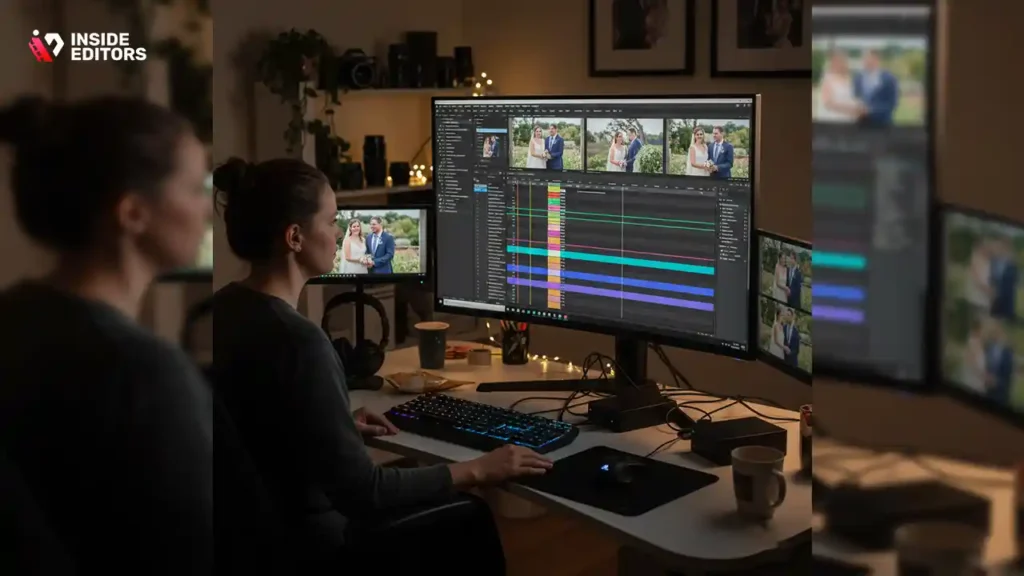
Wedding editing isn’t about flashy transitions – it’s about pacing and emotion. The editor’s goal is to recreate the feeling of the day, not just document it. That’s why the best software balances powerful tools with intuitive workflows. A cluttered interface or slow rendering process can kill creativity faster than a bad camera angle.
Balancing Quality and Efficiency
Time matters in wedding editing. Professionals often juggle multiple projects while managing massive 4K footage files. The best software combines high-quality output with fast exports, automatic color correction, and audio balancing that keeps vows crisp and background music soft. Choosing the right tool saves hours – sometimes days – of post-production.
Matching Tools to Skill Level
Not all editors are the same. A beginner might prefer drag-and-drop simplicity, while professionals look for timeline precision and multi-camera syncing. Understanding your level of expertise helps narrow the field to tools that empower rather than overwhelm.
The Top Contenders for Wedding Video Editing
Adobe Premiere Pro – The Industry Standard
When professionals talk about editing weddings that look like Hollywood films, Adobe Premiere Pro is usually the first name mentioned. It’s the gold standard for flexibility, depth, and integration.
Premiere Pro offers multi-camera editing, Lumetri Color tools for natural-light correction, and advanced audio syncing that keeps multiple speeches in perfect rhythm. Editors can create smooth slow-motion sequences, cinematic color tones, and seamless transitions – all without switching platforms.
Pros
- Deep control over color, sound, and motion graphics
- Integrates with Adobe After Effects for custom animations
- Handles 4K and even 8K footage smoothly
Cons
- Subscription-based pricing can add up
- Steeper learning curve for beginners
For professional studios and creators handling multiple clients, Premiere Pro’s ecosystem is unmatched. But for couples or freelancers on a tighter budget, there are powerful alternatives.
Final Cut Pro – The Mac-Lover’s Powerhouse
If you’re in the Apple ecosystem, Final Cut Pro delivers an editing experience that feels both cinematic and streamlined. Its magnetic timeline eliminates clunky gaps, while Metal engine optimization ensures lightning-fast rendering – a blessing when working with gigabytes of wedding footage.
Editors appreciate Final Cut Pro’s color wheels and HDR support, which make skin tones glow naturally even in mixed-light environments. Its organizational tools, like keyword tagging and smart collections, simplify managing hours of footage from multiple cameras.
Pros
- Lightning-fast performance on Mac
- Intuitive interface for both pros and advanced amateurs
- One-time purchase – no ongoing fees
Cons
- Mac-only (no Windows version)
- Slightly less flexible for third-party plugins
If your workflow already lives in the Apple world – from MacBooks to iPhones – Final Cut Pro makes editing intuitive and powerful, letting you focus on storytelling rather than system setup.
DaVinci Resolve – The Colorist’s Dream
For those who believe that color grading makes the movie, DaVinci Resolve is a dream come true. Originally designed for colorists in Hollywood, it’s evolved into a full-scale editing suite that competes head-to-head with Premiere and Final Cut.
What makes Resolve stand out is its node-based color correction system, giving editors fine-grained control over every shade and highlight. Wedding editors use it to create warm, romantic tones or airy, natural looks that match the day’s mood.
Pros
- Free version includes professional-grade features
- Best-in-class color correction tools
- Integrated Fusion VFX and Fairlight audio systems
Cons
- Can be demanding on system hardware
- Steeper learning curve for new editors
If visual storytelling is your top priority and you have a capable computer, DaVinci Resolve can deliver cinematic wedding videos that feel straight out of a film festival.
CyberLink PowerDirector – Speed Meets Simplicity
Sometimes, editors need quick turnarounds without sacrificing polish. That’s where CyberLink PowerDirector shines. It’s lightweight, easy to learn, and packed with AI-driven tools like sky replacement, motion tracking, and scene detection.
For wedding projects, PowerDirector’s pre-built templates and auto color enhancements help users craft professional-looking results fast. While it may not have the depth of Premiere or Resolve, it’s a perfect balance between functionality and user-friendliness for mid-level creators.
Pros
- Intuitive drag-and-drop interface
- AI-assisted tools speed up workflow
- Affordable one-time pricing options
Cons
- Limited depth for advanced post-production
- Occasional rendering lag with large files
For editors delivering multiple highlight reels or social-media-ready versions, PowerDirector can be a time-saving companion without overwhelming complexity.
CapCut Pro – The Modern Creator’s Choice
In recent years, CapCut Pro has exploded in popularity among content creators – and wedding editors have noticed. Developed by ByteDance (the company behind TikTok), CapCut Pro combines mobile ease with desktop-level sophistication.
Its auto beat-sync, style filters, and cloud storage make it ideal for editors who want to deliver quick, emotionally charged reels. It may not yet replace Premiere Pro for feature-length projects, but it excels in creating teasers, trailers, and short highlight clips that couples love sharing online.
Pros
- Simple interface for fast social-ready videos
- Cloud-based collaboration tools
- Great balance between creativity and convenience
Cons
- Limited advanced audio control
- Subscription required for Pro features
If your goal is to produce wedding reels that captivate audiences on Instagram or TikTok, CapCut Pro brings speed and style to your workflow.
Comparison at a Glance
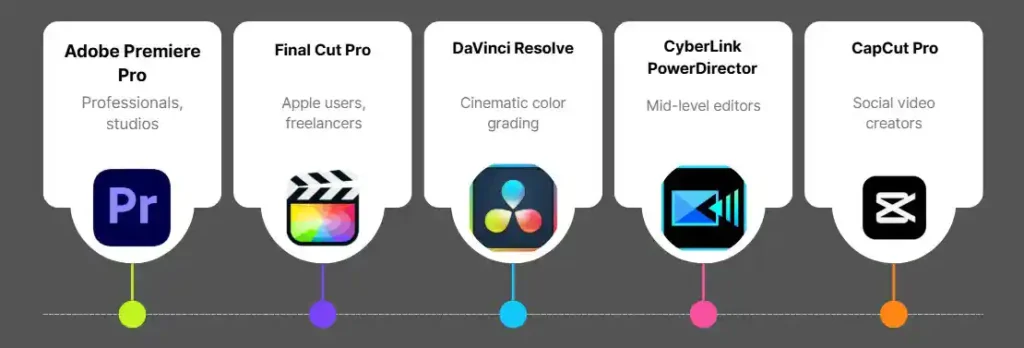
| Software | Ideal For | Key Strength | Pricing Model | Platform |
| Adobe Premiere Pro | Professionals, studios | Full-suite editing + motion graphics | Subscription | Windows / Mac |
| Final Cut Pro | Apple users, freelancers | Fast rendering + intuitive workflow | One-time purchase | Mac only |
| DaVinci Resolve | Cinematic color grading | Free + Studio versions | Free / One-time | Windows / Mac / Linux |
| CyberLink PowerDirector | Mid-level editors | AI features + speed | One-time / Subscription | Windows / Mac |
| CapCut Pro | Social video creators | Beat sync + filters | Subscription | Cross-platform |
Why Choosing the Right Video Editor Saves You Hours of Work
Every software tool promises performance, but the best wedding video editing software isn’t just about power – it’s about fit. If you find yourself spending more time fixing exposure or syncing music than actually crafting stories, your tool may be slowing you down.
Professionals know that choosing the right editor can cut production time in half. For example, Final Cut’s optimized rendering can turn a two-hour export into fifteen minutes, while DaVinci Resolve’s smart caching prevents lag during color correction. These efficiencies mean more time focusing on emotion – not frustration.
The Key Editing Tools That Make Your Wedding Videos Stand Out
Multi-Camera Syncing – The Secret to Seamless Storytelling
A wedding is a symphony of perspectives – the couple’s faces, the guests’ reactions, the ceremony from every angle. Multi-camera syncing tools let you weave these viewpoints together naturally, so your audience feels present in every moment.
Professional editors use sync markers or waveform matching to align shots perfectly, ensuring the kiss, the vows, and the laughter land in unison.
In Adobe Premiere Pro, this feature is nearly automatic. Final Cut Pro takes it further with synchronized clip creation, while DaVinci Resolve lets you match clips by audio waveforms or timecode. The result? No more awkward jump cuts or out-of-sync speeches – just seamless emotional flow.
Color Grading – Painting Emotion With Light
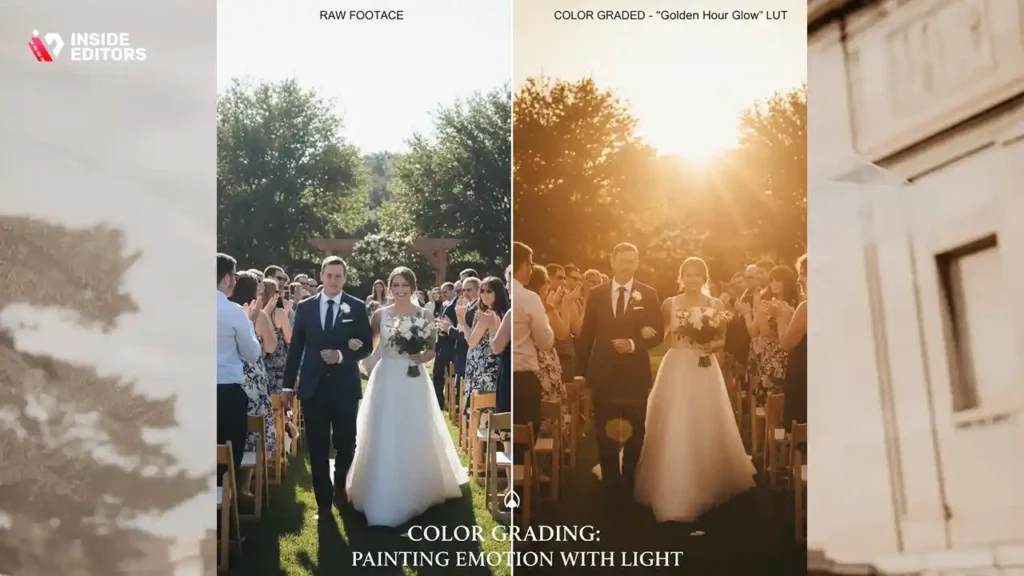
Color can make or break the emotional tone of a wedding film. A warm golden grade evokes nostalgia; a cooler palette feels modern and refined. DaVinci Resolve’s node-based grading offers cinematic precision, while Premiere’s Lumetri Color panel provides intuitive control for quick yet powerful results.
For consistency, professionals create LUTs (Look-Up Tables) – reusable color styles that maintain visual continuity across the ceremony, reception, and highlight reels. A simple LUT can turn uneven lighting into soft, cohesive beauty that feels intentional rather than accidental.
Sound Design – Let the Emotions Breathe
A wedding film’s magic often lives in its sound. The vows, laughter, and ambient music form the emotional backbone. Great software includes tools for noise reduction, auto-ducking (music volume lowering during dialogue), and EQ balancing to ensure speech clarity.
Final Cut Pro integrates Logic Pro audio plugins, while Resolve’s Fairlight suite gives editors broadcast-level control. Even in simpler editors like PowerDirector or CapCut, subtle audio tweaks – lowering wind noise or matching volume levels – can dramatically enhance the storytelling.
Transitions and Motion – From Moments to Memories
Transitions aren’t just for flair; they create rhythm. The best editors use cuts, cross-dissolves, and motion graphics intentionally – not to impress, but to guide emotion. For instance, a slow fade can mirror a romantic glance, while a quick cut amplifies energy on the dance floor.
Premiere and Final Cut both support motion templates, while After Effects integration allows for cinematic title sequences or animated overlays – touches that elevate your film from personal to professional. In contrast, PowerDirector’s prebuilt transitions make creativity fast and accessible for non-professionals.
Why Professional Editors Still Matter in the Age of Smart Software
Beyond Tools: The Human Touch
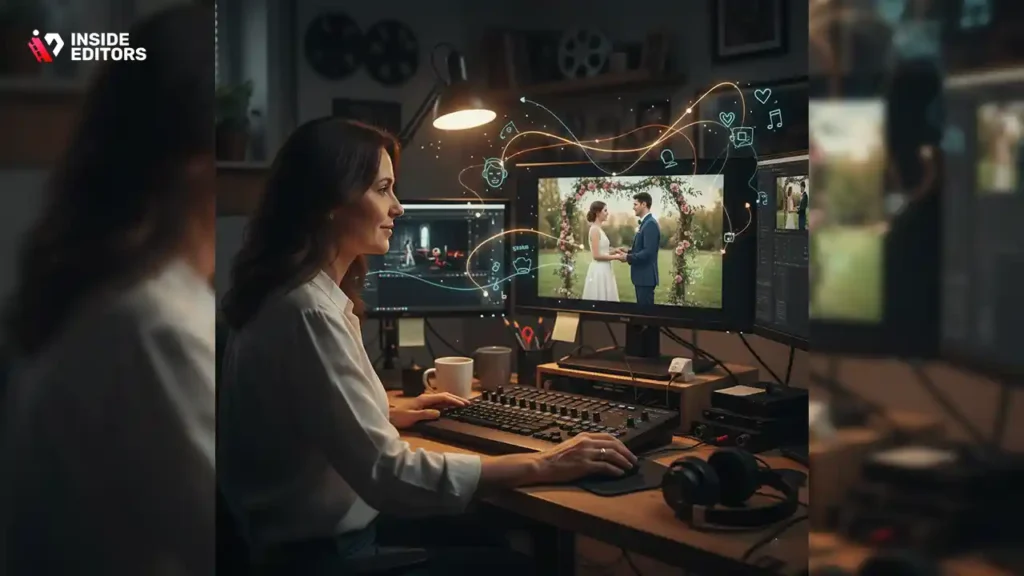
AI-driven features are incredible – but software can’t feel emotion. That’s where professional editors, like those at Inside Editors, make the difference. While algorithms detect patterns, editors interpret emotion. They know when to linger on a glance, when to cut to applause, and when silence says more than words.
Even with the best commercial editing tools, the human touch transforms footage into a narrative. Inside Editors’ specialists blend storytelling instincts with technical precision to deliver wedding films that don’t just play – they move you.
Saving Time Without Sacrificing Quality
Editing wedding videos takes time – sorting through hours of footage, syncing audio, balancing light, and crafting emotional rhythm. Professional editors streamline this process. With tools like Premiere’s proxy editing and Resolve’s smart cache, Inside Editors can manage 4K projects quickly, freeing clients from the complexity of post-production.
Clients often send raw footage shot on everything from DSLR cameras to drones. Inside Editors use industry-standard software to unify formats, stabilize shaky shots, and color-grade each frame to perfection. What might take a week for a solo editor can be delivered in days – ready for sharing or screening.
Tailored Styles for Every Couple
No two weddings are alike – and neither should the videos be. Inside Editors craft styles that match personality and mood, whether it’s a cinematic highlight reel or a documentary-style keepsake. Their editors use custom LUTs, music licensing, and narrative sequencing to match each client’s vision.
As one lead editor notes, “The best editing software gives us control – but creativity comes from knowing what to keep and what to let breathe.” That philosophy defines Inside Editors’ approach: tools enhance craft, but artistry defines the final cut.
Common Mistakes to Avoid When Editing Wedding Videos
Overusing Transitions
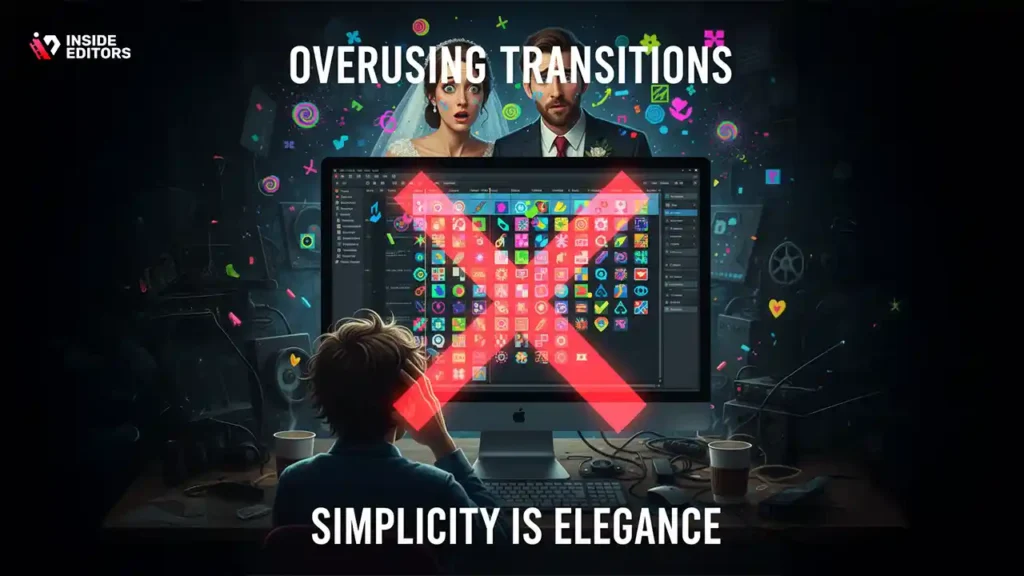
It’s tempting to use every fancy wipe or swirl available, but overdoing transitions can distract from the story. Simplicity is elegance. Professionals rely on subtle fades or natural cuts to maintain immersion. Think of transitions as punctuation – not decoration.
Neglecting Audio Balancing
Beautiful visuals can’t save a poorly mixed soundtrack. Many DIY editors forget to normalize levels, leaving speeches too quiet or music too loud. Always preview your edit on multiple devices – headphones, speakers, and phones – to ensure balanced sound across all outputs.
Ignoring Color Consistency
Weddings move between indoor and outdoor lighting. If you skip color correction, scenes can feel disjointed – golden one minute, blue the next. Use color scopes and temperature adjustments to keep tones consistent. DaVinci Resolve’s color matching tool can automate much of this process.
Rushing the Final Export
After hours of work, many editors rush to export. But final tweaks – trimming silences, adjusting brightness, double-checking sync – can elevate a good video into a great one. Always watch your full render before delivery. Professional teams like Inside Editors perform multi-stage quality checks for this reason.
How Inside Editors Transforms Raw Footage Into Cinematic Stories
The Inside Editors Workflow
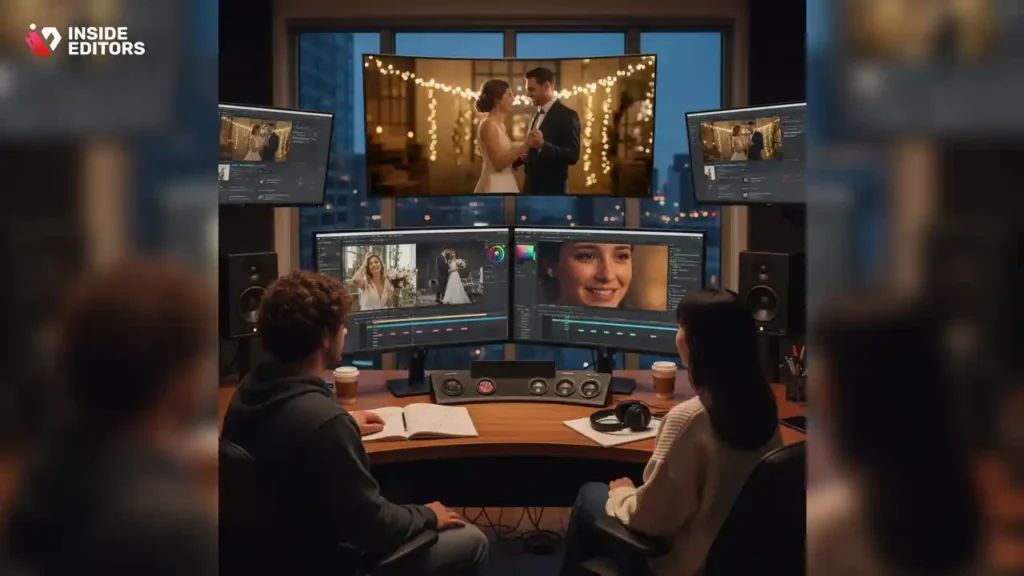
At Inside Editors, every wedding project begins with storytelling. Editors review the couple’s footage, interview notes, and music preferences before touching the timeline. Then they select the right software based on project needs – whether it’s Premiere for multi-cam, Resolve for color artistry, or Final Cut for speed.
Each project follows three stages:
- Assembly Edit – Organizing raw clips and syncing cameras
- Creative Edit – Structuring emotional beats, applying color tones, and matching music
- Mastering – Final polish, sound mix, and format optimization
By combining technology with intuition, Inside Editors ensures every moment feels intentional – not mechanical.
Collaboration and Revisions Made Simple
Clients can review their video drafts online, leave timestamped feedback, and request edits easily. Inside Editors uses cloud collaboration so clients anywhere in the world can communicate changes in real time. It’s professional precision with personal flexibility – a hallmark of modern commercial editing.
A Marriage of Technology and Emotion
Even with the most advanced commercial tools, the editors at Inside Editors understand that emotion is what lingers. Their process focuses on pacing, tone, and story flow – ensuring each smile, tear, and dance feels genuine. It’s not just editing; it’s emotional storytelling at a professional level.
Choosing the Right Wedding Video Editing Software for You
If you’re editing your own wedding video, start simple. Tools like CapCut or PowerDirector are great for fast, beautiful results without the learning curve. If you’re a freelance editor or aspiring professional, DaVinci Resolve or Final Cut Pro offer cinematic quality and control. For studios managing multiple clients, Premiere Pro remains the industry anchor.
But if you want guaranteed quality – with time saved, stress removed, and emotion preserved – partnering with experts like Inside Editors is often the most rewarding choice.
The Future of Wedding Video Editing: AI Meets Artistry
Smart Tools, Smarter Storytelling
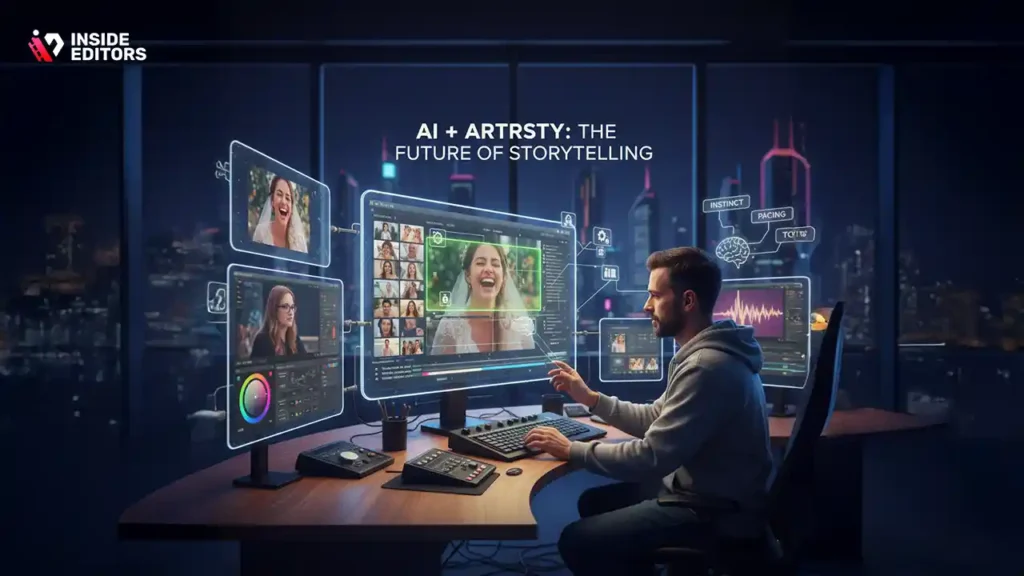
The next wave of commercial editing blends AI with human creativity. Software like Premiere and Resolve already use machine learning for scene detection and auto color matching. Soon, editors will spend less time on repetitive tasks and more on emotion-driven storytelling.
Inside Editors is already embracing these tools to speed up workflows while maintaining creative control. Their editors use AI-assisted rough cuts and facial recognition tagging to find emotional highlights faster – then refine every moment manually for that perfect human touch.
Authenticity Over Automation
AI might streamline editing, but it can’t replace instinct. True storytelling comes from understanding a couple’s journey, tone, and pacing – things only human editors perceive. The future isn’t AI or artistry; it’s both, working together to make wedding films feel alive.
Final Thoughts – Turning Moments Into Forever
At its core, editing a wedding video isn’t about technology. It’s about connection. The right software – whether Premiere, Final Cut, or Resolve – helps you shape those connections into something lasting. But behind every great wedding film is a creative mind that understands timing, tone, and emotion.
If you’re ready to elevate your footage from memories to masterpieces, Inside Editors can help bring your vision to life – smoothly, affordably, and with expert precision. Explore their professional editing options and see how effortless storytelling can be when passion meets expertise. Explore Inside Editors’ Wedding Video Editing Services
FAQs – Your Best Wedding Video Editing Software by Inside Editors
Can I trust Inside Editors with my wedding footage?
Absolutely. Inside Editors follows strict privacy and data-handling protocols, including encrypted uploads and limited internal access. Every file is stored securely and deleted upon final approval. Clients maintain full ownership of their footage, and editors sign confidentiality agreements to protect personal content and commercial rights.
How do Inside Editors ensure quality in each wedding video?
Each project goes through a three-stage review: assembly, creative edit, and final mastering. Editors use professional software such as Adobe Premiere Pro or DaVinci Resolve for color grading, audio balance, and export optimization. Clients receive review drafts with up to two complimentary revision rounds to ensure complete satisfaction before delivery.
Who owns the edited wedding video after completion?
Ownership remains entirely with you. Inside Editors provides the edited video and all associated files under a full commercial license, meaning you can use or distribute your wedding film anywhere. The company only retains temporary working copies during production to manage revisions efficiently and ensure backup integrity.
How does Inside Editors protect client privacy and footage security?
All uploads use end-to-end encryption, and raw files are stored on secure, access-controlled servers. Editors work within restricted environments, and no footage is shared externally. Once your project is approved, Inside Editors deletes unused raw assets, ensuring complete confidentiality for both personal and commercial wedding projects.
What are the main differences between DIY editing and hiring professionals?
DIY editing gives full control but can take dozens of hours and often limits visual polish. Professional editors combine storytelling experience, advanced tools like multi-camera sync and cinematic color grading, and consistent delivery standards. Inside Editors bridges both worlds by offering flexible packages for creators who value time, quality, and peace of mind.
How much does professional wedding video editing cost?
Pricing varies based on footage length, complexity, and add-ons such as color correction or VFX. On average, Inside Editors’ wedding editing services range from $200 to $900. Each tier includes trimming, audio balancing, and color adjustments, while custom cinematic packages include grading, storytelling, and multiple format exports. Transparent quotes are provided upfront.
What’s included in the editing packages or tiers?
Every package includes professional trimming, transitions, color balance, and sound enhancement. Mid-tier plans add story sequencing and music integration, while premium tiers include cinematic color grading, creative effects, and personalized titles. All packages come with preview links, revision rounds, and delivery in multiple resolutions optimized for commercial and social use.
How long does it take to receive my finished wedding video?
Typical turnaround time is 7–14 business days depending on footage volume and revision requests. Rush delivery options (as fast as 3–5 days) are available for an additional fee. Inside Editors communicates progress transparently and shares draft previews so you can review and approve each stage quickly and confidently.
Can I make revisions after delivery?
Yes. Every plan includes at least one free revision round within 14 days of delivery. Additional revisions can be requested at standard hourly rates. The Inside Editors platform allows timestamped comments, making collaboration simple and efficient without compromising the video’s overall timeline or quality standards.
What’s the process for getting started with Inside Editors?
It’s simple: upload your wedding footage securely, choose your preferred package, and share your creative preferences. The editing team begins within 24 hours. You’ll receive a draft link for feedback, then a polished final version once approved. Explore full details and packages at Inside Editors Wedding Video Editing Services.


