


The wedding video industry has undergone a significant transformation, moving from bespoke, months-long editing processes to streamlined, efficient workflows. At the heart of this revolution are wedding video templates. These pre-designed structures offer a powerful solution for videographers, enthusiasts, and couples looking to capture the magic of their special day without starting the editing process from scratch. In 2026, understanding how to select, customize, and utilize the best wedding video templates is essential for maintaining quality while maximizing efficiency.
This comprehensive guide will explore everything you need to know about these essential tools, from the technical requirements and creative considerations to the ultimate decision: when to use a template yourself, and when to entrust the project to professional video editing services.
Wedding Video Templates: An Overview
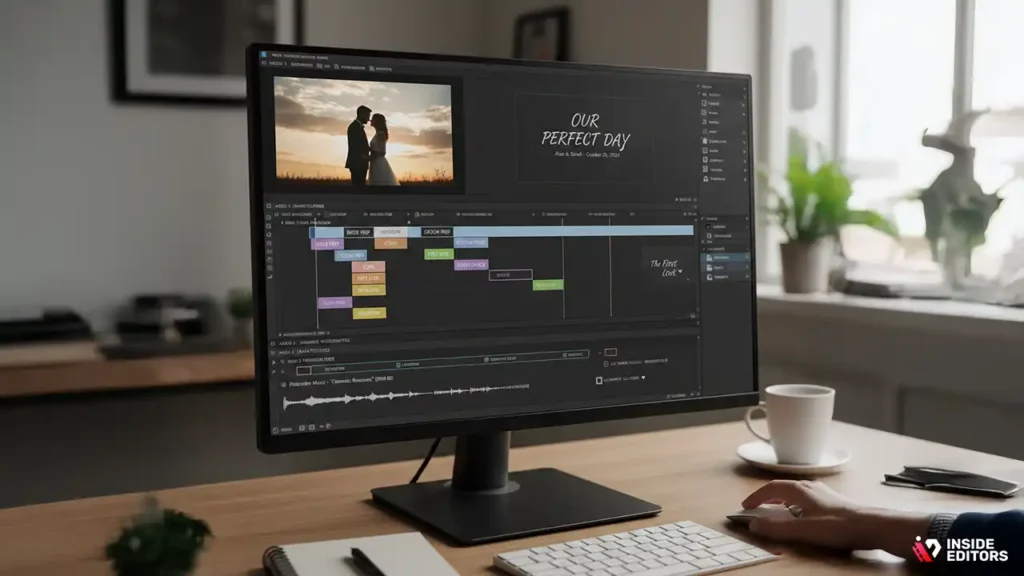
The term “template” often implies simplicity, but modern wedding video templates are sophisticated tools designed by professional editors. They are not just placeholders; they are blueprints that dictate the pacing, music cues, color grading style, and overall narrative structure of a wedding film.
What Exactly Are Wedding Video Templates?
A wedding video template is a pre-packaged project file compatible with specific video editing software (like Adobe Premiere Pro, Final Cut Pro, DaVinci Resolve, or even consumer-level apps). These templates contain a structured timeline with markers for specific types of footage (e.g., “Bride getting ready,” “Vows,” “First Dance”), pre-set transitions, text overlays, and often placeholder music tracks.
Their primary function is to eliminate the most time-consuming aspects of editing-setting up the sequence, establishing the rhythm, and designing the graphics-allowing the user to focus solely on inserting their raw footage.
“Templates democratize high-quality video production. They provide the foundational structure and aesthetic expertise that might take a novice editor years to develop.” – Sarah Chen, Professional Video Workflow Consultant
The Evolution of Template Design
Early wedding video templates were often rigid and focused primarily on slideshows. Today, the best templates are highly customizable and designed to handle cinematic narratives. We see a strong trend toward modular design, where different segments (e.g., the ceremony, the reception, the highlight reel) can be swapped out or rearranged without breaking the overall flow.
This evolution is driven by the demand for personalized content. Couples no longer want a generic film; they want a unique story, and modern templates provide the framework for that story while maintaining professional polish.
Key Benefits of Utilizing Templates
For busy professionals or couples tackling a DIY project, the advantages of using wedding video templates are clear:
- Speed and Efficiency: Drastically reduces editing time. A project that might take 40 hours to build from scratch can be completed in 10-15 hours using a quality template.
- Consistency: Ensures a professional, polished look across multiple projects, which is vital for maintaining a strong brand identity if you are a videographer.
- Skill Bridging: Allows users with intermediate editing skills to achieve results that look like they were produced by an expert.
- Cost-Effectiveness: High-quality templates are significantly cheaper than hiring a full-time editor for every project.
Choosing the Best Wedding Video Templates

Selecting the appropriate template is the most crucial step. A mismatch between your footage style and the template’s design can lead to frustrating customization issues.
Evaluating Software Compatibility and Technical Requirements
The first filter must always be software compatibility. Templates are locked to specific programs.
| Software | Template Type Focus | Customization Level |
| Adobe Premiere Pro | Cinematic, high-end color grading, motion graphics | Very High |
| Final Cut Pro X | Efficient workflow, fast rendering, strong integration with Apple ecosystem | High |
| DaVinci Resolve | Advanced color correction, professional film look | Moderate to High |
| Consumer Apps (e.g., Filmora, Canva) | Simple highlight reels, social media cuts, user-friendly interface | Low to Moderate |
Always check the required software version. Using an outdated version of Premiere Pro with a template designed for the latest release will inevitably cause errors. Furthermore, many advanced wedding video templates require specific system resources, such as a dedicated GPU or a certain amount of RAM, to render complex effects smoothly.
Analyzing Template Structure and Narrative Flow
A good template tells a story. When reviewing potential options, look for templates that align with the type of wedding film you intend to create:
- The Highlight Reel (3-5 minutes): Fast-paced, emotional, focusing on the most dramatic moments. Look for templates with quick cuts and powerful music synchronization.
- The Short Film (8-15 minutes): A more detailed narrative arc, including voiceovers or full snippets of vows and speeches. Requires more structured segments for dialogue.
- The Documentary Edit (30+ minutes): Focuses on chronological order and full coverage of major events. Templates here act more as stylistic guides for transitions and color rather than strict pacing guides.
Ask yourself: Does the template’s pacing match the energy of the day you filmed? If the wedding was a quiet, intimate affair, a template designed for a massive, high-energy party might feel jarring.
The Importance of Music and Audio Cues
Music is the soul of a wedding video. The best wedding video templates often include markers or placeholders that indicate exactly where a beat drop, crescendo, or emotional pause should occur in the music track.
While most templates do not include licensed music (due to copyright), they are structured around a specific tempo (BPM). If you swap the placeholder music for your chosen track, ensure the new track’s tempo and emotional arc align with the template’s structure, or you will spend significant time re-timing the footage. If you need help sourcing the perfect audio, remember that finding the right background music for videos is a professional skill that can dramatically elevate the final product.
Customizing Wedding Video Templates
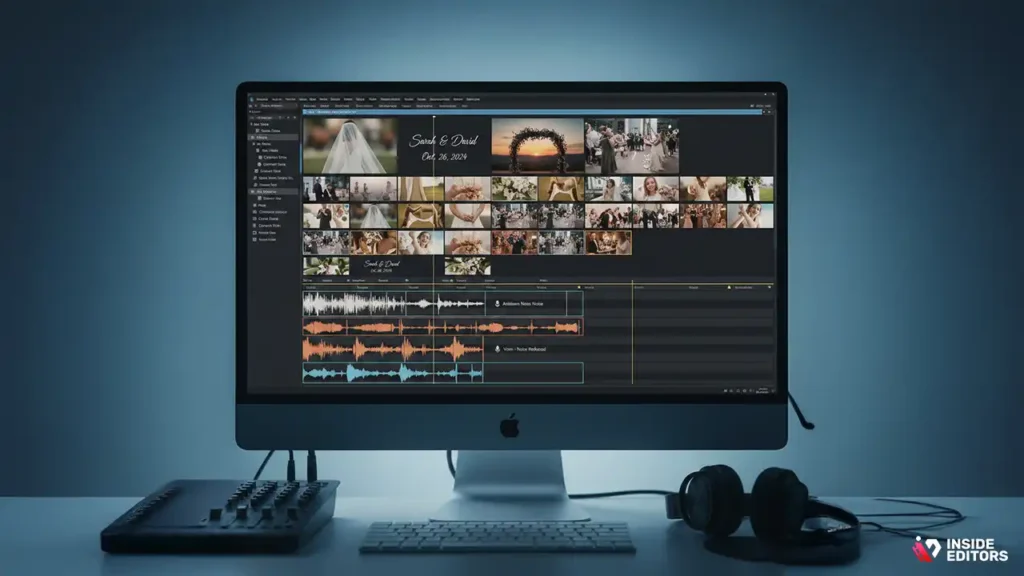
The power of a template lies in its starting point; the artistry comes from customization. Simply dropping footage into the designated slots rarely results in a truly unique or compelling film.
Step-by-Step Template Customization Workflow
Customizing a template effectively requires a systematic approach:
- Footage Selection and Organization: Before opening the template, pre-select and label your best clips. Organize them into folders matching the template’s structure (e.g., “Intro Shots,” “Ceremony Wide,” “Reception Close-ups”).
- Initial Insertion (The Rough Cut): Drop the pre-selected footage into the template’s placeholders. Do not worry about timing yet; focus on filling every slot.
- Pacing and Timing Adjustments: This is the most crucial step. Adjust the length of the clips to match the emotional beats of your music. If a clip is too short for the template slot, use slow motion or freeze frames; if it’s too long, find a natural cut point.
- Color Grading and Consistency: Apply your specific color grading look. While the template might include a base LUT (Look-Up Table), you must ensure consistency across all your unique footage, especially if the lighting conditions varied throughout the day.
- Text and Graphics Refinement: Customize the names, dates, and titles. Ensure the font choice aligns with the couple’s aesthetic.
Common Template Pitfalls and How to Avoid Them
Even the best wedding video templates can lead to problems if misused.
| Pitfall | Description | Solution |
| The “Template Look” | The final video looks identical to the template preview, lacking originality. | Aggressively customize the color grade, transition speed, and graphic elements. Change the font and music entirely. |
| Mismatched Aspect Ratios | Trying to force vertical phone footage into a cinematic 16:9 template, resulting in black bars or excessive cropping. | Use appropriate templates designed for mixed media, or strategically crop/blur the background to fill the frame. |
| Over-reliance on Effects | The template includes complex, flashy transitions that distract from the story. | Simplify. Delete half the transitions and replace them with simple cuts or subtle fades. Focus on the narrative flow. |
The Role of Advanced Editing Techniques
To truly elevate a template-based video, you need to layer in advanced techniques that templates often omit:
- Audio Sweetening: Templates handle basic audio, but professional editing requires noise reduction, equalization, and careful mixing of music, dialogue, and ambient sounds.
- Stabilization: Applying warp stabilizer or similar tools to handheld footage that the template assumes is already steady.
- B-Roll Integration: Using B-roll (secondary footage like detail shots of rings, flowers, or venue) to cover jump cuts or smooth transitions between major scenes. This is where professional video editing services excel, as they have the expertise to weave these elements seamlessly.
Pros and Cons of Template-Based Editing
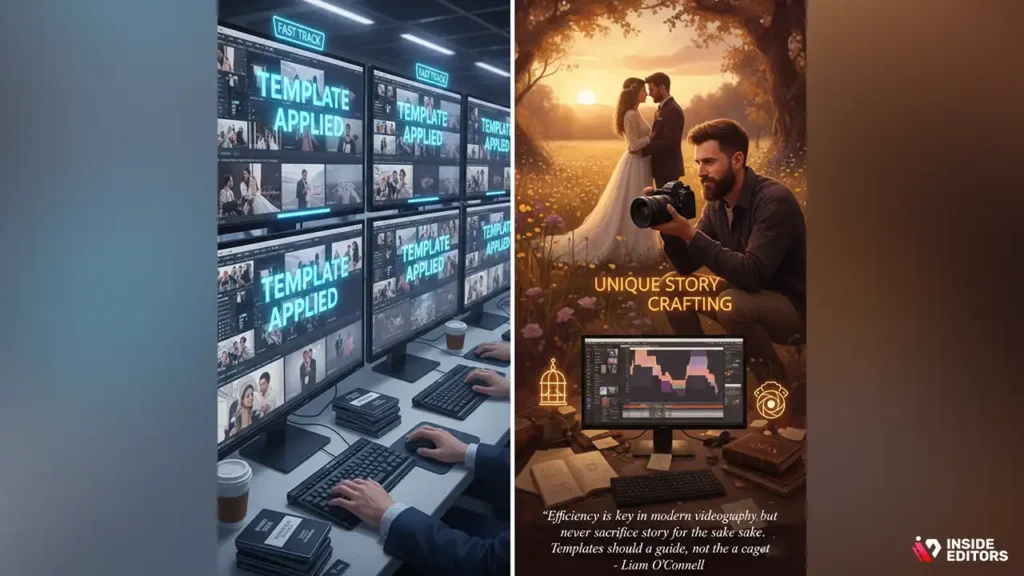
Understanding the trade-offs is essential before committing to a template-driven workflow. While templates offer speed, they can sometimes limit creative freedom.
Advantages of Using Wedding Video Templates
- Rapid Prototyping: Quickly produce a rough cut to show the client, establishing the general direction and style early in the process.
- Learning Tool: For aspiring editors, dissecting a high-quality template is an excellent way to learn professional pacing, sequencing, and motion graphic techniques.
- Reduced Decision Fatigue: The structure is already set, eliminating the paralyzing effect of starting with an empty timeline.
- Guaranteed Quality Floor: Even on an off day, the template ensures the basic production quality remains high.
Disadvantages and Limitations
- Creative Constraints: You are inherently limited by the template’s design. Breaking away from the intended structure often requires more work than starting from scratch.
- Software Dependency: Templates are not universally compatible. If you switch editing software, your template library becomes obsolete.
- Homogenization Risk: If a template becomes widely popular, your video may end up looking like dozens of others online, undermining the uniqueness of the couple’s day.
- Hidden Costs: Some templates require third-party plugins or stock assets that are not included in the initial purchase price.
“Efficiency is key in modern videography, but never sacrifice the unique story for the sake of speed. Templates should be a guide, not a cage.” – Liam O’Connell, Award-Winning Wedding Cinematographer
When to Use Templates vs. Hiring Professional Editors

The decision to use wedding video templates yourself or outsource the work often boils down to time, expertise, and budget. While templates are powerful, they cannot replace the nuanced decision-making of an experienced editor.
Assessing Your Editing Capacity
Before diving into a template, honestly assess your resources:
- Time: Do you have 10-20 hours available for editing, learning the template, troubleshooting, and rendering?
- Skill: Are you proficient enough in your editing software to handle advanced tasks like multi-cam syncing, color correction, and audio mixing that the template might not fully automate?
- Equipment: Does your computer have the processing power and storage necessary to handle 4K footage within a complex template structure?
If the answer to any of these is “no,” or if you are facing a tight deadline, outsourcing is the most reliable path.
The Professional Advantage: Beyond the Template
While templates offer structure, professional editors bring intangible value:
- Narrative Expertise: They know how to construct a compelling story, using subtle cues and pacing shifts that transcend simple template markers.
- Technical Perfection: They ensure flawless color grading, perfect audio levels, and seamless integration of complex effects. If you are struggling with the technical aspects, hiring a professional video editor ensures a broadcast-ready final product.
- Objectivity: An external editor offers a fresh perspective, ensuring the video focuses on the most emotionally resonant moments rather than the editor’s personal connection to the footage.
Partnering with Inside Editors for Flawless Wedding Videos
If the complexity of customization or the sheer volume of footage overwhelms you, Inside Editors provides the perfect solution. We offer specialized video editing services designed for creators and businesses who demand professional quality without the hassle of a DIY workflow.
Our professional editing team, with over a decade of experience, can take your raw wedding footage and transform it into a cinematic masterpiece. We handle all the intricate details-from sophisticated color grading and audio enhancement to ensuring a fast turnaround (typically 24-72 hours).
Why choose Inside Editors over self-editing with wedding video templates?
- Guaranteed Quality: Our editors don’t rely on generic wedding video templates; they build a custom narrative around your unique footage, ensuring a one-of-a-kind film.
- Efficiency and Reliability: We save you time, allowing you to focus on capturing more memories or managing other aspects of your business. Our affordable pricing starts at just $29/video, making professional quality accessible.
- Unlimited Revisions: We work with you until you are 100% satisfied, guaranteeing the final video perfectly matches your vision.
Whether you are a videographer needing to scale your output or a couple seeking the highest quality edit of your precious day, Inside Editors is your trusted partner. We ensure your final video maintains a consistent brand style and professional polish, making us the ideal scalable solution.
Future Wedding Video Template Trends
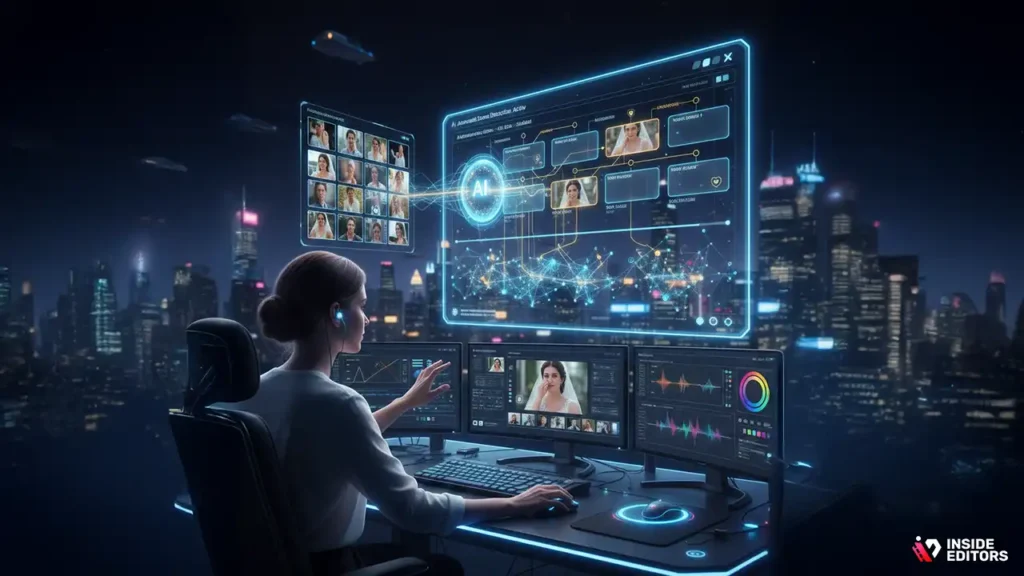
The landscape of wedding video templates is rapidly evolving, driven by AI and new cinematic standards. Understanding these trends will help you choose templates that remain relevant.
AI-Driven Editing and Smart Templates
The biggest shift is the integration of Artificial Intelligence. Future templates will be “smarter,” capable of:
- Automated Scene Detection: AI will analyze footage and automatically place the most emotionally impactful clips into the template slots, saving hours of manual selection.
- Adaptive Pacing: Templates will dynamically adjust the cut points based on the tempo of the music you select, rather than forcing you to conform to the placeholder track. This is crucial for creating dynamic content, including short-form video editing for platforms like TikTok and Reels.
Focus on Vertical and Mixed-Media Templates
As social media continues to dominate, the demand for vertical video templates (9:16 aspect ratio) for Instagram Stories and Reels is skyrocketing. Furthermore, templates are increasingly designed to seamlessly blend high-quality cinematic camera footage with casual smartphone clips, creating a more authentic, mixed-media feel.
Hyper-Realistic Cinematic Templates
Templates are adopting advanced cinematic techniques, including:
- Film Grain Emulation: Templates that replicate the look of 8mm or 16mm film, adding a nostalgic, textured feel.
- Advanced Color Science: Moving beyond simple LUTs to templates that utilize complex color science to achieve the look of major motion pictures. If you need help mastering this technical area, consider our guides on how to color grade videos effectively.
- Interactive Elements: Templates that include placeholders for interactive graphics or links, anticipating future viewing experiences on smart TVs or immersive platforms.
Finalizing Your Wedding Video Project

Once you have customized your chosen wedding video templates and finalized the edit, the final steps involve quality control and delivery.
Quality Control Checklist
Before exporting, run through this critical checklist:
- Audio Levels: Are all dialogue, music, and sound effects balanced? No clipping or sudden volume spikes?
- Color Consistency: Does the color grading look uniform across all scenes, regardless of original lighting?
- Pacing and Flow: Does the video feel too long or too rushed in any section? Does the narrative make sense?
- Text Accuracy: Are all names, dates, and locations spelled correctly?
- Export Settings: Is the resolution and frame rate correct for the intended delivery platform (e.g., 4K for archival, 1080p for web streaming)? For high-quality delivery, understanding video compression techniques is vital.
Delivery and Archiving
The final video should be delivered in multiple formats: a high-resolution master file for the couple, and optimized, smaller files for social media sharing. Always archive the project file, the raw footage, and the specific wedding video templates used. This ensures that if the couple requests changes years later, you can easily access and modify the original project.
Conclusion: The Template as a Catalyst for Creativity
Wedding video templates are indispensable tools in the modern editing landscape. They provide the necessary structure and efficiency to handle the high demand for wedding content, acting as a powerful catalyst rather than a creative limitation. By understanding the technical requirements, focusing on customization, and knowing when to leverage professional expertise, you can ensure that every wedding film you produce is both timely and deeply personal.
Whether you choose to master the art of template customization yourself or partner with a dedicated team like Inside Editors for guaranteed professional results, embracing these tools is the key to success in 2026. Ready to elevate your wedding film production without sacrificing your time? Explore our professional video editing services today and let our experts handle the heavy lifting, ensuring your cherished memories are presented with cinematic perfection.
Frequently Asked Questions
What are wedding video templates?
Wedding video templates are pre-designed project files for editing software (like Premiere Pro or DaVinci Resolve) that provide structure, transitions, and placeholders for footage. They streamline the editing process significantly, allowing users to achieve a polished look without advanced technical skills. Using a template saves considerable time compared to building a video from scratch.
How much do templates cost?
The cost of high-quality wedding video templates typically ranges from $20 to $100, depending on the platform and complexity. Subscription services, like Envato Elements, offer unlimited downloads for a monthly fee, which is economical if you plan to use multiple assets. Free templates are available, but often lack professional support or features.
Are templates customizable?
Yes, templates are highly customizable. While they provide the foundational structure, you can usually adjust colors, fonts, music, and the duration of clips. The best wedding video templates allow easy drag-and-drop replacement of your actual wedding footage, ensuring the final product reflects your unique style and memories.
Which software works with templates?
Most professional wedding video templates are designed for industry-standard software such as Adobe Premiere Pro, Final Cut Pro, and DaVinci Resolve. Always check the template description to ensure compatibility with your specific editing program and version before purchasing. Some beginner-friendly options exist for tools like Canva or Filmora.
Do templates look professional?
Absolutely. Modern wedding video templates are created by professional videographers and designers, incorporating current cinematic trends. When combined with high-quality footage, these templates produce a final video that looks polished and professional, often indistinguishable from custom-edited work, provided the user follows the instructions carefully.


