

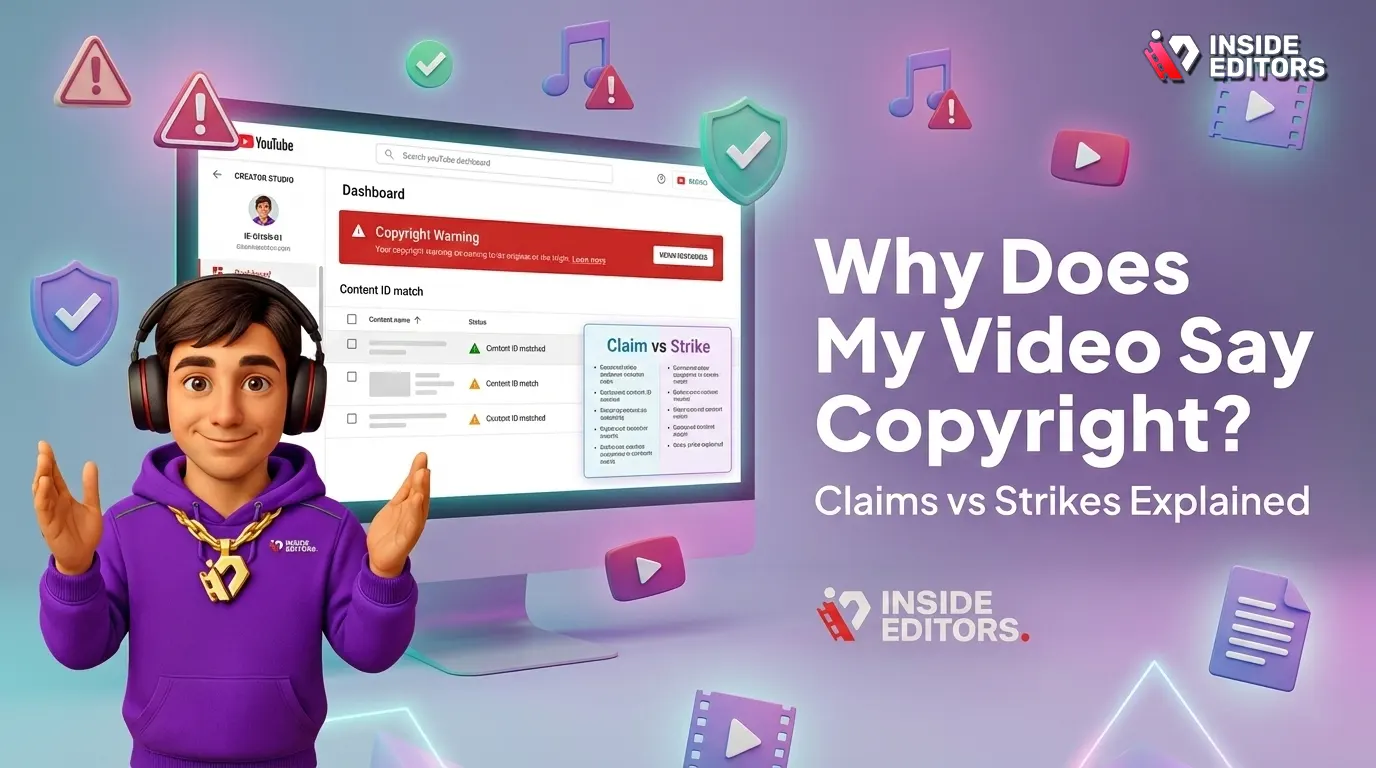
The world of online video creation is exhilarating, but it comes with complex legal hurdles, especially concerning intellectual property. Few things cause more immediate panic for a content creator than receiving a notification that their hard work has been flagged. If you are asking yourself, Why Does My Video Say Copyright, you are joining millions of creators navigating the often-confusing landscape of digital rights management.
This comprehensive guide will dissect the fundamental differences between a copyright claim (often automated) and a copyright strike (a severe penalty). We will explain exactly what triggers these notifications, how they impact your channel, and, crucially, how you can resolve them. Understanding these distinctions is essential for protecting your channel’s monetization and longevity.
Decoding the Digital Rights System: Claim vs. Strike
When you upload a video to a major platform like YouTube, it is immediately scanned by sophisticated digital fingerprinting technology, such as Content ID. This system compares your video against a massive database of copyrighted material submitted by rights holders (music labels, movie studios, etc.). If a match is found, the system acts.
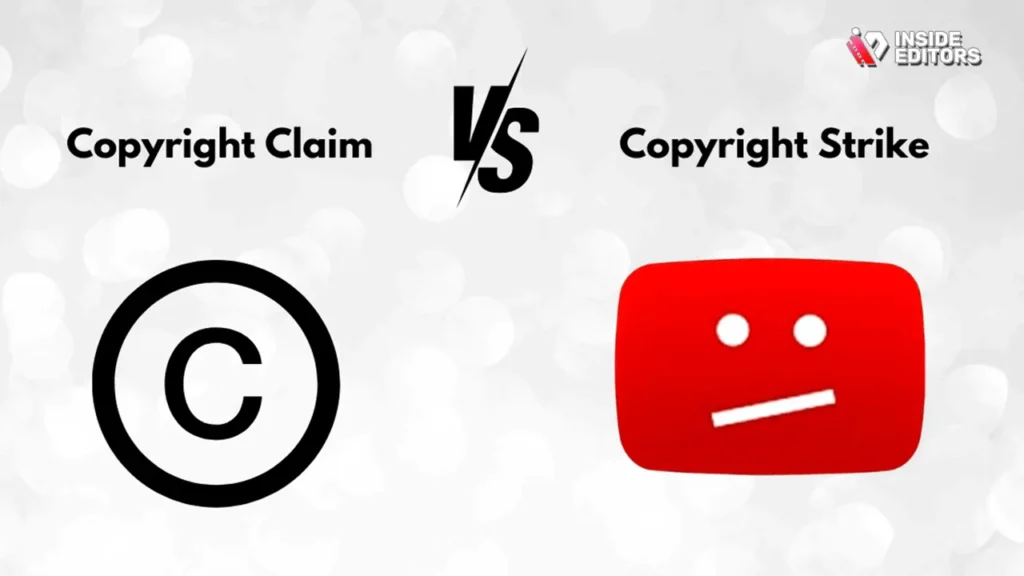
The initial action is usually a Copyright Claim. This is an automated notification that the platform has detected copyrighted material in your video. It is essentially an accounting measure, not a punishment. However, a Copyright Strike is a much more serious, manual action taken directly by the rights holder, usually after a formal legal takedown request (DMCA).
Understanding this core difference is the first step in resolving the issue. A claim affects revenue; a strike threatens channel existence. If you are wondering Why Does My Video Say Copyright, the answer usually lies in the platform’s automated detection system working exactly as intended.
The Automated Reality: What is a Copyright Claim?
A copyright claim, particularly a Content ID claim, is the most common reason Why Does My Video Say Copyright. This system is designed to give rights holders control over their content without requiring them to manually review every single uploaded video.
When a claim is issued, the rights holder has several options, none of which immediately result in a penalty against your channel:
- Monetize: The rights holder can choose to run ads on your video and collect the revenue. This is the most frequent outcome.
- Track: They can simply track the video’s performance (views, demographics) without taking further action.
- Mute or Block: They can mute the audio containing the copyrighted material or block the video entirely in certain territories or worldwide.
Crucially, a Content ID claim does not count as a strike against your channel. Your channel remains in good standing, though your ability to profit from that specific video is compromised.
“Content ID is a double-edged sword. It protects massive rights holders efficiently, but it often catches fair use and legitimate transformative content in its wide net, requiring creators to be vigilant about manual review.” – Maria Sanchez, Digital IP Attorney
The Legal Hammer: What is a Copyright Strike?
A copyright strike is the legal equivalent of a formal warning. It is the result of a complete and valid legal request from the copyright owner, often referred to as a DMCA (Digital Millennium Copyright Act) takedown notice.
Unlike an automated claim, a strike is a direct action. It signifies that the rights holder has identified your use of their material as infringing and has requested the platform remove it.
Strikes carry severe penalties:
- First Strike: Usually results in a warning, mandatory copyright school, and the suspension of monetization features for a period (e.g., 90 days).
- Second Strike: If received within the strike period, it leads to further restrictions and potential loss of features.
- Third Strike: Results in the permanent termination of your channel and the removal of all uploaded videos. You may also be legally barred from creating new channels.
If your video has a strike, the question is no longer just Why Does My Video Say Copyright, but rather, “How do I save my channel?” This requires immediate and strategic action.
Side-by-Side Comparison: Claim vs. Strike
To clearly differentiate these two critical issues, let’s look at their impact, source, and severity in a comparison table.
| Feature | Copyright Claim (Content ID) | Copyright Strike (DMCA Takedown) |
|---|---|---|
| Source | Automated system (Content ID match) | Manual legal request by rights holder |
| Severity | Low (Revenue impact) | High (Channel termination risk) |
| Channel Status | Remains in good standing | Receives a formal penalty/warning |
| Impact on Video | Monetization shifted, muted, or blocked | Video immediately removed |
| Resolution Time | Can be resolved quickly via dispute | Requires counter-notification or retraction |
| Monetization | Revenue redirected to rights holder | Video is removed, no revenue possible |
| Legal Status | Rights management tool | Formal legal infringement notice |
If you see a notice and wonder Why Does My Video Say Copyright, check the specific wording. If it mentions “Content ID,” it’s a claim. If it mentions a “Takedown Request” or “Strike,” the situation is far more urgent.
The Creator’s Toolkit: Resolving Claims and Strikes
Dealing with copyright issues can be stressful. However, platforms provide clear mechanisms for resolving both claims and strikes. The key is understanding which mechanism applies to your situation.
Handling a Copyright Claim
When a Content ID claim is issued, you have three primary options for resolution:
1. Acknowledge and Accept
If you know you used a copyrighted song or clip and you accept the rights holder’s decision to monetize it, you can simply acknowledge the claim. This is often the easiest route if the material is minor and you prioritize keeping the video online.
2. Remove the Infringing Content
Most platforms offer built-in editing tools that allow you to trim out the claimed segment, swap out the music, or mute the affected audio track. Once the content is removed, the claim should automatically release, and you regain monetization control.
3. Dispute the Claim
You should dispute the claim if you believe you have the right to use the content. Valid reasons for dispute include:
- Original Content: You own all the rights to the material.
- License: You purchased or were granted a license to use the material.
- Public Domain: The material is no longer protected by copyright.
- Fair Use/Fair Dealing: Your use falls under legal exceptions for commentary, criticism, education, or parody.
The dispute process involves submitting evidence to the rights holder, who then has 30 days to review your argument. If they uphold the claim, you can appeal.
Countering a Copyright Strike
Resolving a strike is significantly more complex because it involves a formal legal process. There are only two ways to remove a strike:
1. Wait for Expiration
Most strikes expire after 90 days, provided you complete any required copyright education courses and receive no further strikes during that period.
2. Submit a Counter-Notification
If you believe the strike was issued due to mistake or misidentification (e.g., you are the original rights holder, or your use constitutes clear fair use), you can submit a counter-notification.
This is a serious legal step. By submitting a counter-notification, you are essentially stating under penalty of perjury that you believe the material was removed in error. The platform then forwards your personal contact information (name, address, phone number) to the claimant. The claimant then has 10-14 business days to notify the platform that they have filed a court order seeking to restrain you from engaging in the infringing activity. If they do not file a lawsuit, the strike is typically lifted.
“Never submit a counter-notification lightly. You are initiating a legal process that exposes you to potential litigation. Only proceed if you are 100% confident in your legal standing, especially regarding fair use.” – David Chen, Media Law Specialist
The Role of Fair Use in Video Content
When creators ask Why Does My Video Say Copyright, they often raise the defense of “Fair Use.” Fair Use (or Fair Dealing in some jurisdictions) is a legal doctrine that permits the limited use of copyrighted material without permission for purposes such as criticism, commentary, news reporting, teaching, scholarship, or research.
However, Fair Use is not a guaranteed right; it is a legal defense determined on a case-by-case basis using four factors:
- Purpose and Character of the Use: Is the use commercial or non-profit educational? Is it transformative (adding new meaning or expression)?
- Nature of the Copyrighted Work: Is the original work factual or creative?
- Amount and Substantiality of the Portion Used: How much of the original work was used? Using a small, non-essential clip is safer than using the “heart” of the work.
- Effect of the Use Upon the Potential Market: Does your use harm the market for the original work?
Simply adding commentary does not automatically grant Fair Use protection. If you are creating a review or critique, ensure your use is highly transformative and necessary to your commentary.
Pros and Cons of Disputing Copyright Issues
Deciding whether to dispute a claim or strike requires weighing the risks against the potential rewards.
| Action | Pros | Cons |
|---|---|---|
| Disputing a Claim | Regain full monetization; Establish precedent for future uploads; Assert your rights. | Time-consuming process; Risk of the rights holder escalating to a strike if they disagree. |
| Submitting a Counter-Notification (Strike) | Only way to remove a strike before 90 days; Restores channel standing immediately. | Serious legal risk; Must provide personal information to the claimant; Potential for lawsuit. |
Preventing Future Copyright Issues: Best Practices
The best defense against copyright issues is prevention. By adopting professional production workflows, you can minimize the chances of ever having to ask Why Does My Video Say Copyright.
1. Source Licensed and Royalty-Free Assets
Always use music, stock footage, and sound effects from reputable, licensed libraries. If you purchase a license, keep the documentation organized. Never assume that because something is on the internet, it is free to use.
2. Document Everything
If you collaborate with other creators or use third-party assets, ensure you have written agreements or licenses that clearly define usage rights, especially for commercial purposes.
3. Seek Professional Editing Expertise
One of the most common reasons for claims is the unintentional inclusion of copyrighted material-a snippet of background music, a few seconds of a movie playing on a TV in the background, or poor audio mixing that picks up licensed music.
This is where professional video editing services become invaluable. Services like those offered by Inside Editors ensure strict adherence to copyright compliance. Our professional editing team, with over 10 years of experience, meticulously reviews all assets and ensures that only properly licensed or original content is used.
By utilizing Inside Editors’ professional video editing services, you gain the benefit of quality assurance. We handle the technical details, including color grading and audio enhancement, while ensuring your final product is clean and compliant. This saves you time and allows you to focus on creating content, not fighting legal battles. Our fast turnaround (24-72 hours) and affordable pricing starting at $29/video make this a scalable solution for growing channels and businesses.
4. Understand Platform Policies
Stay updated on the specific copyright policies of the platform you use. YouTube, TikTok, and Instagram all have slightly different rules regarding music usage, especially for short-form content.
When Expert Help Is Essential
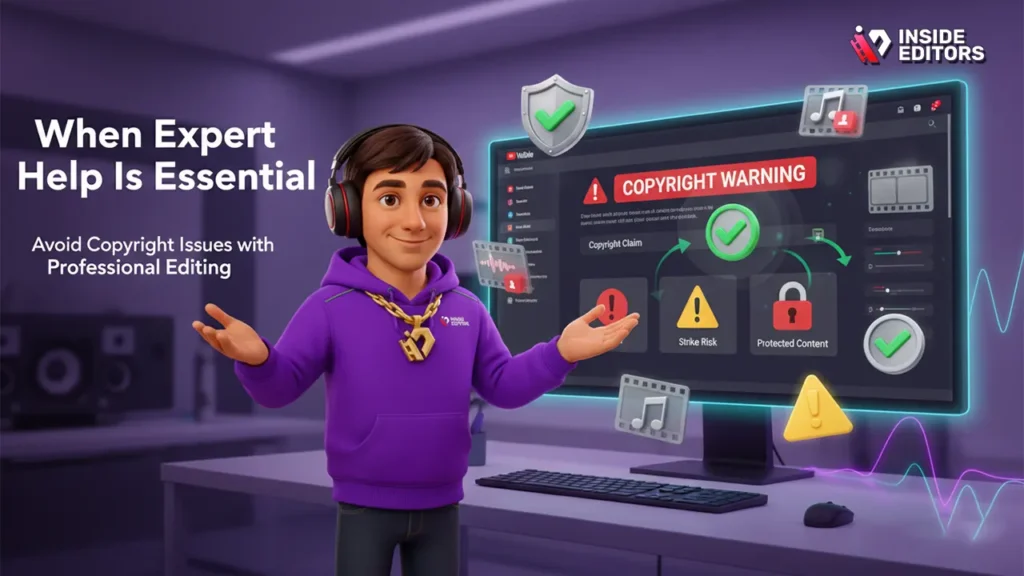
If you are a business or a growing content creator, the time spent dealing with copyright claims is time not spent generating revenue or producing new content. If you frequently find yourself asking Why Does My Video Say Copyright, it may be a sign that your production workflow needs professional oversight.
Inside Editors specializes in delivering professional video editing services that mitigate these risks. Our expertise ensures that every element of your video-from the background score to the transition effects-is legally sound. We offer unlimited revisions until you are satisfied, guaranteeing a professional quality that builds trust with your audience and avoids unnecessary legal complications.
Choosing a reliable partner for your video production needs is an investment in your channel’s future. Professional editors provide a layer of protection, ensuring your brand maintains consistency and legal integrity across all videos.
Expert Commentary and Final Thoughts
The digital rights landscape is constantly evolving, making it challenging for creators to keep up.
“The shift toward automated content identification places a significant burden of proof on the creator. You must proactively manage your rights and be prepared to dispute claims swiftly and effectively.” – Dr. Eleanor Vance, Professor of Intellectual Property Law
The core takeaway is that a claim is a revenue issue, and a strike is a survival issue. Both require attention, but the strike demands immediate, careful legal consideration.
If you are a YouTube creator, a marketing team, or a course creator, outsourcing the technical and compliance aspects of editing is a smart business decision. It minimizes the risk of costly strikes and frees up valuable time.
Ultimately, the best way to avoid asking Why Does My Video Say Copyright is to build a robust, professional production process from the ground up. Invest in licensed assets and partner with experts who understand the nuances of digital rights management. This proactive approach ensures your focus remains where it belongs: on creating engaging, high-quality content for your audience.
Frequently Asked Questions
What is the difference between a claim and a strike?
A copyright claim is an automated revenue dispute, usually via Content ID, which does not penalize the channel. A copyright strike is a formal legal notice (DMCA takedown) that results in the video’s removal and penalizes the channel, threatening termination if three strikes are received. This is key when determining why does my video say copyright.
How long does a copyright strike last?
Most copyright strikes expire after 90 days, provided the creator completes Copyright School and receives no additional strikes during that period. The video itself remains removed unless the claimant retracts the strike or the creator successfully files a counter-notification. Knowing this helps address why does my video say copyright.
Can a Content ID claim turn into a strike?
Yes, a rights holder who issues a Content ID claim can choose to manually escalate it into a formal DMCA takedown request, resulting in a copyright strike. This usually happens if the creator disputes the claim and the rights holder strongly disagrees with the creator’s use of the material.
What is the safest way to avoid claims?
The safest way is to use only original content or assets acquired through paid, royalty-free licenses. Utilizing professional video editing services, such as Inside Editors, ensures that all elements are compliant and properly sourced, reducing the risk of asking why does my video say copyright.
Should I dispute every copyright claim I receive?
No. You should only dispute a claim if you are certain you have the legal right to use the content (e.g., Fair Use, Public Domain, or a valid license). Disputing without merit risks annoying the rights holder and potentially escalating the issue to a severe copyright strike.


