

Creating compelling sports video content requires more than just high-quality footage. It demands precision, speed, and specialized tools to capture the intensity and emotion of the game. Whether you are a professional sports league editor, a high school coach compiling highlight reels, or a YouTube creator focusing on athletic analysis, choosing the right platform is critical. The market is saturated with options, but only a few truly stand out as the best sports video editing software for 2026.
This comprehensive guide dives deep into the top contenders. We evaluate their specialized features, analyze their performance with high frame rate (HFR) footage, and assess their capability to deliver professional-grade results quickly. We will help you understand which program provides the ideal balance of power, usability, and affordability, ensuring your sports highlights are nothing short of spectacular. Finding the best sports video editing software is the first step toward dominating the sports media landscape.
The Essential Criteria for Sports Video Editing

Sports footage presents unique challenges that standard video editing software often struggles with. High-speed action, varying lighting conditions, and the need for dynamic graphic overlays mean editors need specific capabilities. When evaluating the best sports video editing software, we focus on several non-negotiable features.
Handling High Frame Rate (HFR) and Slow Motion
The hallmark of great sports video is smooth slow-motion playback. This requires software that can handle footage shot at 120fps, 240fps, or even higher, without stuttering during the editing process. The software must offer excellent optical flow or frame blending tools to create buttery-smooth slow-motion effects, crucial for analyzing a game-winning goal or a perfect pitch.
“In sports editing, frame rate is king. If your software can’t handle 240fps playback natively and efficiently, you’re already losing the battle against choppy, unwatchable slow-motion.” – Mark Jenkins, Professional Sports Videographer
Advanced Tracking and Graphics Integration
Sports videos rely heavily on graphics-scoreboards, player names, statistics, and motion tracking arrows to highlight plays. The best sports video editing software must integrate robust motion tracking features. This allows editors to easily attach graphics or text to moving objects, such as a player running down the field or a ball in flight. Furthermore, the ability to import and customize complex lower-thirds and scoreboard templates quickly is a huge time saver.
Speed and Workflow Optimization
Sports editing often operates under tight deadlines, especially for post-game highlights or daily recaps. Workflow efficiency is paramount. We look for software that offers fast rendering times, proxy editing capabilities for handling massive 4K and 8K files, and highly customizable keyboard shortcuts. A streamlined process means faster delivery, which is essential for maximizing viewership while the game is still fresh in the audience’s mind.
Top Contenders for Best Sports Video Editing Software
We have narrowed the field down to the top three professional-grade and top two consumer-friendly options that excel specifically in sports video production.
1. DaVinci Resolve Studio: The Professional Powerhouse
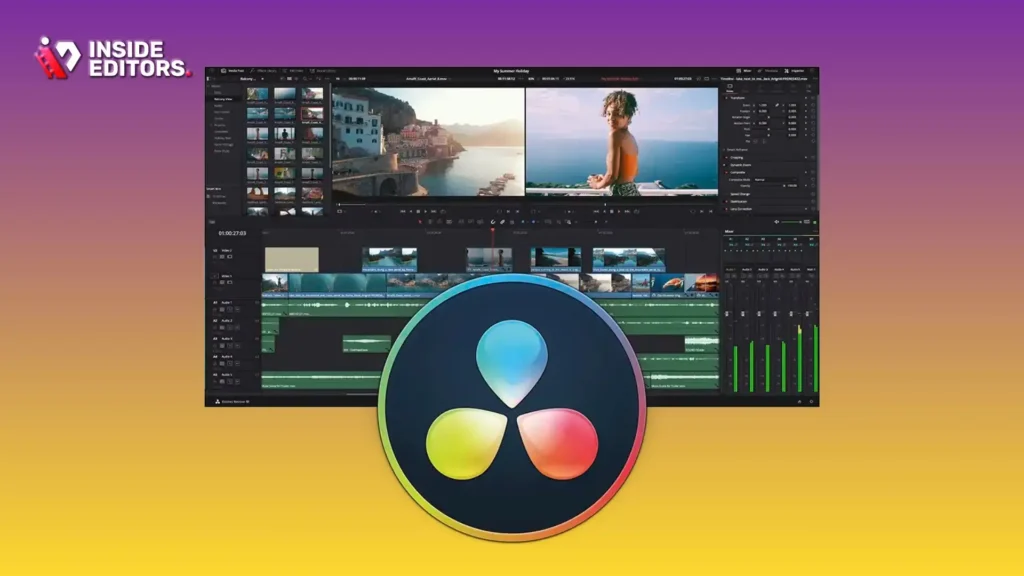
DaVinci Resolve, particularly the Studio version, has rapidly become the industry standard for color grading and advanced post-production, making it arguably the best sports video editing software for high-end cinematic sports content.
Detailed Review and Features
Resolve excels in handling high-resolution, high-dynamic-range (HDR) footage common in professional sports broadcasting. Its integrated Fusion page offers node-based visual effects, perfect for complex motion graphics, dynamic scoreboards, and advanced tracking. The Color page is unmatched, allowing editors to perfectly match colors across multiple cameras, crucial when covering large arenas or outdoor events.
The Cut page is specifically designed for speed, allowing editors to assemble highlight reels rapidly using dual timelines and smart editing tools. This efficiency is a massive benefit when time is of the essence. While the free version is powerful, the Studio version unlocks advanced features like noise reduction, AI-powered tools, and superior H.264/H.265 encoding, which are indispensable for professional sports work.
| Pros | Cons |
|---|---|
| Unmatched color grading capabilities (E.E.A.T. focus) | Steep learning curve, especially for Fusion/Color pages |
| Excellent handling of high frame rate (HFR) footage | Resource-intensive; requires powerful hardware |
| Integrated audio, VFX, and motion graphics workflows | Collaboration features require the Studio license |
| Powerful motion tracking and stabilization tools |
2. Adobe Premiere Pro: The Industry Standard for Versatility
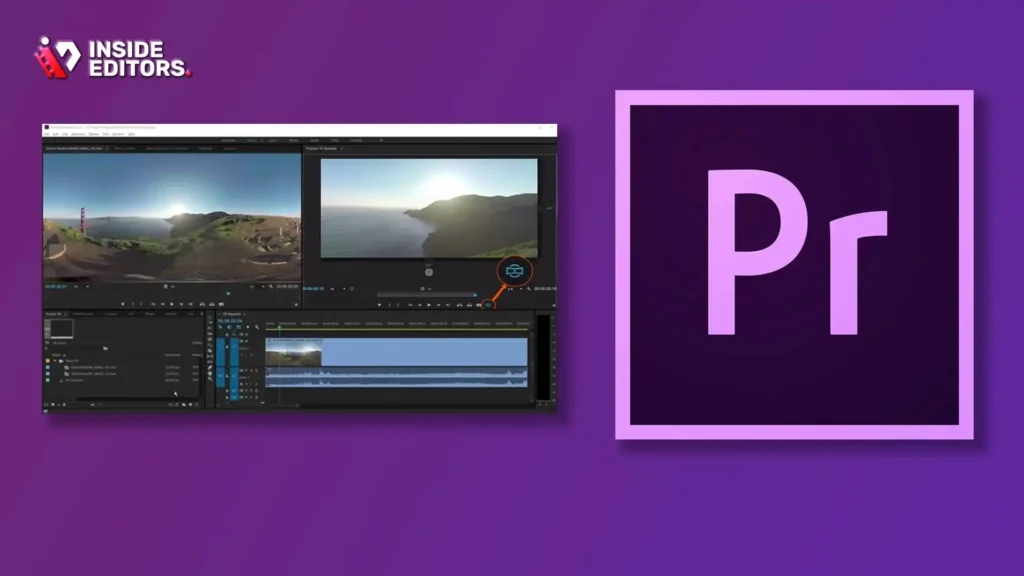
Adobe Premiere Pro remains a dominant force, favored by many broadcast editors due to its deep integration with the Adobe Creative Cloud ecosystem (After Effects, Photoshop). It is a highly versatile candidate for the best sports video editing software.
Detailed Review and Features
Premiere Pro’s strength lies in its flexibility and widespread adoption. Its dynamic link feature with After Effects allows editors to create complex, data-driven motion graphics-like animated statistics or real-time score updates-and integrate them seamlessly into the timeline without rendering. For sports editors who need to collaborate with graphics designers, this ecosystem is invaluable.
Premiere Pro handles multi-cam sequences efficiently, a necessity when covering games with multiple camera angles. Its Lumetri Color panel provides quick color correction tools, though it doesn’t quite match the depth of Resolve. The recent improvements in its performance with H.264/H.265 footage have made it much more reliable for handling modern sports camera files.
“The ability to jump instantly from Premiere Pro to After Effects for custom motion graphics is a game-changer for quick turnaround sports content. It saves hours of rendering and importing.” – Sarah Chen, Broadcast Editor
3. Final Cut Pro (FCP): Speed and Efficiency on Mac
For Mac users, Final Cut Pro offers unparalleled speed and optimization, making it a strong contender for the best sports video editing software in a high-volume environment.
Detailed Review and Features
FCP leverages Apple Silicon chips (M-series) exceptionally well, providing blazing-fast rendering and real-time playback, even with demanding 4K HFR footage. Its magnetic timeline simplifies organization, allowing editors to quickly shuffle clips and insert B-roll without disturbing the main action sequence.
FCP’s strength for sports lies in its keyword and metadata organization. Editors can tag specific plays, players, or actions immediately upon import, making the retrieval of key moments instantaneous. This organizational structure drastically speeds up the process of building highlight reels from hours of raw footage. Its integrated motion graphics tools, while not as deep as After Effects, are fast and intuitive for adding standard sports text and overlays.
Comparison of Professional Sports Editing Software
| Feature | DaVinci Resolve Studio | Adobe Premiere Pro | Final Cut Pro (Mac Only) |
|---|---|---|---|
| HFR/Slow Motion | Excellent (Optical Flow) | Very Good (Warp Stabilizer, Frame Blending) | Excellent (Optimized for Apple Silicon) |
| Motion Graphics | Advanced (Fusion Node-based) | Excellent (Dynamic Link to After Effects) | Good (Integrated Templates) |
| Color Correction | Industry Leader (Dedicated Color Page) | Good (Lumetri Panel) | Very Good |
| Workflow Speed | Fast (Cut Page, Proxy Support) | Moderate (Requires powerful hardware) | Extremely Fast (Apple Silicon Optimized) |
| Cost (Annual Est.) | $295 one-time purchase | ~$260 (Subscription) | $299 one-time purchase |
Specialized Tools for Coaches and Analysts
Not every sports editor needs the complexity of Resolve or Premiere Pro. Coaches, amateur leagues, and analysts often prioritize ease of use and specific analytical features. The best sports video editing software in this category focuses on simplicity and speed.
4. Filmora: Balancing Power and Simplicity
Wondershare Filmora has evolved significantly, offering a user-friendly interface combined with surprisingly powerful features, making it an excellent choice for creators who need quick, engaging sports content without a steep learning curve.
Detailed Review and Features
Filmora’s strength is its preset effects and templates. For sports highlights, its speed ramping tools are intuitive and effective, allowing editors to quickly emphasize key moments by dramatically slowing down or speeding up the action. It also includes a decent selection of motion tracking and keyframing capabilities that are easy to implement.
For coaches, Filmora offers basic screen recording and voiceover tools, useful for breaking down game footage or providing commentary on training sessions. While it lacks the deep color grading and complex VFX of the professional suites, its fast rendering and low system requirements make it highly accessible.
5. Shotcut: The Free and Open-Source Option
If budget is the primary constraint, Shotcut provides a surprisingly capable, free, and open-source solution. It can handle 4K resolution and a wide range of formats, making it a viable entry point for those exploring the best sports video editing software options.
Detailed Review and Features
Shotcut supports high frame rates and offers basic color correction filters. Its interface is less polished than paid alternatives, but its core functionality-cutting, trimming, and adding basic text overlays-is robust. For high school sports teams or small content creators just starting out, Shotcut provides the necessary tools to create simple highlight packages and game reviews.
The main drawback is the lack of advanced features like sophisticated motion tracking or optical flow slow-motion. However, its stability and commitment to supporting modern codecs make it a reliable, zero-cost starting point.
The Importance of Professional Polish and Expertise
While selecting the best sports video editing software is crucial, the software is only one part of the equation. The quality of the final product ultimately depends on the editor’s skill, experience, and speed.
When To Choose Professional Editing Services
Many content creators, coaches, and small businesses find that the time spent mastering complex software like DaVinci Resolve or Premiere Pro is time taken away from coaching, training, or creating new content. This is where professional video editing services become an invaluable asset.
Inside Editors provides professional video editing services designed specifically to handle the demands of sports content. Our team consists of professional editors with over a decade of experience in fast-paced, high-stakes environments. We understand the nuances of sports footage-from color correcting stadium lights to perfectly timing graphic overlays with the action.
Our service offers a fast turnaround (typically 24-72 hours) and unlimited revisions until you are completely satisfied. We handle all the technical complexities, including color grading, audio enhancement, and ensuring consistent brand style across all your videos. This allows you to focus solely on capturing the game, knowing that the post-production will be handled by experts using the best sports video editing software available. Our affordable pricing model, starting at just $29 per video, makes professional quality accessible to everyone from YouTube creators to marketing teams.
Expert Techniques for Dynamic Sports Editing
Regardless of the software platform you choose, mastering a few key techniques will elevate your sports content:
- J-Cuts and L-Cuts: Use audio from the next clip starting before the visual cut (J-Cut) or the visual starting before the audio cut (L-Cut). This creates seamless transitions and keeps the audience engaged in the flow of the game.
- Rhythm and Pacing: Sports highlights demand rapid cuts and high energy. Match the rhythm of your cuts to the beat of the music or the intensity of the action. Slow down only for dramatic effect (using smooth HFR footage) or analysis.
- Sound Design: Layering sound effects-the roar of the crowd, the impact of a hit, the squeak of shoes-adds massive impact. Don’t rely solely on the background music.
“A great sports highlight reel isn’t just about showing the action; it’s about making the viewer feel the action. That’s achieved through precise timing, dynamic pacing, and powerful sound design.” – ESPN Editor Handbook, 2023 Edition
Future Trends and Specialized Sports Software

The landscape of the best sports video editing software is constantly evolving, with AI and specialized tools playing an increasingly important role.
AI Integration and Automated Highlights
AI is rapidly automating tedious editing tasks. Software like DaVinci Resolve is incorporating AI features for object removal and smart masking. Specialized sports platforms, such as those used by major leagues, now use AI to automatically identify key moments (goals, fouls, touchdowns) and generate rough highlight cuts within minutes of the action occurring.
This automation means that editors can spend less time scrubbing through hours of footage and more time refining the story and adding creative polish. When evaluating the best sports video editing software for the future, look closely at their AI roadmap.
Dedicated Sports Analysis Tools
For pure analytical work, specific software exists outside the traditional NLE (Non-Linear Editor) sphere. Tools like Hudl or Dartfish are designed for coaches and analysts, offering features like drawing tools, measurement overlays, and side-by-side comparison of athlete performance. While these are not general-purpose video editors, they are essential for deep tactical analysis.
However, when the goal is to produce shareable, high-quality content for fans, the versatility and power of the NLEs we reviewed-DaVinci Resolve, Premiere Pro, and Final Cut Pro-remain superior.
Final Verdict: Choosing Your Best Sports Video Editing Software
Selecting the right tool depends entirely on your specific needs, budget, and technical skill level.
Recommendations by Use Case
- For High-End Broadcast & Cinematic Quality: DaVinci Resolve Studio. Its superior color grading and advanced VFX suite make it the definitive choice for professional, polished sports content.
- For Agency Work & Collaboration: Adobe Premiere Pro. If you work in an environment that requires integration with graphic designers and other Adobe products, Premiere Pro’s ecosystem is unmatched.
- For Speed and Mac Optimization: Final Cut Pro. If you are a solo Mac user needing rapid turnaround on high-volume content, FCP’s performance on Apple Silicon is unbeatable.
- For Coaches and Beginners: Filmora. It provides the necessary tools for highlights and analysis without the complexity of professional software.
The Ultimate Time-Saving Solution
If you are a content creator, business, or marketing team focused on growth, your time is better spent capturing content and engaging with your audience than wrestling with timelines and rendering settings.
We understand that finding the best sports video editing software and mastering it takes significant dedication. Inside Editors offers a hassle-free alternative. We provide a professional editing team with over ten years of experience specifically handling dynamic content. We guarantee professional quality that builds trust and a consistent brand style across all your videos.
By trusting Inside Editors with your post-production, you gain access to expert editors utilizing the best sports video editing software and techniques, ensuring your highlights are sharp, engaging, and delivered quickly. Save time, reduce stress, and elevate your sports content to a professional level today.
FAQ
What is the best sports editing software?
DaVinci Resolve Studio is widely considered the best sports video editing software for professional results due to its industry-leading color grading, powerful motion graphics capabilities, and efficient handling of high frame rate footage required for smooth slow motion.
Do I need high frame rate support?
Yes, high frame rate (HFR) support is critical. Sports footage often requires shooting at 120fps or 240fps to achieve smooth, detailed slow-motion playback. The best sports video editing software must handle these files efficiently without lag.
How important is motion tracking?
Motion tracking is highly important for sports editing. It allows you to accurately attach graphics, arrows, or statistics to moving players or objects, which is essential for analysis and enhancing viewer engagement in the best sports video editing software.
Can I use free software for sports videos?
You can use free software like DaVinci Resolve (free version) or Shotcut for basic sports video editing. However, they often lack the advanced features like optical flow slow-motion and complex graphics needed for truly professional results.
Why use professional editing services?
Professional editing services, like Inside Editors, save significant time and ensure high-quality results. Experts use the best sports video editing software, guaranteeing fast turnaround, consistent branding, and superior color grading and audio enhancement.
Which software is fastest for Mac users?
Final Cut Pro is generally the fastest option for Mac users. It is highly optimized for Apple Silicon chips, providing superior performance and extremely fast rendering times when working with demanding sports footage.
What hardware is needed for sports editing?
Editing HFR and 4K sports footage requires robust hardware, including a powerful multi-core CPU, dedicated GPU (8GB VRAM minimum), and fast SSD storage. This ensures smooth playback and quick rendering in the best sports video editing software.


