


Are you ready to elevate your YouTube channel’s production value without spending hours on design or thousands on custom graphics? The secret lies in leveraging a high-quality Youtube Video Template. Using a professional template is the fastest way to achieve a consistent, polished look that captures viewer attention and builds brand recognition.
In this comprehensive guide, we will explore exactly what a Youtube Video Template is, where to find the best free options, and how to customize them effectively. We will also discuss the critical elements that make a template successful, ensuring your content looks professional from the very first upload. Whether you are a beginner or a seasoned creator looking for efficiency, mastering the use of templates is essential for scaling your video production.
Understanding the Power of a Youtube Video Template

A Youtube Video Template is a pre-designed file structure that provides the foundational visual elements for your video content. This includes intros, outros, lower thirds, title cards, end screens, and sometimes even pre-set editing timelines. Think of it as a blueprint for your video’s visual identity.
Defining What a Video Template Includes
A template is much more than just a static background image. It is a dynamic asset designed to streamline the entire post-production process. The core purpose of a template is consistency. When viewers see your videos, they should immediately recognize your channel’s aesthetic, which strengthens your brand identity.
Most high-quality templates are built within popular video editing software like Adobe Premiere Pro, DaVinci Resolve, or Final Cut Pro, or within specialized graphic design platforms like Canva or Adobe Express. They often include placeholder text, animated elements, and pre-set color schemes that you can quickly adjust to match your channel’s branding. This dramatically reduces the time spent on repetitive tasks like animating titles or designing end screens from scratch.
Why Consistency is Crucial for YouTube Growth
In the highly competitive YouTube landscape, consistency is the bedrock of audience retention and channel growth. When every video maintains the same visual quality, font choices, and placement of elements, viewers feel comfortable and trust the content. A reliable Youtube Video Template ensures that whether you upload a short tutorial or a long-form interview, the professional polish remains the same.
“Branding is not just about a logo; it’s about the consistent experience you deliver across every touchpoint. For YouTube, that means every frame of every video.” – Tim Schmoyer, YouTube Strategist
By standardizing your visual elements using a template, you free up mental energy to focus on what truly matters: creating compelling, high-value content. This efficiency is a massive advantage for creators managing tight deadlines.
Finding the Best Free Youtube Video Template Sources

The internet is flooded with resources offering free video templates, but quality and usability vary widely. To save you time, we have evaluated the most reliable platforms that offer genuinely high-quality, customizable assets.
Top Platforms for Free Template Downloads
Several major platforms offer robust libraries of free templates. These sources often provide files compatible with industry-standard software, ensuring professional results.
| Platform | Best For | Software Compatibility | Key Features |
|---|---|---|---|
| Canva | Beginners & Social Media | Web-based Editor | Drag-and-drop interface, massive asset library, easy branding. |
| Adobe Express | Quick Edits & Integration | Web-based Editor | Seamless integration with Adobe fonts/assets, professional look. |
| Mixkit | High-Quality Stock Assets | Premiere Pro, DaVinci Resolve | Curated library of motion graphics and video elements. |
| Motion Array (Free Tier) | Advanced Editors | Premiere Pro, After Effects | Professional MOGRT files (Motion Graphics Templates) and project files. |
When selecting a platform, consider your current editing skills and the software you already use. If you are new to editing, a web-based solution like Canva or Adobe Express provides an accessible entry point to using a Youtube Video Template.
Evaluating Template Quality and Licensing
Before downloading any free template, you must carefully check two things: quality and licensing. A low-quality template can look amateurish, defeating the purpose of using one. Look for templates that feature smooth animations, clean typography, and responsive design elements.
Crucially, always verify the usage license. Most free templates are offered under a Creative Commons license, which typically allows commercial use but may require attribution. Failure to adhere to licensing terms can lead to legal issues or demonetization of your videos. Always ensure the template is marked for “Free Commercial Use” if you plan to monetize your YouTube channel.
Step-by-Step: Customizing Your Youtube Video Template
Once you have downloaded a suitable Youtube Video Template, the next step is customization. This process transforms a generic asset into a unique, branded piece of your channel’s identity.
1. Integrating Brand Colors and Typography
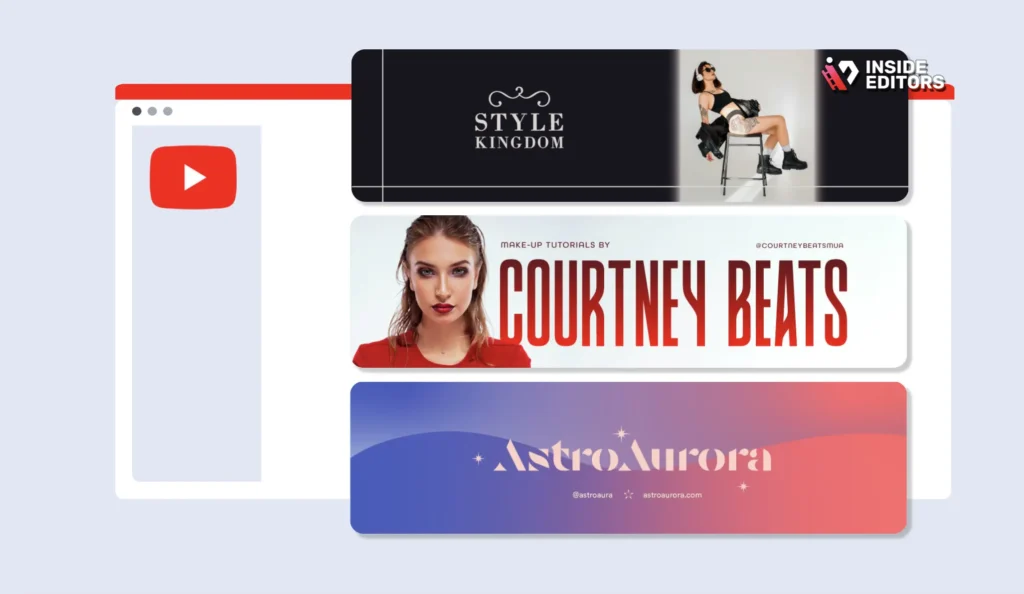
The first customization step involves adjusting the template’s visual identity to match your brand. Every successful YouTube channel has a distinct color palette and consistent font usage.
- Identify Your Hex Codes: Know the exact hex codes for your primary and secondary brand colors.
- Update Color Swatches: In your editing software, locate the color controls within the template file (often nested in essential graphics panels or adjustment layers). Replace the default colors with your brand colors.
- Select Branded Fonts: Choose a font that is easy to read and reflects your channel’s tone. If the template uses a font you don’t have, your software will prompt you to replace it. Ensure you select a consistent font (e.g., Montserrat for titles, Roboto for body text) that you will use across all future videos.
“A well-chosen typeface communicates professionalism and sets the tone before a single word is read.” – Jessica Hische, Typographer
2. Adjusting Timing and Animation Speed
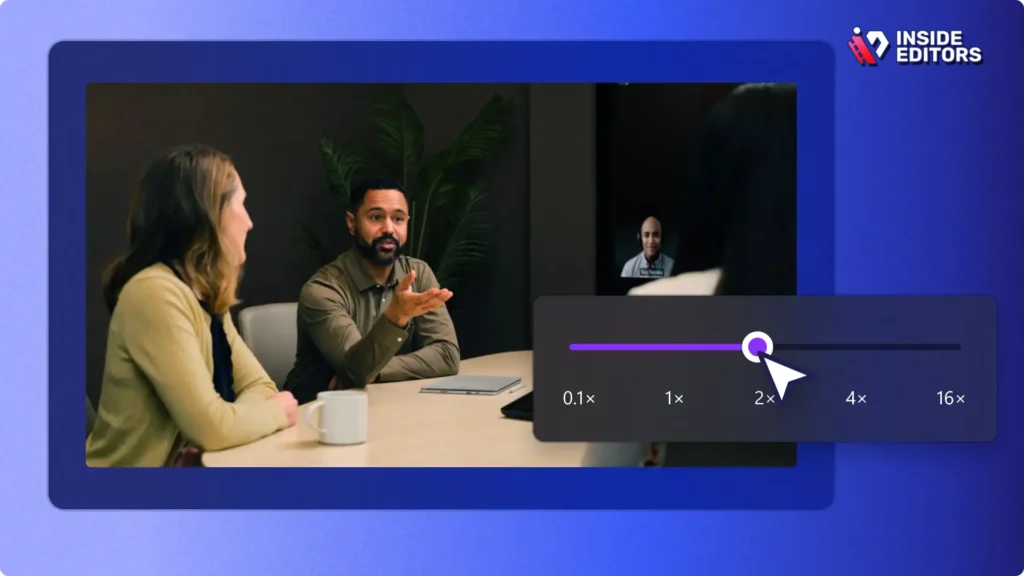
A common mistake when using a Youtube Video Template is leaving the default timing. If the intro animation is too long, viewers might click away before the content even starts.
- Intros: Aim for intros that are 3 to 7 seconds maximum. Use the template to adjust the speed of the animation so that the logo reveal or title card appears quickly and effectively.
- Lower Thirds: Ensure lower thirds (text overlays identifying a speaker or topic) appear long enough to be read (usually 4-6 seconds) but disappear smoothly without lingering.
- End Screens: Give viewers 10-20 seconds at the end of the video to interact with your end screen elements (links to other videos, subscribe button). Adjust the template’s timing to fit your video length.
3. Replacing Placeholder Media and Text
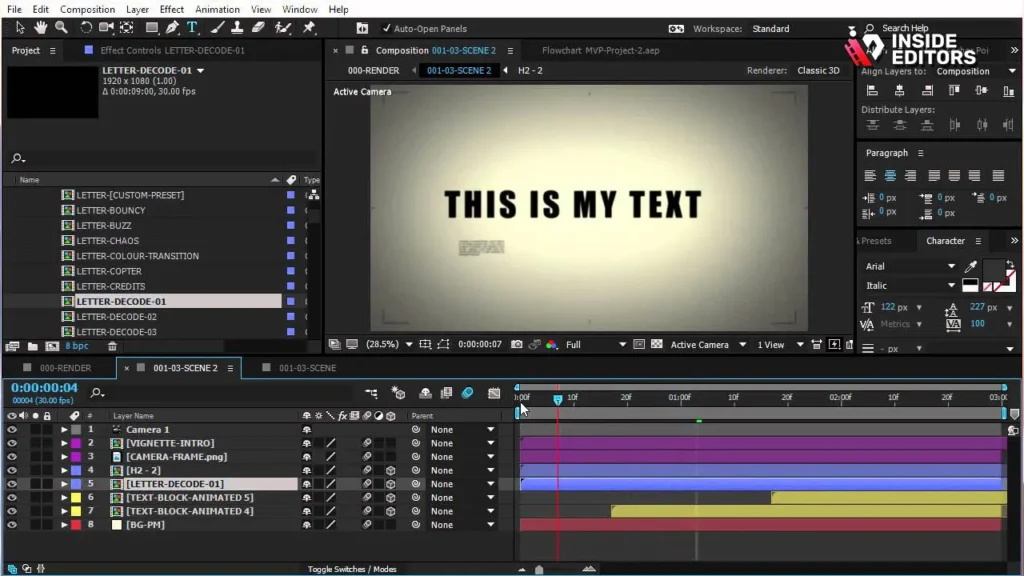
Every template comes with placeholder elements-stock footage, sample text, and dummy logos. You must replace these with your actual content.
- Logo Integration: Drag your high-resolution, transparent PNG logo file into the designated placeholder layer. Ensure it scales correctly and maintains clarity.
- Text Fields: Update all text fields (titles, channel name, social media handles) with accurate information. Double-check spelling and capitalization for professionalism.
- Media Placeholders: If the template includes sections for video clips or images (common in dynamic intros), replace the stock media with relevant footage from your channel.
Feature Evaluation: Choosing the Right Template Type

The term Youtube Video Template encompasses several different types of assets, each serving a specific function in your video structure. Understanding these differences helps you select the right tool for the job.
Templates for Intros and Outros
These are the bookends of your video. An intro template sets the stage, while an outro template drives calls to action (CTAs).
Intro Templates: Focus on high-impact, short animations. They should feature your logo and channel name prominently. Look for templates that offer smooth motion tracking and sound effects integration.
Outro/End Screen Templates: These are crucial for funneling viewers to more of your content. A good end screen template includes clearly defined boxes for video recommendations, a subscribe button placeholder, and social media links. The design should be clean and non-distracting.
Lower Thirds and Title Card Templates
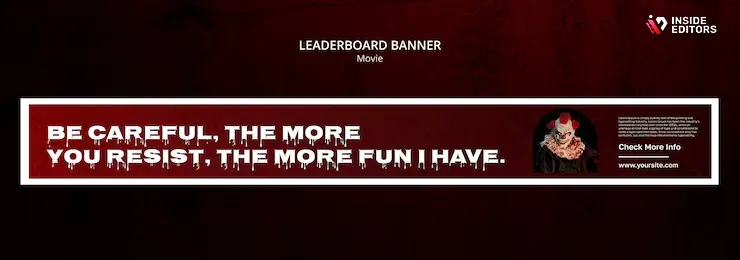
These templates provide context during the main body of the video. They are essential for interviews, tutorials, and list-style videos.
Lower Thirds: These are graphic overlays that appear in the lower third of the screen. They are used to identify speakers, introduce topics, or display important statistics. The best templates are minimalist, ensuring readability without obscuring the main video content.
Title Cards: Used to break up sections of a longer video or introduce a new segment. Title card templates should be visually striking but consistent with your overall brand aesthetic. They often feature large, bold typography and subtle background animation.
Comparison: Template Software Features
When evaluating where to source your Youtube Video Template, consider the flexibility and power of the underlying software.
| Feature | Canva/Express (Web-Based) | Adobe Premiere Pro (Desktop) | DaVinci Resolve (Desktop) |
|---|---|---|---|
| Ease of Use | Excellent (Drag & Drop) | Moderate (Requires basic editing knowledge) | Moderate/High (Steeper learning curve) |
| Customization Depth | Limited to pre-set parameters | High (Full control over MOGRTs and keyframes) | High (Powerful Fusion effects and node editing) |
| Cost | Free Tier Available | Subscription Required | Free Version Available (Studio is paid) |
| Rendering Speed | Fast (Cloud-based) | Dependent on local hardware | Excellent (Optimized for performance) |
| Best For | Quick social media graphics, simple videos | Professional workflows, complex branding | High-end color grading and VFX |
Common Pitfalls and Expert Tips for Template Use
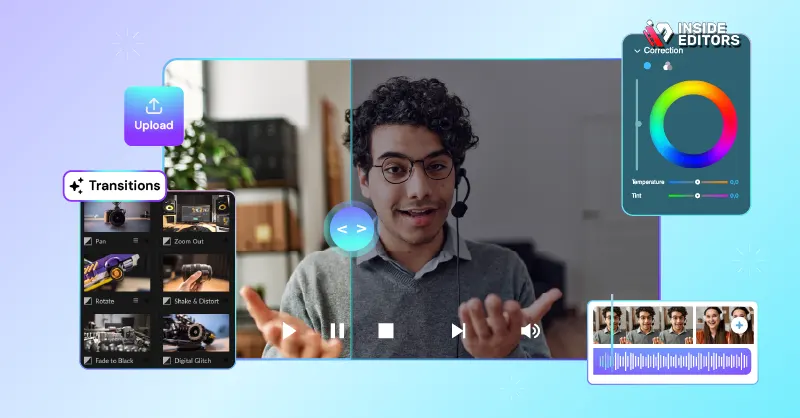
Even the best Youtube Video Template can look unprofessional if misused. Avoid these common mistakes to ensure your content always stands out for the right reasons.
Avoiding Template Overuse and Clutter
The goal of a template is to enhance, not distract. A common mistake is using too many animated elements simultaneously, resulting in visual clutter.
- Keep it Simple: Use animations sparingly. If you have an animated title, keep the background static. If you have a dynamic background, use simple, static text.
- Maintain Hierarchy: Ensure the most important information (the video content) is always the focal point. The template elements should support, not overwhelm, the main message.
- Consistency is Key: Do not mix and match templates from different sources. Stick to one cohesive design package for all your intros, lower thirds, and end screens.
Pros and Cons of Using a Free Youtube Video Template
While free resources offer incredible value, they come with certain limitations compared to custom-designed assets.
Pros:
- Cost-Effective: Zero upfront financial investment.
- Speed and Efficiency: Instant professional polish and rapid deployment.
- Ease of Use: Often designed for quick customization, even for beginners.
- Learning Tool: Excellent way to reverse-engineer professional design techniques.
Cons:
- Generic Look: High likelihood of other channels using the exact same design.
- Limited Support: Free templates rarely come with dedicated technical support.
- Customization Limits: Advanced features or unique animations may be locked behind a paid version.
- Licensing Headaches: Requires careful verification of commercial use rights.
The Role of Professional Editing in Template Integration
While a free Youtube Video Template provides a strong foundation, true professional quality often requires expert integration and refinement. Templates handle the design, but professional editors handle the finesse-color correction, audio synchronization, seamless transitions, and final quality assurance.
If you find yourself struggling to perfectly align your template with your footage, or if you need advanced features like complex color grading or sound mixing, consider leveraging professional services. Inside Editors specializes in taking raw footage and integrating templates and graphics flawlessly, ensuring your final video meets the highest industry standards.
Scaling Video Production with Inside Editors
As your channel grows, the time required to manage, customize, and render templates for every video can become overwhelming. This is where professional video editing services become an invaluable asset.
The Inside Editors Advantage
Inside Editors offers professional video editing services designed specifically for content creators, businesses, and marketers. We understand the need for speed, consistency, and professional quality.
Our service is built around efficiency and expertise. Our professional editing team, with over 10 years of combined experience, can take your footage and your chosen Youtube Video Template, and deliver a perfectly polished video. We handle the technical complexities-ensuring frame rates match, graphics render correctly, and audio is crystal clear-so you can focus entirely on content creation.
Seamless Workflow and Guaranteed Quality
We offer a streamlined workflow designed for maximum creator convenience. Simply upload your raw footage and template files, and our team gets to work. We guarantee a fast turnaround, typically between 24 and 72 hours, depending on the complexity and length of the video.
Our commitment to quality includes unlimited revisions until you are completely satisfied. This means we ensure your template is integrated perfectly, your brand colors are accurate, and the final output is optimized for YouTube’s platform. Plus, our affordable pricing, starting at just $29 per video, makes professional quality accessible to growing channels.
“Delegating the technical editing tasks allowed me to double my content output without sacrificing quality. It’s an investment in growth.” – Content Creator Testimonial
Choosing Inside Editors means securing a consistent brand style across all your videos, benefiting from professional color grading and audio enhancement, and gaining a scalable solution for your growing channel.
Finalizing Your Template Strategy and Next Steps

Mastering the use of a free Youtube Video Template is a significant step toward professionalizing your channel. By focusing on consistency, meticulous customization, and high-quality sourcing, you can dramatically improve your visual presentation.
Remember that the template is a tool, not the entire solution. It provides the framework, but your content provides the value. Use the template to create a predictable viewing experience, freeing yourself to deliver exceptional content every time.
If scaling your production or achieving that next level of professional polish feels daunting, remember that expert help is available. Inside Editors is here to support your journey, offering the expertise needed to transform your raw footage into high-performing, branded videos. Save time, build trust with professional quality, and watch your channel grow.
To explore how Inside Editors can take over your video post-production needs and flawlessly integrate your chosen Youtube Video Template, visit our service page.
Frequently Asked Questions
What is a Youtube Video Template?
A Youtube Video Template is a pre-designed file structure for visual elements like intros, outros, and title cards. It ensures consistency and speeds up production by providing a professional, customizable blueprint for your video’s branding and graphics.
How do I customize a free template?
Customizing a free Youtube Video Template involves replacing placeholder text and media, and adjusting the design elements. Crucially, you must integrate your channel’s specific brand colors (hex codes) and consistent typography for a unique look.
Where can I find high-quality templates?
High-quality free Youtube Video Template resources include platforms like Canva, Adobe Express, Mixkit, and the free tiers of professional asset libraries like Motion Array. Always check the commercial usage licensing before downloading.
Should I use a template for every video?
Yes, using a consistent Youtube Video Template for intros, outros, and lower thirds is essential for building strong brand recognition. Consistency helps viewers easily identify and trust your content, leading to better audience retention.
Can Inside Editors help with template integration?
Absolutely. Inside Editors provides professional video editing services to flawlessly integrate your chosen Youtube Video Template. Our experts ensure perfect alignment, color grading, and audio enhancement, saving you time and guaranteeing professional quality.


