


The world of gaming content creation has exploded, transforming casual players into professional streamers and video producers. To stand out in this crowded landscape, raw gameplay footage is not enough. It needs polish, pacing, and professional flair. Finding the best gaming video editor is the critical first step in this journey. This choice impacts everything, from your workflow speed to the final quality of your uploads.
This comprehensive guide from Inside Editors will walk you through the essential criteria for selecting the ideal software, whether you are a beginner looking for simplicity or a seasoned pro demanding advanced features. We will explore the characteristics that define the best gaming video editor and how to leverage professional editing techniques to captivate your audience and grow your channel.
Defining the Best Gaming Video Editor: Essential Criteria
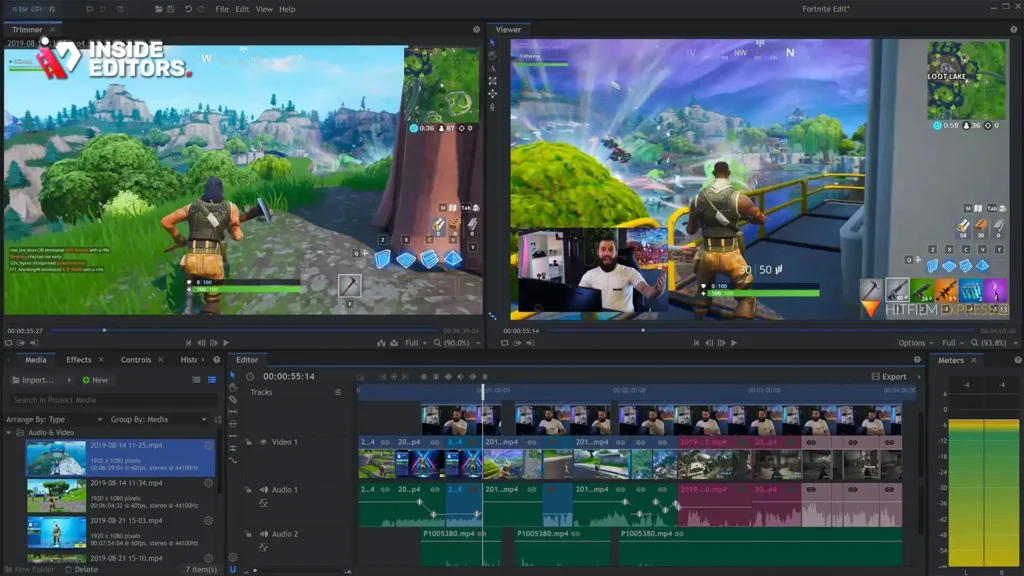
Choosing the right software is more than just picking a popular name; it involves matching the tool’s capabilities to your specific content goals. For gaming content, the demands are unique: high frame rates, complex audio layers (game sound, commentary, music), and the need for dynamic visual effects like speed ramping and transitions.
The best gaming video editor must excel in several key areas. First, it must handle high-resolution and high-frame-rate footage without crashing. Gamers often record in 4K at 60 frames per second (fps) or higher, which stresses less capable software. Second, the editor needs robust audio mixing tools to balance game volume with voiceovers and music tracks effectively. Finally, speed and efficiency are paramount. Content creators operate on tight schedules, meaning the software must offer fast rendering times and an intuitive interface to minimize time spent in post-production.
“The software should disappear when you’re editing. If you’re constantly fighting the interface or waiting for renders, it’s the wrong tool for high-volume content creation.” – Anonymous Professional Gaming Editor
Understanding Your Workflow Needs
Before committing to any software, analyze your current and future editing workflow. Are you primarily creating short, highlight-reel montages, or are you producing long-form, narrative-driven reviews and Let’s Plays?
For quick turnaround content, simplicity and speed are key. You might prefer a tool focused on rapid cutting and basic effects. However, if your goal is cinematic quality, incorporating complex color grading, motion graphics, and advanced sound design, you will need a feature-rich, professional-grade solution. The ideal best gaming video editor scales with your ambition, allowing you to start simple and grow into more complex techniques without switching platforms.
Comparison of Leading Gaming Video Editing Software
The market offers a wide range of options, from free, entry-level programs to industry-standard suites. Understanding the core differences in features, cost, and learning curve is essential for making an informed decision.
We categorize the leading contenders into three tiers: Entry-Level (Free/Low Cost), Mid-Range (Feature-Rich), and Professional (Industry Standard).
| Feature | Entry-Level (e.g., DaVinci Resolve Free, HitFilm Express) | Mid-Range (e.g., Filmora, PowerDirector) | Professional (e.g., Adobe Premiere Pro, Final Cut Pro) |
|---|---|---|---|
| Cost | Free or one-time small fee | Moderate subscription or one-time purchase | High subscription cost |
| Learning Curve | Low to Moderate | Moderate | Steep |
| 4K/60fps Handling | Good (Requires strong hardware) | Very Good | Excellent |
| Advanced Features | Limited color grading, basic effects | Strong library of transitions, titles, and effects | Full professional color, motion tracking, deep audio suite |
| Rendering Speed | Moderate | Fast | Very Fast (Optimized) |
| Ideal For | Beginners, casual editors, short clips | Dedicated YouTubers, consistent content creators | Agencies, high-volume streamers, cinematic projects |
Entry-Level Options: Starting Strong
Many content creators begin their journey with free software, and fortunately, several powerful options exist. DaVinci Resolve, for example, is often cited as the best gaming video editor for beginners because its free version offers professional color correction tools unparalleled by competitors. HitFilm Express is another excellent choice, providing robust visual effects capabilities that are perfect for adding flair to gameplay moments.
These tools allow you to learn fundamental editing principles-cutting, trimming, adding music, and basic text overlays-without financial commitment. However, be prepared for potential limitations in rendering speed or access to advanced features like collaborative tools or certain proprietary codecs.
Professional Suites: The Industry Standard
For those serious about making content creation a career, professional software like Adobe Premiere Pro or Apple’s Final Cut Pro represents the pinnacle of editing power. These programs are designed for efficiency, offering deep integration with other creative tools (like After Effects for motion graphics) and supporting virtually any video format or resolution.
While the learning curve is steeper and the cost is higher, the return on investment is clear: faster workflows, superior quality control, and access to industry-standard features that ensure your content looks and sounds its absolute best.
Key Features That Define the Best Gaming Video Editor

When evaluating software, specific features are non-negotiable for gaming content creators. These tools directly impact the quality and engagement of your final video.
1. High Frame Rate and Codec Compatibility
Gaming footage is often recorded using screen capture software that outputs high-bitrate files, frequently utilizing codecs like H.264 or H.265 at 60fps or 120fps. The best gaming video editing software must handle these files natively and efficiently. Poor compatibility leads to stuttering playback during editing, forcing you to use proxy files, which adds unnecessary steps to your workflow. Look for software that boasts excellent optimization for modern GPU acceleration, which speeds up both playback and final rendering.
2. Advanced Audio Mixing and Noise Reduction
Audio is arguably more important than video in engaging an audience. Gaming videos typically involve three distinct audio tracks: the game sound, the creator’s commentary (often recorded separately), and background music or sound effects.
A superior editor provides a multi-track audio mixer (often called an audio track mixer) that allows precise control over volume levels, equalization (EQ), and compression. Crucially, it should include effective noise reduction filters to clean up microphone hum or background noise, ensuring your voiceover is crisp and clear.
3. Dynamic Speed Ramping and Time Remapping
Montages and highlight reels rely heavily on manipulating time-slow-motion for dramatic effect, or speed-ramping to quickly transition between action points. The best gaming video editor offers intuitive controls for time remapping, allowing smooth, customizable speed adjustments within a single clip. This feature is vital for adding rhythm and excitement to fast-paced gameplay footage.
4. Customizable Transitions and Effects
While excessive effects can distract, well-placed transitions and visual effects enhance storytelling. Look for software that offers a wide range of built-in transitions (like smooth dissolves or wipes) and, ideally, supports third-party plugins. Tools that feature motion tracking are particularly useful for highlighting elements on screen, such as health bars or specific in-game items.
Mastering the Gaming Video Editing Workflow
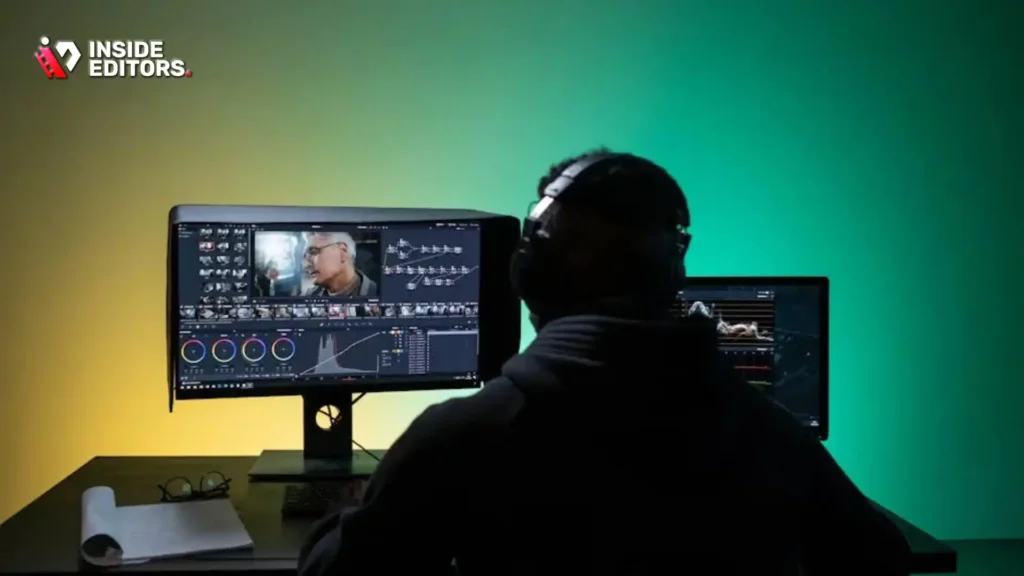
Selecting the software is only the beginning. Optimizing your editing workflow is what truly saves time and allows you to focus on creativity.
Step 1: Pre-Production and Organization
The most efficient editors organize their assets before opening the software.
- Capture Strategy: Record gameplay and commentary on separate tracks. This gives you maximum control during mixing.
- Asset Management: Create a standardized folder structure for every project:
Raw Footage,Audio,Music,Graphics. - Ingest and Proxy: Import all raw footage into the editor. If your computer struggles with 4K files, generate proxy files immediately. Proxies are lower-resolution versions used for editing, which are swapped out for the original high-res files during final rendering.
Step 2: The Rough Cut and Pacing
The rough cut is about eliminating all unnecessary footage. For gaming content, this means removing loading screens, long periods of inactivity, and mistakes.
- Identify Key Moments: Mark moments of high action, comedy, or narrative importance in your raw footage before cutting.
- The “L” and “J” Cuts: Use L-cuts (audio leads video) and J-cuts (video leads audio) to make transitions between clips smoother and more natural. This technique is especially effective for keeping the audience engaged during dialogue transitions.
Step 3: Audio Refinement and Mixing
This is where the professional quality shines through. A common mistake is letting the game sound overpower the commentary.
- Leveling: Set the commentary track to the highest volume (usually around -6dB to -12dB peak).
- Ducking: Apply volume automation (ducking) to the game audio and music tracks so they automatically drop in volume when the commentary track is active.
- Mastering: Apply a final limiter to the master audio track to prevent clipping and ensure consistent loudness, which is crucial for platform standards (like YouTube’s loudness normalization).
Step 4: Color Grading and Final Polish
Color grading sets the mood. While gaming footage often has vibrant colors already, subtle adjustments can make a big difference.
- Correction: First, ensure white balance is correct.
- Grading: Apply a look (LUT) or manually adjust contrast and saturation to enhance the visual appeal. For horror games, you might deepen the shadows; for competitive shooters, you might increase clarity and sharpness.
Avoiding Common Pitfalls in Gaming Video Editing
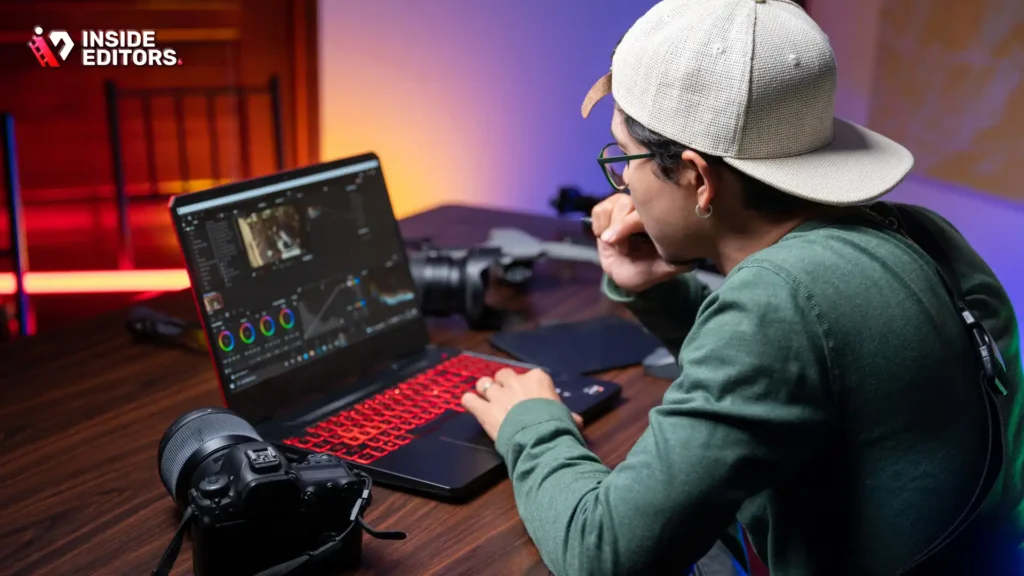
Even with the best gaming video editor, mistakes can derail your content. Recognizing and avoiding these common errors will significantly improve your output.
Over-Editing and Sensory Overload
Beginners often feel the need to use every transition and effect available. This leads to sensory overload. The goal of editing is to enhance the story, not distract from it. Use effects sparingly and only when they serve a narrative purpose (e.g., a quick zoom to emphasize a reaction).
“Simplicity is the ultimate sophistication. If your audience notices the editing, you’ve done too much. The editing should be invisible, supporting the narrative flow.” – Leonardo da Vinci (adapted for modern editing principles)
Inconsistent Pacing
Pacing is the rhythm of your video. A Let’s Play requires slower, more deliberate pacing, while a highlight reel needs rapid, punchy cuts. Mixing these speeds inconsistently confuses the viewer. Define your video’s genre and maintain that pace throughout. If you introduce a slow segment, ensure it’s immediately followed by a high-energy moment to re-engage the audience.
Ignoring Copyright and Licensing
Music selection is crucial, but using copyrighted music without permission can lead to demonetization or channel strikes. The best gaming video editor solutions often integrate with royalty-free music libraries. Always source music from reputable, licensed platforms to protect your channel’s monetization status.
When to Outsource: The Professional Editing Advantage
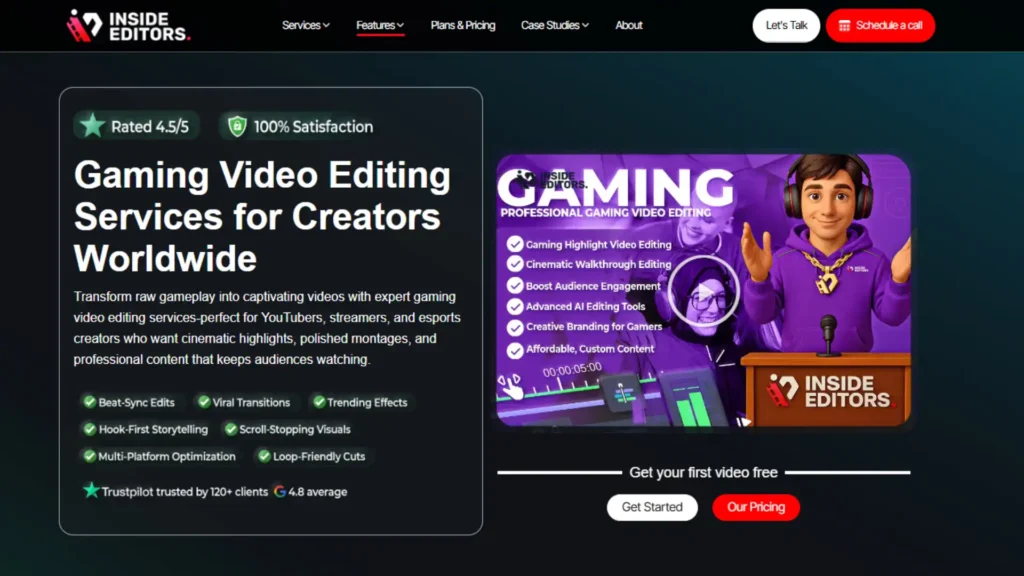
As your channel grows, the time commitment required for editing can become overwhelming, pulling you away from content creation and streaming-the activities that actually generate revenue and audience growth. This is when many successful creators realize they need to find the best gaming video editor not in software, but in a professional service.
Inside Editors provides professional video editing services designed specifically for content creators, marketers, and businesses who need high-quality, consistent output without the time sink.
The Inside Editors Solution
By partnering with a professional editing team, you gain access to expertise and efficiency that is difficult to replicate in-house, especially under tight deadlines. Our service offers:
- Expertise: Our professional editing team has over 10 years of experience in crafting compelling video narratives, specializing in fast-paced content like gaming.
- Speed and Reliability: We guarantee a fast turnaround (24-72 hours), ensuring your content stays current and relevant.
- Quality Assurance: We include color grading, audio enhancement, and unlimited revisions until you are completely satisfied.
- Scalability: Whether you need one video edited per week or five videos per day, our scalable solution grows with your channel, allowing you to focus entirely on generating high-quality raw footage.
Think about the value of your time. If you spend 10 hours editing a video that could be professionally completed in 48 hours for an affordable price, you free up those 10 hours to stream, interact with fans, or develop new content ideas. This shift in focus is often the catalyst for significant channel growth.
The Future of Gaming Video Editing: AI and Automation
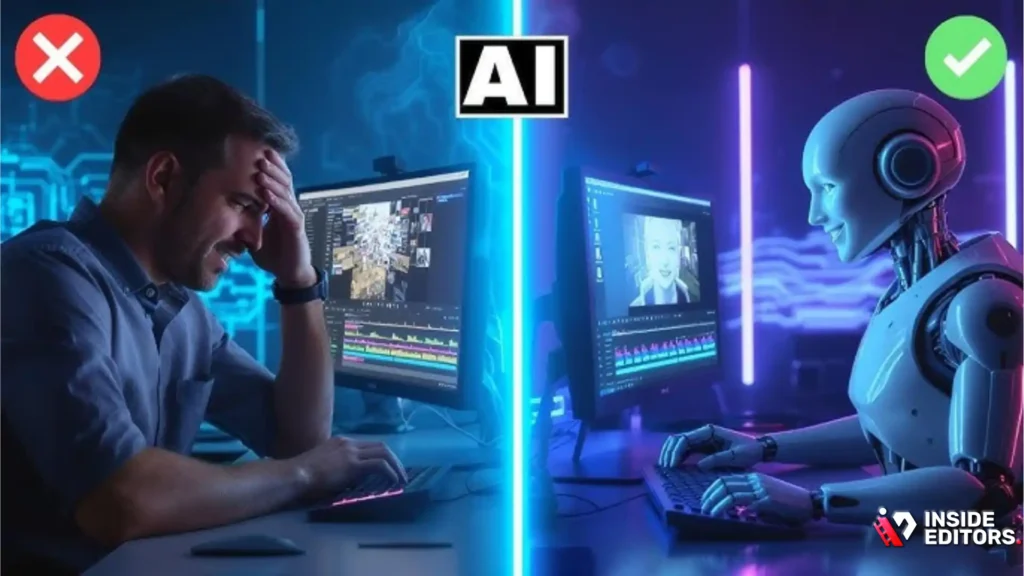
The landscape of video editing is rapidly evolving, driven by artificial intelligence (AI) and machine learning. Future versions of the best gaming video editor will likely incorporate even more automation.
AI-Powered Highlights
Tools are already emerging that can automatically analyze gameplay footage to identify key moments-kills, clutch plays, funny dialogue-and generate a rough cut of a highlight reel instantly. This dramatically reduces the time spent on the initial rough cut, allowing editors to jump straight into refinement and creative polish.
Automated Noise Reduction and Captioning
AI is becoming highly effective at isolating voice tracks, removing complex background noise, and generating accurate captions and subtitles automatically. This saves hours in post-production, making content more accessible and engaging.
The Human Element Remains Essential
While AI can handle the mechanical, repetitive tasks, the creative vision remains uniquely human. AI can cut clips, but it cannot tell a compelling story, select the perfect music cue for emotional impact, or design a transition that perfectly matches your brand’s aesthetic. The role of the editor is shifting from a technician to a creative director, leveraging powerful tools to execute their vision faster than ever before. Choosing the best gaming video editor means choosing the tool that best augments your creative judgment.
Conclusion: Making Your Final Choice
Selecting the best gaming video editor is a decision that should align with your skill level, budget, and long-term content goals. For beginners, free tools like DaVinci Resolve offer an incredible entry point. For established creators, the power and efficiency of professional suites like Premiere Pro are unmatched.
Ultimately, the best editor is the one you know how to use efficiently. Invest time in learning the software’s shortcuts and advanced features. If you find yourself consistently overwhelmed by the editing process, remember that professional services like Inside Editors are available to handle the technical heavy lifting, allowing you to dedicate your energy to creating the amazing gameplay content your audience craves. Focus on the game, and let the experts handle the polish.
FAQ
What is the best free gaming video editor?
DaVinci Resolve is widely considered the best free gaming video editor due to its professional-grade color correction and audio tools. It handles high-resolution footage well, though it requires a capable computer for smooth performance. It’s an excellent starting point for learning advanced techniques.
Should I use a subscription or one-time purchase editor?
If you are a professional or high-volume creator, a subscription model (like Adobe Premiere Pro) often provides the best gaming video editor tools, continuous updates, and cloud integration. For casual users, a one-time purchase (like Filmora) offers cost predictability and sufficient features.
How important is 60fps support for gaming videos?
60 frames per second (fps) support is crucial for gaming videos. It ensures smooth motion, which is vital for fast-paced action and competitive gameplay footage. The best gaming video editor must handle 60fps natively without requiring extensive proxy creation.
What hardware specs do I need for 4K editing?
For smooth 4K editing, you generally need at least 32GB of RAM, a modern multi-core processor (Intel i7 or Ryzen 7 equivalent or better), and a dedicated GPU (NVIDIA or AMD) with at least 8GB of VRAM. Fast SSD storage is also essential.
How can I improve my audio quality in gaming videos?
To improve audio, record commentary separately from game audio. Use noise reduction filters in your best gaming video editor to eliminate background hum. Finally, use compression and equalization to make your voice clear and consistent over the game sound.
What is ‘ducking’ in video editing?
‘Ducking’ is an audio editing technique where the volume of one audio track (like music or game sound) is automatically lowered when another track (like voice commentary) becomes active. This ensures the voice track is always clearly audible.
When should a creator outsource video editing?
Creators should consider outsourcing when the time spent editing prevents them from creating new content or engaging with their audience. Professional services offer faster turnaround and consistent quality, freeing up the creator’s time for growth.
Do I need motion graphics for gaming content?
While not strictly necessary, motion graphics-such as animated intros, lower thirds, and dynamic text-significantly enhance the professional look of gaming content. The best gaming video editor often integrates well with dedicated motion graphics software.


